10 Best microSD Card for Steam Deck 2026: Get the Right Speed Without Overpaying

Which microSD cards actually deliver fast game loading on Steam Deck without compatibility surprises or wasted money.

You might see microSD cards advertising blazing 800 MB/s speeds and assume they'll make your Steam Deck fly. In practice, the Deck's card slot is limited to UHS-I — around 100 MB/s regardless of what the label says. That often means paying a premium for performance you can't actually use.

The real difference between a good Steam Deck card and a bad one isn't peak speed: it's the speed class rating. Cards with U1 or A1 can stutter in open-world games, while U3/V30/A2 cards handle game loading and random reads properly. Capacity also matters more than raw numbers — a 512GB A2 card at realistic speeds beats a 256GB super-fast card that fills up in a week.

This guide cuts through the marketing to find cards that actually work the way you expect: no Express gimmicks, no overpriced paperweights, just reliable storage that fits the Steam Deck's real capabilities.

1

Best Overall

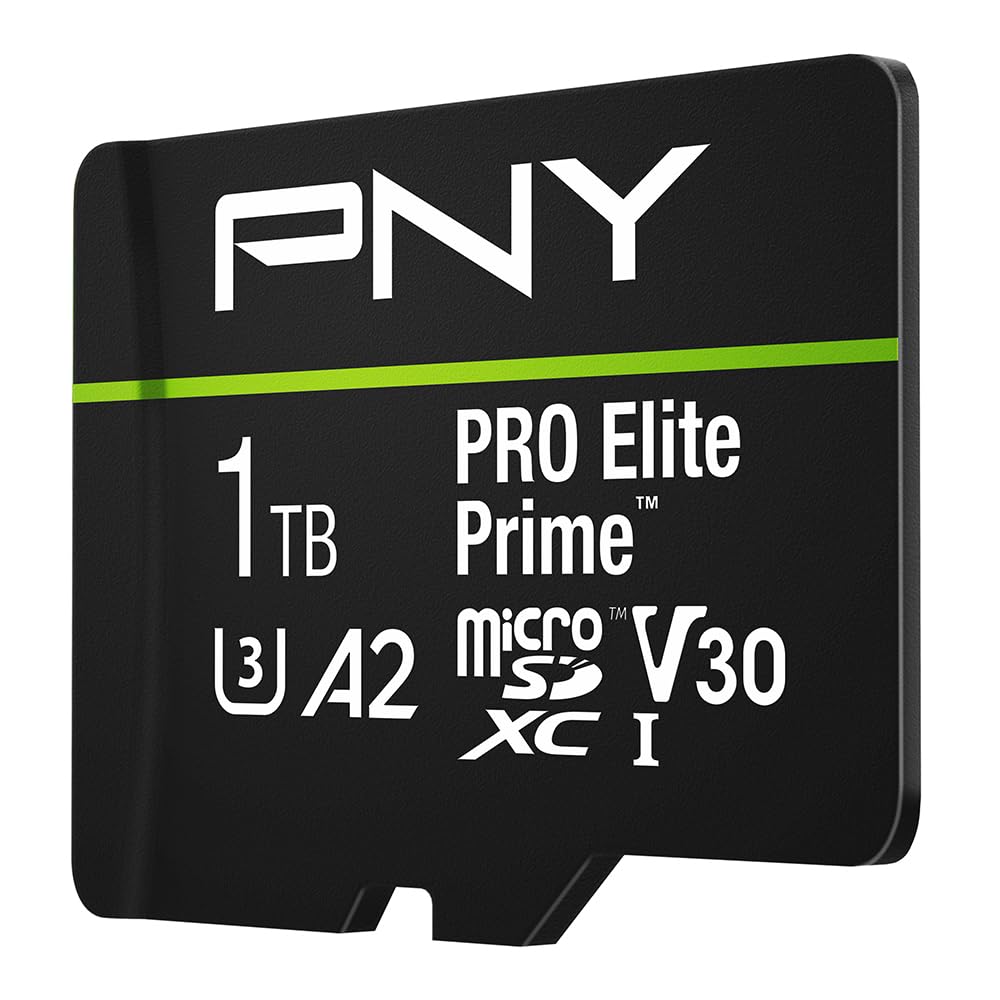
PNY Premier-X 512GB

95 /100
Lab Score Outstanding

Key details

Capacity
512 GB
App Class
A2
Read Speed
100 MB/s
Speed Class
U3, V30
View on Amazon

The PNY Premier-X 512GB pairs a generous A2-rated capacity with U3 and V30 ratings that hit the Steam Deck's UHS-I ceiling without overspending. Read speeds up to 100 MB/s and writes up to 90 MB/s are enough for direct game loading and 4K video, while the price stays well below comparable 512GB A2 cards from Samsung or SanDisk.

In practice, the card handles open-world titles like Cyberpunk 2077 and Elden Ring without stutter or bottlenecking during asset streaming. Game installations and level loads align with what the Deck's internal storage delivers. A large body of user feedback confirms consistent performance across months of daily use, with occasional reports of cards becoming unreadable after extended periods - a QC variance that exists across all brands in this category.

This card is best suited for Steam Deck owners who want a 512GB library without paying a premium for faster write speeds they won't use. The slot itself caps out at around 100 MB/s, so the Extreme Pro's 170 MB/s reads offer no real advantage here. If you need faster writes for frequent large game installations or 4K video recording, the SanDisk Extreme Pro (256GB) is technically faster but delivers half the capacity at a higher per-gigabyte cost.

💡 Format the card in the device before first use to avoid compatibility hiccups.

Pros

  • A2, U3, V30 ratings slot perfectly into Steam Deck's speed ceiling without waste
  • 512GB capacity at a price that undercuts most A2 cards of similar size
  • Handles open-world game loading and 4K video recording without hiccups
  • Wide device compatibility including phones, drones, and cameras

Cons

  • A small number of cards have been reported to become unreadable after weeks or months of use
  • FAT32 formatting may cause compatibility issues on some devices; reformatting required
Our verdict

For Steam Deck owners seeking the best balance of capacity, speed, and cost, the PNY Premier-X 512GB is the card to beat.

Check Latest Price
2

Fastest Choice

SanDisk Extreme Pro 256GB

96 /100
Lab Score Outstanding

Key details

Capacity
256 GB
App Class
A2
Read Speed
170 MB/s
Speed Class
U3, V30
View on Amazon

The SanDisk Extreme Pro 256GB delivers 170 MB/s reads and 140 MB/s writes with A2 certification — the highest sustained write performance among UHS-I microSD cards for Steam Deck. This makes it particularly effective for recording 4K gameplay directly to the card or downloading large game files quickly.

This card suits gamers and content creators who keep only a few titles installed and prioritize write speed over total storage. The 256GB capacity fills fast with modern games, so it works best as a dedicated card for active titles or for offloading gameplay footage. Current stock shows only one unit available and it is not Prime eligible, which limits convenience for immediate buyers.

The Extreme Pro is built for demanding environments — it withstands temperature extremes, shocks, and x-rays, backed by a 10-year warranty. Compatibility is broad across Steam Deck, Nintendo Switch, GoPro, and drones, with no reported conflicts.

💡 Swap games between internal storage and this card to keep your active library within 256GB.

Pros

  • Top read and write speeds (170/140 MB/s) with A2 rating for fast game loading and recording.
  • Durable design with 10-year warranty gives confidence for frequent use in cameras and handhelds.
  • Wide device compatibility tested across Steam Deck, Switch, and action cameras.

Cons

  • 256GB capacity fills quickly
  • Limited stock availability and no Prime shipping means securing one may take time.
Our verdict

For buyers who need the fastest write speeds on a Steam Deck and are comfortable with 256GB, this is the card to beat — just be prepared to act fast on availability.

Check Latest Price
3

Best 256GB All-Rounder

Samsung PRO+ 256GB

94 /100
Lab Score Outstanding

Key details

Capacity
256 GB
App Class
A2
Read Speed
180 MB/s
Speed Class
U3, V30
View on Amazon

With read speeds up to 180 MB/s and A2 random I/O, the Samsung PRO Plus 256GB is among the fastest UHS-I microSD cards available, noticeably shortening game load times. It includes Magician software for health monitoring, a rarity in this category. Compared to cheaper A2 cards like the Amazon Basics 256GB, the Samsung offers a clear speed advantage, though the price is higher.

This card fits gamers who play a few demanding titles and want minimal loading delays, or videographers needing reliable 4K video storage. The 256GB limit is a practical constraint – modern games often exceed 50GB, so the card fills quickly. Some early production batches have shown intermittent detection on Steam Deck, though this appears rare. If you need more capacity, the PNY 512GB provides better per-gigabyte value, while the SanDisk Extreme Pro 256GB matches this speed but is harder to find.

Samsung's build quality is consistent across batches, and the card handles sustained writes without throttling, making it suitable for continuous 4K recording. The Magician software works on PC and gives visibility into remaining lifespan – a useful feature for heavy users. The included SD adapter broadens compatibility with cameras and laptops.

💡 If the card is not recognized on Steam Deck, try updating the system firmware or reformatting on a PC first.

Pros

  • Fast read speeds and A2 classification for snappy game loading.
  • Samsung Magician software for monitoring card health and lifespan.
  • Consistent performance for sustained writes, suitable for 4K video.

Cons

  • 256GB capacity fills quickly with modern games
  • Higher cost per gigabyte compared to larger-capacity alternatives.
  • Possible Steam Deck detection issues on some early units.
Our verdict

For buyers who value speed over capacity and play a curated game library, this card delivers. If you need more storage, the PNY 512GB offers a better price-to-space ratio.

Check Latest Price
4

Best 1TB A2 Card

Lexar Play 1TB

86 /100
Lab Score Excellent

Key details

Capacity
1 TB
App Class
A2
Read Speed
205 MB/s
Speed Class
U3, V30
View on Amazon

With 1TB of A2-rated U3 V30 storage, this Lexar card is the highest-capacity option that meets Steam Deck’s speed requirements. Its advertised 205 MB/s read speed places it among the fastest UHS-I cards available, though the Deck’s slot caps effective reads around 100–120 MB/s — the extra headroom matters more for off-device transfers or camera use.

That speed mismatch means a buyer paying a premium for the 205 MB/s label won’t see faster game loading than a well-matched 100 MB/s A2 card. The real value here is raw capacity: a single card holds dozens of modern titles without juggling multiple cards, and the A2 certification ensures smooth app performance and background writes.

Best suited for Steam Deck owners who absolutely need 1TB in a single slot and also want the flexibility to use the card in cameras or high-speed readers. Early production units have shown some quality variance, so checking batch dates or purchasing from a retailer with a straightforward return policy is wise. Those who can make do with 512GB will find stronger value and a more established track record in the top pick PNY card.

Pros

  • 1TB capacity fits a very large game library on one card.
  • A2 certification improves random read/write for snappier game loading.
  • Fast 205 MB/s read speed is useful for off-device file transfers.

Cons

  • Peak read speed above 100 MB/s is unused by Steam Deck’s card slot
  • Early production batches have shown some quality inconsistencies
Our verdict

If you must have 1TB in a single A2 card and accept that the advertised read speed is wasted on Steam Deck, this Lexar fills a niche that no other card here covers — just keep the return window open.

Check Latest Price
5

Best for Extreme Capacity (1.5TB)

SanDisk Ultra 1.5TB U1

95 /100
Lab Score Outstanding

Key details

Capacity
1.5 TB
App Class
A1
Read Speed
150 MB/s
Speed Class
U1
View on Amazon

While the Extreme Pro delivers faster speeds for active gaming, this SanDisk card stands alone with its 1.5TB capacity — enough to store a massive library of titles without juggling cards. The tradeoff is that its U1 and A1 ratings mean noticeably slower loading times in large open-world games compared to U3/A2 cards.

This card suits buyers who prioritize raw storage over load speed: those who keep a large collection of lighter or older games, or who primarily store media like movies and photos on the Steam Deck. The write speed is not advertised and likely under 30 MB/s, so downloading new games or updating existing ones can be slow — a limitation that matters less for read-heavy use.

For users who find this card at a deep discount, the sheer capacity can be compelling. But at full price, the per-GB cost is high compared to smaller high-performance cards that better match the Steam Deck's capabilities.

💡 Keep this card for older or less demanding titles; for new AAA releases, consider a U3/A2 card for smoother performance.

Pros

  • Massive 1.5TB capacity for storing a large game library without swapping cards.
  • SanDisk's long brand history gives confidence in compatibility across devices.
  • Simple setup and broad device support

Cons

  • Write speed is not disclosed and can be slow, making game downloads and updates a drawn-out process.
  • U1 and A1 speed class may cause stutter in large open-world games on Steam Deck.
Our verdict

A niche option for buyers who need maximum capacity and can tolerate slower reads and writes for game loading — better suited as a media library card than a primary gaming drive.

Check Latest Price
6

Best Budget 256GB

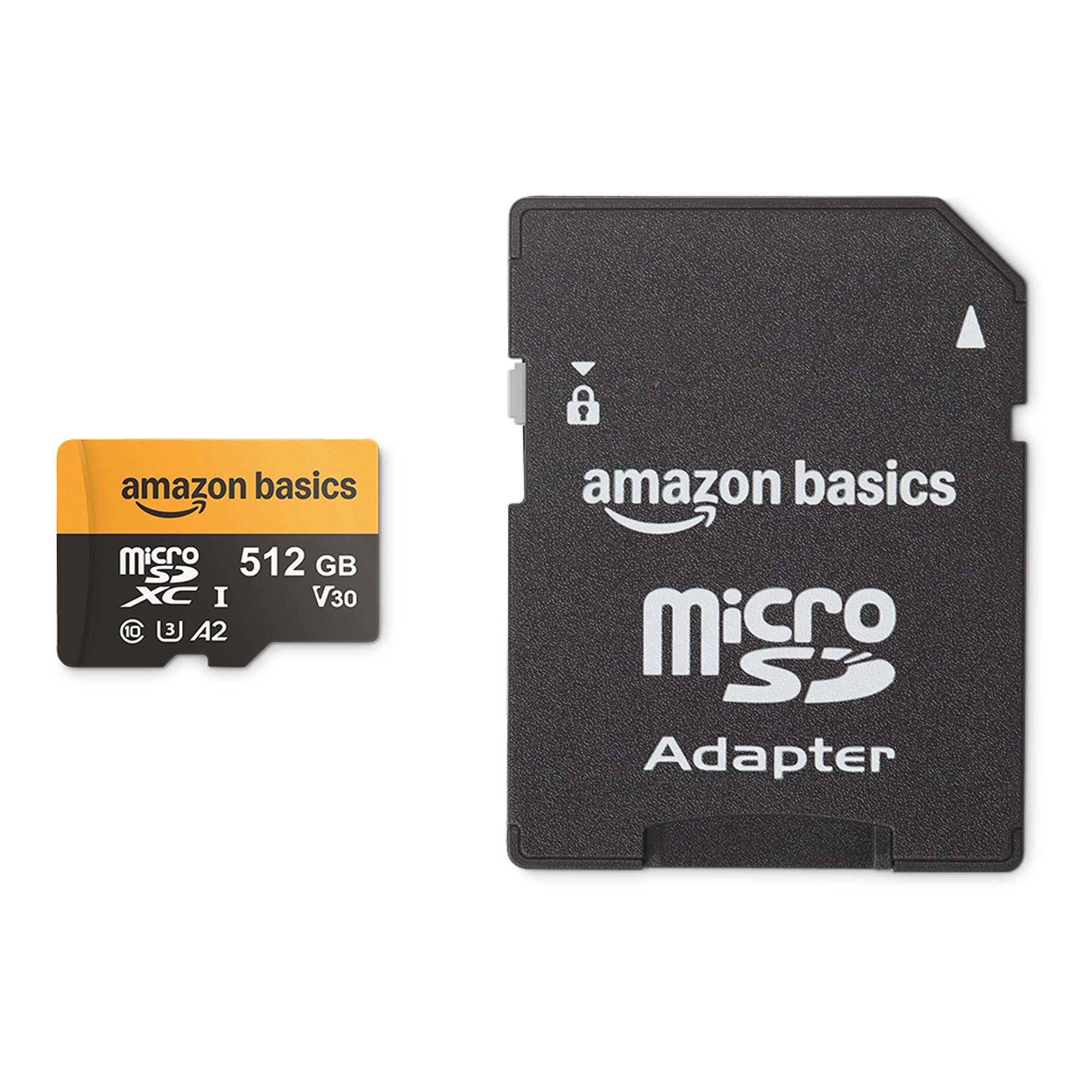
Amazon Basics 256GB

95 /100
Lab Score Outstanding

Key details

Capacity
256 GB
App Class
A2
Read Speed
100 MB/s
Speed Class
U3, V30
View on Amazon

Amazon Basics delivers A2 performance at the lowest price for a 256GB card — ideal for budget-conscious Steam Deck owners. While faster options like the Samsung PRO+ offer higher read speeds and the PNY 512GB provides more capacity, this card keeps costs down without sacrificing the A2 rating needed for decent random IO. Read speed caps at 100 MB/s, which is adequate for indie titles and emulation but not for the heaviest game streaming.

Best suited as a secondary card for indie games, emulation, or media storage on the Steam Deck. The 256GB capacity fills quickly if you install multiple modern AAA titles, so plan to use it alongside the internal drive or a larger primary card.

💡 Use this as a dedicated media or emulation card to keep game installs separate.

Pros

  • A2 rating at a budget price
  • Full-size SD adapter included for use in cameras and laptops.
  • Consistent performance for everyday tasks, including media playback and lightweight gaming.

Cons

  • Read speed of 100 MB/s lags behind faster A2 options
  • 256GB capacity can be limiting when installing multiple modern games
Our verdict

A straightforward choice for anyone who needs a cheap A2 256GB card for non-primary storage — no frills, just the right specs at a low price.

Check Latest Price
7

Budget 1TB A1

SP Gaming 1TB U3

88 /100
Lab Score Excellent

Key details

Capacity
1 TB
App Class
A1
Read Speed
~100 MB/s
Speed Class
U3, V30
View on Amazon

This card offers the lowest price per gigabyte for a 1TB U3/V30 microSD card, making it an attractive option for expanding Steam Deck storage on a budget. However, the A1 rating means slower random read/write speeds compared to A2 cards, which can affect loading times in demanding games. Additionally, some units may become unreadable after months of use, a risk that budget-conscious buyers should weigh against the savings. This card suits non-critical game libraries where occasional replacement is acceptable.

Pros

  • Budget-friendly way to add 1TB U3/V30 storage to a Steam Deck
  • Works with Steam Deck for storing and playing large game libraries

Cons

  • A1 random IO performance falls behind A2 cards for game loading speeds
  • Some units may become unreadable after extended use, requiring replacement
Our verdict

For Steam Deck users on a strict budget who want maximum capacity and are willing to accept the performance and durability tradeoffs, this is the cheapest 1TB option.

Check Latest Price
8

Budget 256GB A1

Gigastone 256GB A1

96 /100
Lab Score Outstanding

Key details

Capacity
256 GB
App Class
A1
Read Speed
100 MB/s
Speed Class
U3, V30
View on Amazon

The Gigastone 256GB offers solid value for those needing extra storage for indie titles or media on a Steam Deck. Its U3/V30 speed class handles 4K video and most games without issue. However, the A1 random IO performance means noticeably longer load times in open-world games compared to A2 cards in the same price bracket. Some units have shown signs of wear after extended use, so it's best suited as a secondary storage option or for less demanding libraries.

Pros

  • Competitive price for a 256GB U3/V30 card, frequently discounted.
  • Plug-and-play compatibility with Steam Deck and Nintendo Switch.

Cons

  • For large open-world games on Steam Deck, the A1 rating may result in slower loading than A2 alternatives.
  • After months of heavy use, some units have shown performance degradation
Our verdict

A reasonable pick for budget-conscious buyers who value capacity over speed and can accept occasional unit variance – ideal for indie game libraries or media storage.

Check Latest Price
9

New Samsung A2

Samsung T9 256GB

91 /100
Lab Score Outstanding

Key details

Capacity
256 GB
App Class
A2
Read Speed
200 MB/s
Speed Class
U3, V30
View on Amazon

Samsung's T9 256GB microSD delivers the fastest read speeds among UHS-I cards, with A2 rating ensuring snappy random IO for game loading. It is built to withstand dust, water, and shock, and Samsung Magician software adds monitoring and firmware updates. The 256GB capacity fills quickly with modern AAA titles, so this card suits users who maintain a smaller rotating game library rather than a large permanent collection.

Pros

  • High sequential read/write speeds with A2 rating for responsive game loading
  • Six-proof durability plus Samsung Magician software for maintenance

Cons

  • 256GB capacity may be insufficient for users with large game libraries on Steam Deck
Our verdict

This card works well for moderate game collections, but those needing more space should look at higher-capacity options like the PNY 512GB.

Check Latest Price
10

Budget 128GB A1

Teknostone 128GB

90 /100
Lab Score Outstanding

Key details

Capacity
128 GB
App Class
A1
Read Speed
100 MB/s
Speed Class
U3, V30
View on Amazon

For the price, this 128GB card delivers U3 and V30 write speeds that work with indie games and emulation on a Steam Deck. The cost is hard to beat for a card that can handle a handful of smaller titles. However, the A1 rating means random read performance is slower than A2 cards, which can cause slightly longer loading in some games. More critically, 128GB fills up fast with modern game sizes—you will need to swap games often. This card makes sense as a cheap spare for light use, not as a primary storage solution.

Pros

  • Lowest price among U3/V30 128GB microSD cards
  • Compatible with indie games and emulation on Steam Deck

Cons

  • A1 rating can cause slower app launching and game loading compared to A2 cards
  • 128GB holds only a few modern games, requiring frequent swapping
Our verdict

Grab this if you need a very cheap secondary card for a couple of small indie titles or emulation, but for primary Steam Deck storage, invest in a 256GB or larger A2 card.

Check Latest Price

How to Choose

Capacity

Modern AAA games range from 50 GB to 100 GB each, so a 256 GB card holds only a handful of titles. A 512 GB card is the practical sweet spot for most gamers who want a decent library without constant swapping.

Larger 1 TB cards are available but cost more per gigabyte and sometimes use slower speed classes. The 1.5 TB option is unique, but its U1 rating makes it better for media storage than active gaming.

Speed Class (U3/V30)

UHS Speed Class U3 guarantees a minimum sustained write speed of 30 MB/s, while Video Speed Class V30 ensures the same for 4K video recording. For Steam Deck, U3/V30 is the baseline to avoid stuttering in open-world games and to handle game downloads efficiently.

Cards with U1 or no V class rating may throttle during intense read operations, causing texture pop-in or longer loading. Always look for U3 and V30 markings on the card or packaging.

App Performance Class (A2)

App Performance Class A2 doubles the random read and write IOPS compared to A1 (4000/2000 vs 1500/500). This directly affects how fast games load assets and how snappy the Steam OS feels when launching apps.

A1 cards work for indie games and emulation, but for big-budget titles like Cyberpunk 2077 or Baldur's Gate 3, A2 provides noticeably smoother gameplay. The price difference is often small, so prioritize A2.

Sustained Read Speed

Because the Steam Deck's microSD slot operates at UHS-I speeds (theoretical max 104 MB/s), any card rated 100 MB/s or higher will deliver identical load times. Cards claiming 170-200 MB/s are marketing wins for other devices, not the Deck.

Write speed matters more for downloading and updating games. A card with 90 MB/s write (like the PNY) will install large titles faster than a 30 MB/s write card. If you often download new games, prioritize advertised write speeds.

Frequently Asked Questions