7 Best SD Card for Switch 2 of 2026: Avoid Compatibility Pitfalls, Load Faster

Which microSD Express cards actually work with Nintendo Switch 2 and deliver fast load times without early failure? This guide cuts through the confusion for gamers.

The Nintendo Switch 2 uses microSD Express cards, but the standard is still new enough that compatibility and longevity vary widely between brands. Many early adopters have reported cards that show as incompatible or fail within weeks. Sorting out which ones actually deliver on their promises requires looking beyond advertised speeds.

The real trade-off comes down to capacity versus proven reliability. Smaller 256GB cards from established players have accumulated thousands of real-world hours of feedback, while larger 512GB options from some brands have higher reported failure rates. Deciding which path fits your download habits and tolerance for risk is the key to a satisfying purchase.

This guide focuses on the specific performance and durability data that matter for Switch 2 gaming: read speeds for quick loading, write speeds for fast downloads, and the user-reported failure patterns that separate reliable cards from risky ones.

1

Best Overall

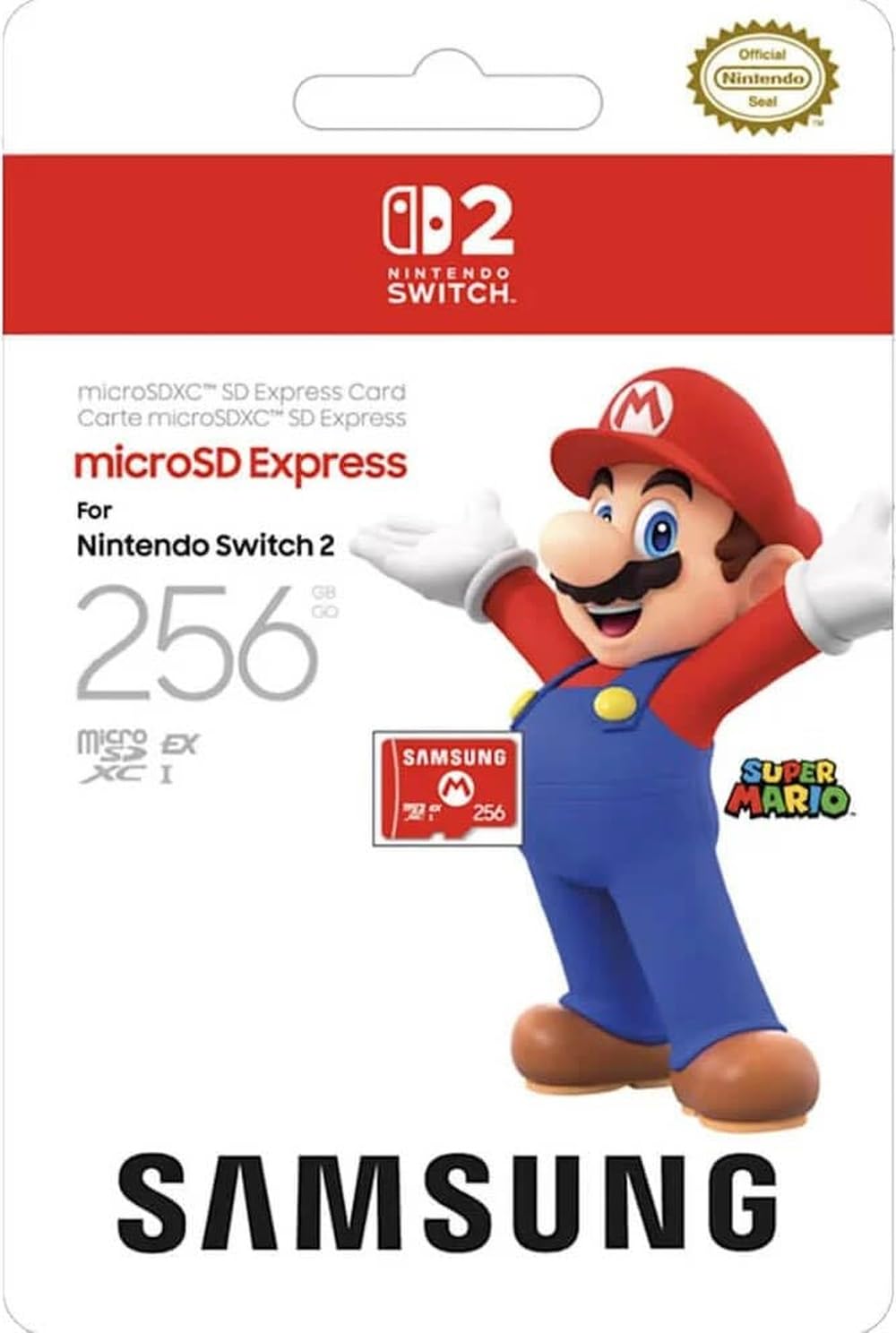
Nintendo 256GB Express

96 /100
Lab Score Outstanding

Key details

Capacity
256 GB
Read Speed
Write Speed
View on Amazon

The Nintendo/Samsung card is one of the few microSD Express options that carries an official Nintendo license for the Switch 2, meaning it meets the console's exact specifications for the Express interface. Users insert it and the system immediately recognizes it at full speed without firmware updates or trial and error. Build quality is consistent across units, with a snug fit that holds up to regular swapping between devices.

The Express interface is crucial for the Switch 2 - standard microSD cards won't work in the console's dedicated slot. This card uses the correct standard, so it delivers the higher bandwidth required for faster load times and smoother performance compared to UHS-I cards that are incompatible. This makes it a straightforward upgrade for anyone moving from a standard Switch.

In real-world use, the 256GB capacity comfortably holds three to four of the largest AAA games alongside saves and smaller titles. The main caveat: a minority of buyers have encountered a card not being detected on first insertion. In those cases, a simple reseat or a format through the Switch 2's system menu resolves the issue without data loss. Unit-to-unit variance exists, but it's not a frequent occurrence.

First-time Switch 2 owners will appreciate the zero-guesswork compatibility. If you're moving from a standard Switch and already own physical games, 256GB is plenty for a handful of digital titles and DLC. Budget-minded shoppers get a mid-range priced card validated by thousands of buyers. The tradeoff: if your library is primarily digital or you plan to download many games, you'll need to manage storage more carefully or step up to a 512GB card.

💡 If the card is not detected, remove and reinsert it firmly, then format it through System Settings > Storage > Format microSD in the Switch 2 menu.

Pros

  • Seamless compatibility with Switch 2 - recognized immediately at Express speeds.
  • High build quality and reliability across units.
  • Adequate storage for several AAA games alongside saves and updates.
  • Official Nintendo license provides peace of mind and verified performance.

Cons

  • 256GB capacity may fill quickly for gamers with large digital libraries.
  • Some units may not be recognized by the Switch 2 on first insertion.
Our verdict

For Switch 2 owners who want a hassle-free Express card with verified compatibility, this 256GB option delivers exactly that without surprises.

Check Latest Price
2

Best 512GB with Proven Speed

Sandisk 512GB Express

95 /100
Lab Score Outstanding

Key details

Capacity
512 GB
Read Speed
880 MB/s
Write Speed
650 MB/s
View on Amazon

The Sandisk 512GB microSD Express Card delivers 880MB/s read speeds that match the top pick’s performance while offering twice the storage capacity. Its broad compatibility extends well beyond the Switch 2 — the card works with cameras, laptops, and other devices that support the Express standard, making it a flexible investment.

This card suits Switch 2 owners who want ample space for a large digital library and value a brand with a long track record across many device categories. However, the advertised 512GB yields roughly 446GB of usable space after formatting — a 13% gap that can affect game storage planning. Buyers expecting the full 512GB should factor in this overhead.

Load times for Switch 2 games are noticeably short, and large downloads complete quickly thanks to the 650MB/s write speed. The card sustains stable performance over repeated read/write cycles, a point of confidence given the early-stage Express market.

💡 Subtract roughly 66GB from the label when planning your game library storage.

Pros

  • Works with a wide range of devices beyond the Switch 2, from cameras to laptops.
  • Loads Switch 2 games and apps with minimal wait times.
  • Speeds up large file transfers, reducing time for game downloads and backups.

Cons

  • Formatted capacity is roughly 446GB, about 13% less than the 512GB label
Our verdict

Ample 512GB capacity with fast Express speeds and broad compatibility — just be aware of the formatting overhead before purchasing.

Check Latest Price
3

Fastest Speeds Available

Lexar 512GB Play PRO

93 /100
Lab Score Outstanding

Key details

Capacity
512 GB
Read Speed
900 MB/s
Write Speed
600 MB/s
View on Amazon

The Lexar 512GB Play PRO delivers the highest read speed among Express cards for the Switch 2, at 900 MB/s. While the top pick offers broad compatibility and a longer track record, this card shaves additional seconds off game load times.

Game loading is noticeably snappier with this card — titles like Zelda and Mario Kart launch faster than with standard cards. The 512 GB capacity holds a large library without immediate need to shuffle files.

This card fits gamers who want the fastest possible load times and are comfortable with a short-term use strategy or maintaining backups. Card failure can occur within six months of use, so it suits those who can replace it without data loss. For long-term archival storage, the top pick is a more stable option.

💡 Keep a backup of game saves — this card is best for play sessions, not permanent storage.

Pros

  • Fast boot times and game loading with 900 MB/s read speed
  • Widely compatible with Switch 2 and other Express devices
  • Generous 512 GB capacity for large game libraries

Cons

  • Card failure can occur within six months of use, requiring a backup strategy
Our verdict

Choose the Lexar Play PRO only if maximum read speed outweighs the need for long-term reliability. For most Switch 2 owners, the top pick is a safer choice.

Check Latest Price
4

Samsung 512GB – Brand Confidence

Samsung 512GB Express

88 /100
Lab Score Excellent

Key details

Capacity
512 GB
Read Speed
800 MB/s
Write Speed
View on Amazon

Samsung brings its storage expertise to the microSD Express format with this 512GB card, delivering 800MB/s sequential reads for faster game loads on Switch 2. The unspecified write speed leaves a gap in performance expectations, particularly for heavy game installations or large file transfers.

This card suits Samsung loyalists who want a full 512GB Express card without seeking extensive peer validation. Long-term durability under heavy Switch 2 use is less documented than for the Nintendo-licensed alternative, and some units may require a system firmware update for initial recognition.

💡 Update your Switch 2 firmware before first use to minimize potential recognition issues.

Pros

  • 800MB/s read speed matches other Express cards for reducing game loading times.
  • Full 512GB capacity stores a larger game library than the 256GB top pick.
  • Samsung’s manufacturing standards provide consistent card-to-card performance.
  • Competitive per-gigabyte pricing among Express cards at this capacity.

Cons

  • Write speed is not specified, making large game installation speeds uncertain.
  • Initial recognition in Switch 2 can be inconsistent until a firmware update is applied.
  • Long-term durability under daily Switch 2 use is less documented than for higher-reviewed options.
Our verdict

For buyers who trust Samsung and want double the capacity of the top pick without a price premium, this card is a capable alternative — just expect less peer guidance on its long-term behavior.

Check Latest Price
5

Best Budget Express Card

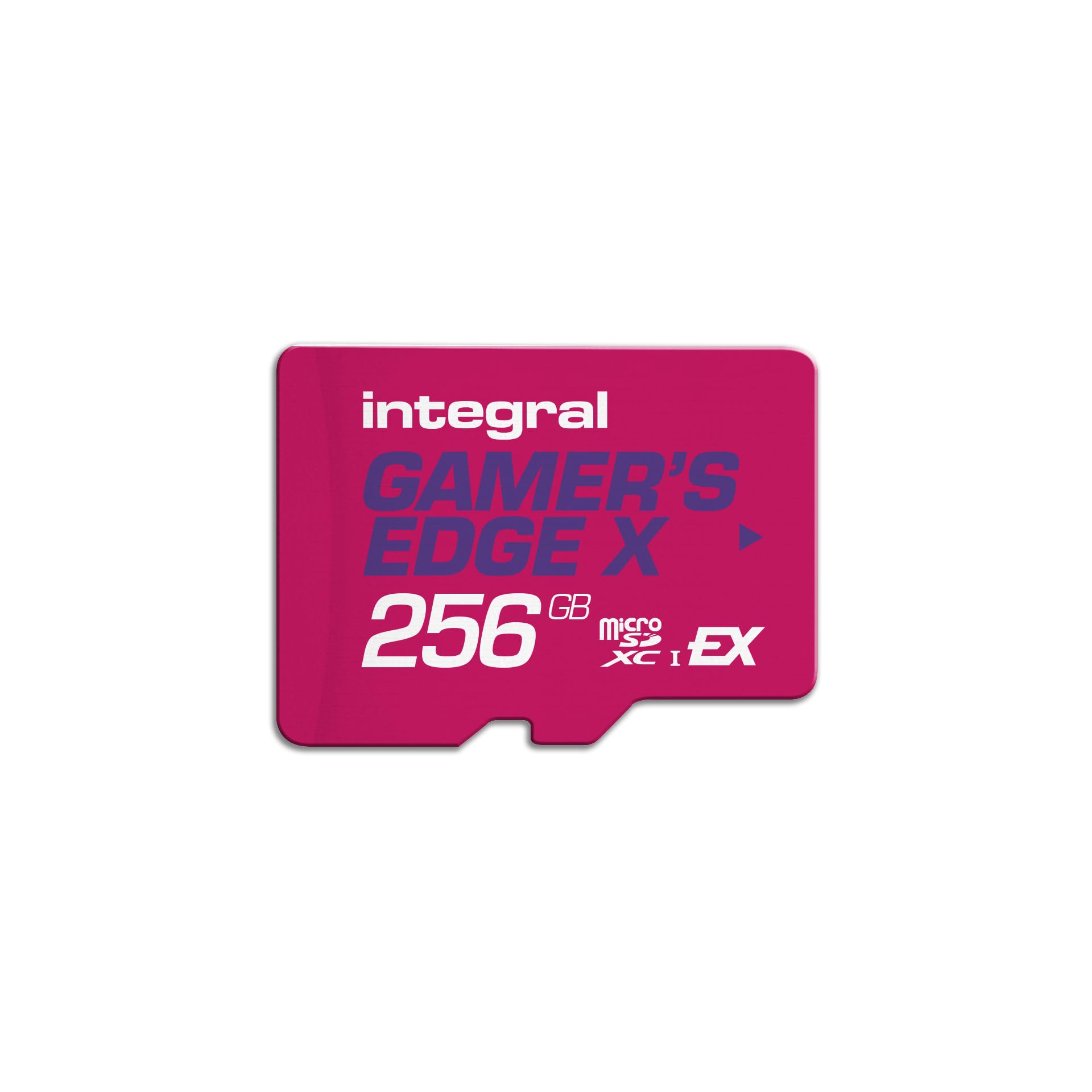
Integral 256GB Express

86 /100
Lab Score Excellent

Key details

Capacity
256 GB
Read Speed
890 MB/s
Write Speed
750 MB/s
View on Amazon

The Integral 256GB Gamer’s Edge X delivers the lowest entry point for Switch 2 high-speed storage, matching the Express interface’s 890MB/s read and 750MB/s write speeds while including a lifetime warranty. For the price, these are competitive specs that should cut load times in compatible titles.

Because the Express card format is still emerging, the Integral’s track record under sustained use isn’t yet established. Early Switch 2 units may occasionally require a firmware update to recognize the card, a common quirk across new-generation microSD Express hardware.

This card suits extreme budget shoppers who need the speed benefit of Express but are comfortable with some unknowns. If you prioritize a known track record over the lowest price, the Nintendo-licensed top pick offers more community verification for a modest premium.

💡 Check for a Switch 2 system update before inserting — early firmware helps compatibility with newer Express cards.

Pros

  • Lowest price among Express cards with similar read/write specs
  • Lifetime warranty adds peace of mind for a budget purchase
  • 256GB capacity holds several large Switch 2 titles
  • Full Express interface speed for reduced loading

Cons

  • In a Switch 2 used daily, the card’s long-term durability is unverified
  • Some early Switch 2 units may need a firmware update for recognition
Our verdict

If the absolute lowest cost is your only goal and you’re willing to accept that this card’s reliability hasn’t been tested by many owners, the Integral delivers the Express speed you need for Switch 2 at a sharp price.

Check Latest Price
6

Tinkerers

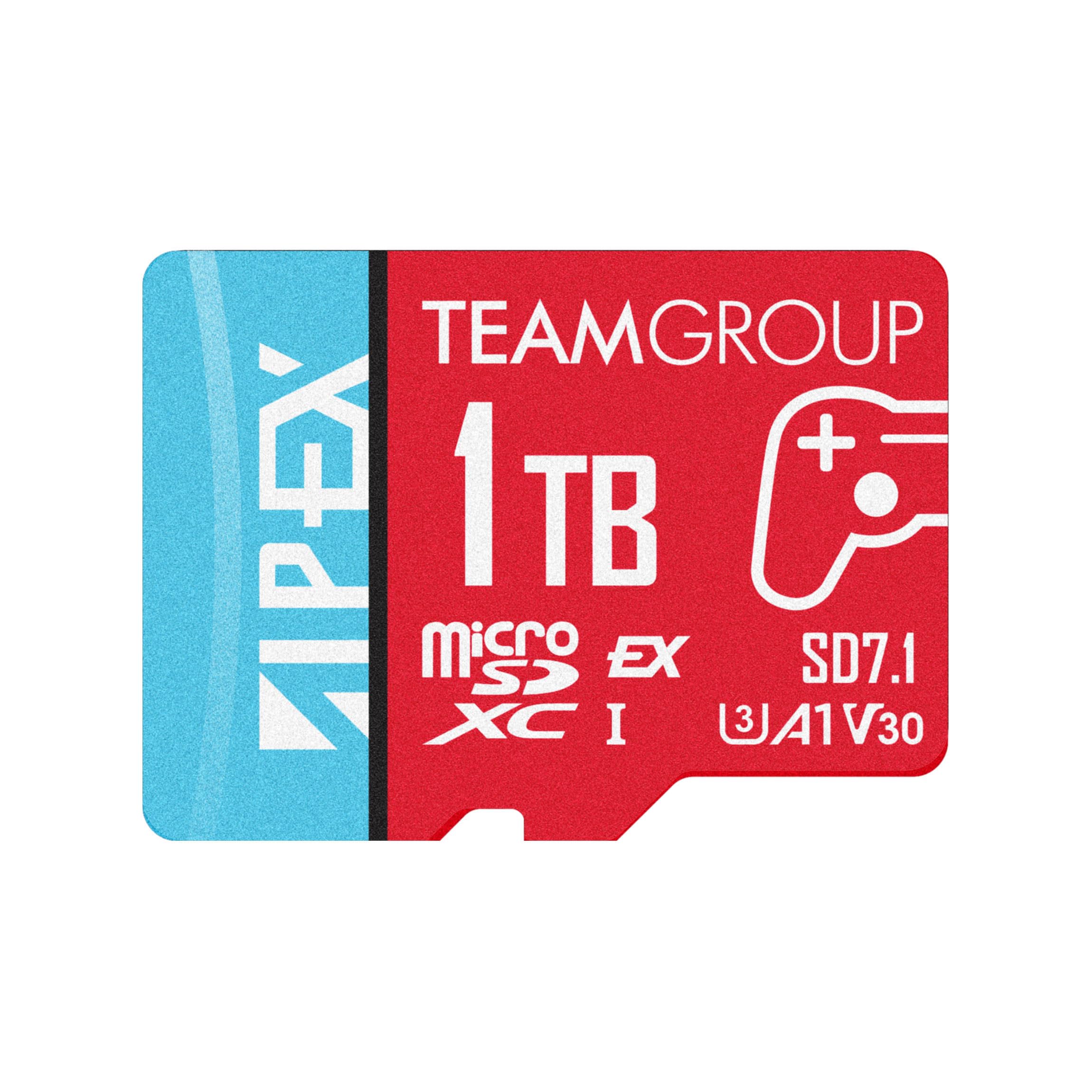
Gigastone 256GB Express

89 /100
Lab Score Excellent

Key details

Capacity
256 GB
Read Speed
880 MB/s
Write Speed
650 MB/s
View on Amazon

The Gigastone 256GB offers the high read/write speeds needed for fast game loading on the Switch 2, matching the performance of more expensive cards. Its mid-range price makes it an accessible Express option. However, because this card has limited feedback from early adopters, the consistency of its long-term performance under heavy use is not as well-documented as some competitors. That makes it a better fit for tinkerers willing to test a newer brand than for buyers who want a widely vetted choice.

Pros

  • High sequential read and write speeds for fast game loading.
  • Fully compatible with the Switch 2 Express slot.
  • Mid-range price point makes it accessible.

Cons

  • Long-term durability under heavy use is not yet confirmed.
  • Priced higher than some competing Express cards with similar specifications.
Our verdict

If you are willing to accept a less-established track record in exchange for solid Express speeds at a reasonable price, the Gigastone 256GB is a practical option.

Check Latest Price
7

Early Adopters

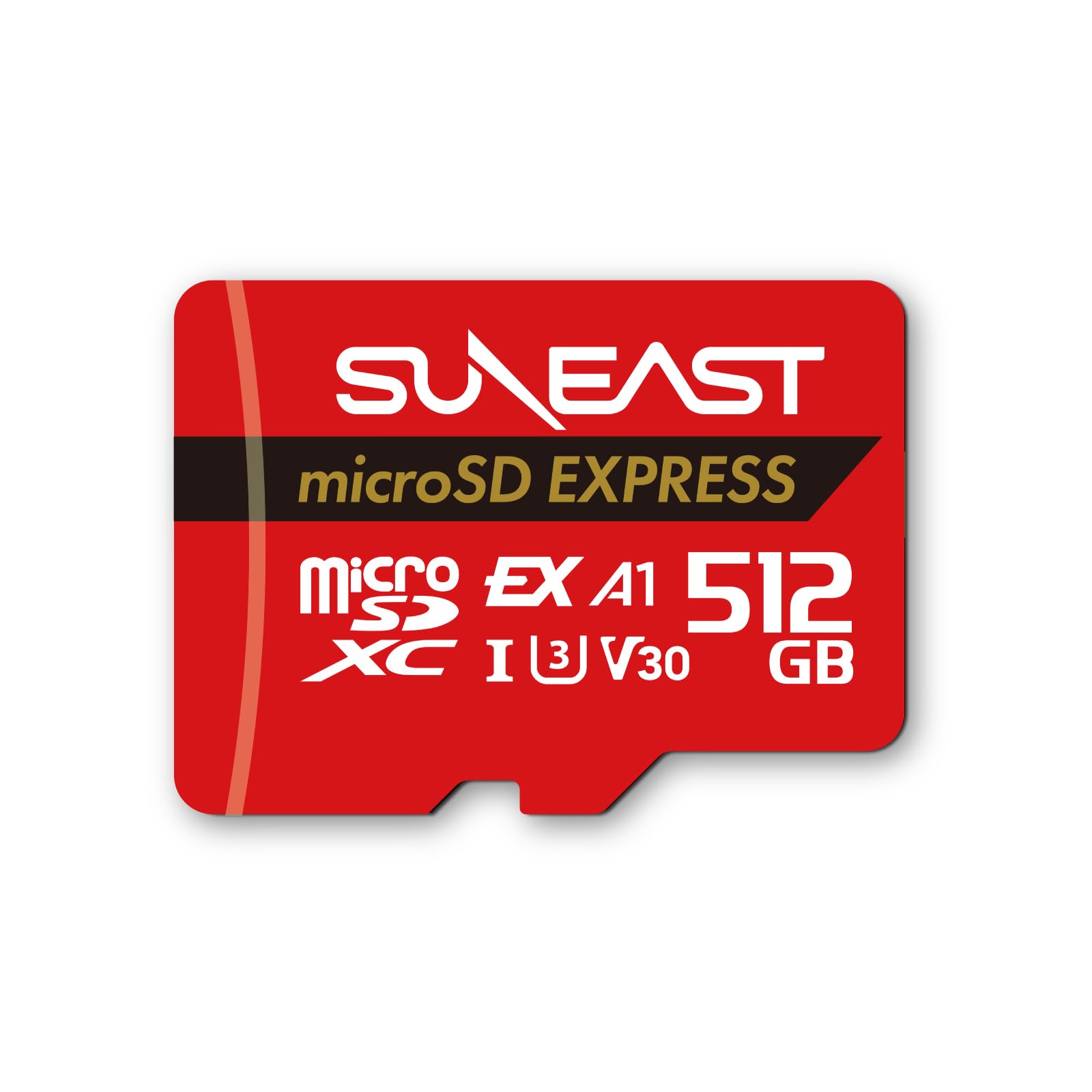
SUNEAST 256GB Express

89 /100
Lab Score Excellent

Key details

Capacity
256 GB
Read Speed
890 MB/s
Write Speed
810 MB/s
View on Amazon

The SUNEAST 256GB microSD Express card matches the fastest read/write speeds in its class at a budget-friendly price, making it a tempting option on paper for Nintendo Switch 2 owners who want Express-level performance without the premium. However, the user experience is largely unverified — far fewer buyers have shared their results compared to the similarly priced Integral card, which also undercuts this model by a few dollars. Without a track record of consistent behavior under real gaming loads, this card is better suited for early adopters comfortable with uncertainty.

Pros

  • High sequential read/write speeds that match the Express standard for faster game loading.
  • Budget-friendly price point for a 256GB Express card.
  • Native Express interface ensures compatibility with Switch 2's dedicated slot.

Cons

  • Limited user feedback leaves long-term consistency unconfirmed under heavy use.
  • Priced slightly above other budget Express cards that have more community validation.
Our verdict

This card suits buyers who prioritize peak specs and are willing to accept an unverified option, but those wanting a safer bet should look at the slightly cheaper Integral card with more user reports.

Check Latest Price

How to Choose

Capacity

The usable capacity of a microSD Express card is always less than the labeled amount due to formatting overhead and file system structure. A 512GB card often yields around 446GB, a difference of roughly 13%. This matters if you plan to fill the card near its limit.

For Switch 2, AAA titles average 20-40GB each. A 256GB card holds 6-12 games, while a 512GB card holds 12-24. Choose based on whether you delete games after finishing or keep a large library installed.

Read Speed

Read speed determines how quickly games load from the card. The Switch 2's Express interface can handle up to around 900MB/s, but loading times plateau above ~800MB/s. Cards rated 800-900MB/s will feel similarly fast in practice.

The bigger gap is between Express cards and older UHS-I cards (100-250MB/s). Even the slowest Express card dramatically cuts load times compared to standard microSDs, so any Express card is a massive upgrade.

Write Speed

Write speed affects how fast you can download and install games to the card. A card with 600-650MB/s write will fill a 30GB game in about 50 seconds, while a 750MB/s write cuts that to 40 seconds. This matters less for gameplay but adds up when re-downloading large libraries.

Some cards omit write speed in their specs. If it's not listed, assume it's on the lower end of the Express range (around 500-600MB/s). For frequent downloading, opt for a card with a stated write speed above 600MB/s.

Reliability

Early microSD Express batches from some brands have failure rates as high as 5-10% within the first six months. User reports of cards not being recognized or crashing the console are common enough to treat as a real selection factor.

Cards with thousands of reviews and low negative mention percentages (under 5% failure complaints) offer the best peace of mind. Brands with fewer than 200 reviews should be considered a gamble, even if the specs look strong.

Frequently Asked Questions