13 Best Monitor Arm of 2026: Stable Support for Gamers, No Sagging

The best monitor arm for your gaming desk depends on your monitor's weight and size — we break down the trade-offs between budget arms, dual setups, and heavy-duty ultrawide support.

A monitor arm can transform a cluttered desk into a clean, ergonomic gaming station — until the monitor starts drifting down mid-match or wobbles with every keystroke. That frustration is the most common complaint among gamers who buy arms based on flashy features rather than real-world stability.

The key is matching the arm to your specific monitor weight and desk environment, not just the screen size listed on the box. Curved ultrawides shift the center of gravity forward, so a monitor at the very edge of an arm's weight limit will often sag over time.

This guide focuses on the arms that hold their position reliably, with clear trade-offs between single heavy-duty support and dual-monitor flexibility. No hype — just the ones that work for your setup.

1

Best Overall

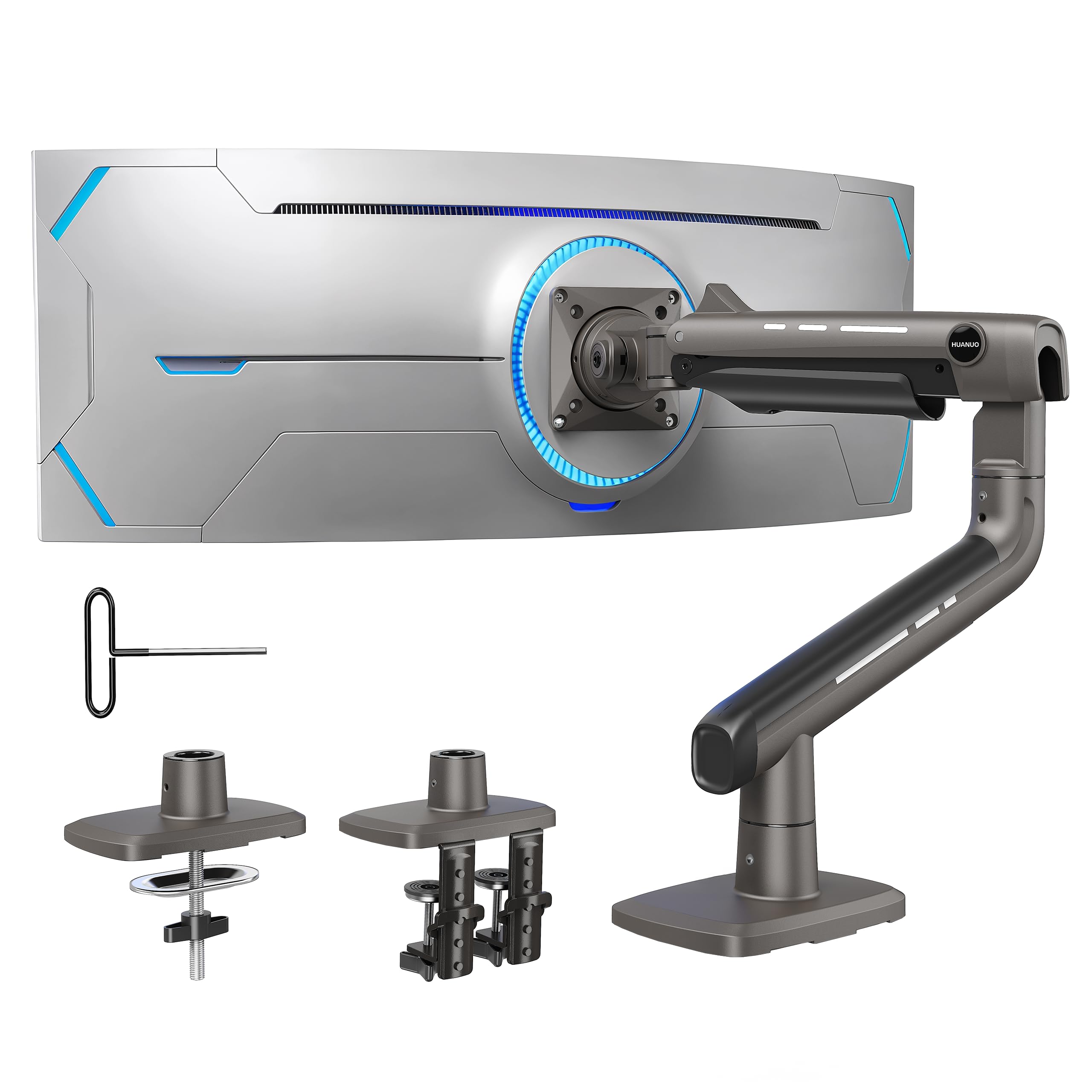
HUANUO TitanLift HD

91 /100
Lab Score Outstanding

Key details

Mounting
Dual C-clamp / grommet
Tilt Range
+50° to -50°
Screen Size
49 in
Weight Capacity
44 lbs
View on Amazon

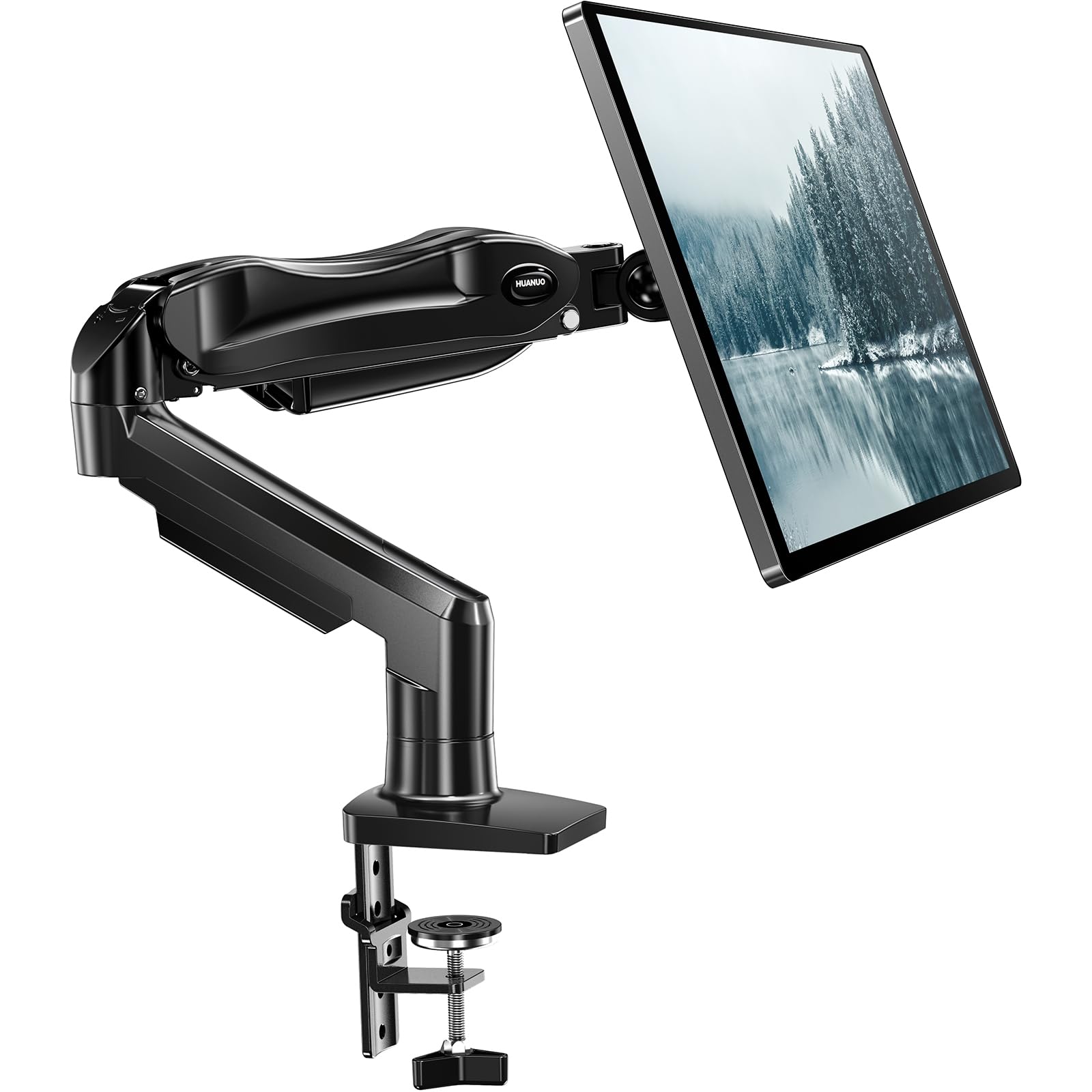
The TitanLift HD uses an all-aluminum frame and dual C-clamp base to hold monitors up to 44 pounds without droop or wobble. For owners of heavy ultrawides like the Samsung G9 or CRG9, this arm eliminates the sag that plagues cheaper mounts.

Installation is direct: a quick-release VESA plate clips onto the monitor first, then snaps into the arm. Cable management channels run inside the arm segments, keeping the setup tidy. At this price point, the build quality and finish approach what you would expect from arms costing twice as much.

This arm suits gamers running a single 49-inch ultrawide or sim racers/flyers who need the monitor locked in place during aggressive motion. It is also overkill for standard 27-inch monitors under 15 pounds — lighter arms offer more adjustment flexibility for less money. The dual C-clamp requires a flat wooden desk underside; desks with metal crossbeams or thick edges may not accommodate the clamp.

💡 Adjust tension with the hex key before mounting the monitor — it is easier to reach when the arm is unloaded.

Pros

  • Holds heavy ultrawide monitors like the Samsung G9 securely with no sag
  • Easy installation with clear directions and a quick-release VESA plate
  • Delivers stability comparable to premium arms at a lower cost

Cons

  • Dual C-clamp base may not fit desks with metal crossbeams or uneven undersides
  • Tension adjustment hex key is awkward to reach once the arm supports a heavy monitor
Our verdict

If you have a flat wood desk and a heavy 49-inch ultrawide, this arm provides premium-level stability without the premium price tag.

Check Latest Price
2

Best Dual Monitor Arm

HUANUO FlowLift Dual

93 /100
Lab Score Outstanding

Key details

Mounting
Dual C-clamp / grommet
Tilt Range
+85° to -50°
Screen Size
32 in per arm
Weight Capacity
19.8 lbs per arm
View on Amazon

The FlowLift Dual stands out for how quickly it goes from box to holding two monitors. The C-clamp and grommet base options attach solidly to most desks, and the included cable routing keeps the setup tidy without extra effort. This ease of installation makes it a frequent choice for gamers and home office users who want to spend time working rather than assembling.

This arm works best for dual 24–27 inch screens weighing under 20 lbs each. The articulation range allows each monitor to swivel, tilt, and rotate independently, accommodating mixed screen sizes within that weight band. Over months of use, the arm tension can loosen, allowing monitors to drift slightly — periodic tightening of the joint screws resolves this for most owners. The plastic caps covering the pivot points may pop off during adjustment, a cosmetic annoyance that doesn’t affect function.

💡 Tightening the tension screws every few months helps maintain position if you notice drift.

Pros

  • Quick, tool-assisted installation with clear instructions
  • Good range of motion for mixed monitor sizes within weight limit
  • Built-in cable management keeps desk surface uncluttered

Cons

  • Arm tension may loosen over time, causing monitors to drift slightly
  • Plastic caps on the pivot joints can pop off during adjustment
Our verdict

A sensible choice for anyone running two standard-size monitors who values fast setup and decent adjustability, with the understanding that joint tension needs occasional re-tightening.

Check Latest Price
3

Best for 49" Ultrawides (Premium)

Ergotron HX HD

91 /100
Lab Score Outstanding

Key details

Mounting
Clamp / grommet
Tilt Range
20°
Screen Size
49 in
Weight Capacity
42 lbs
View on Amazon

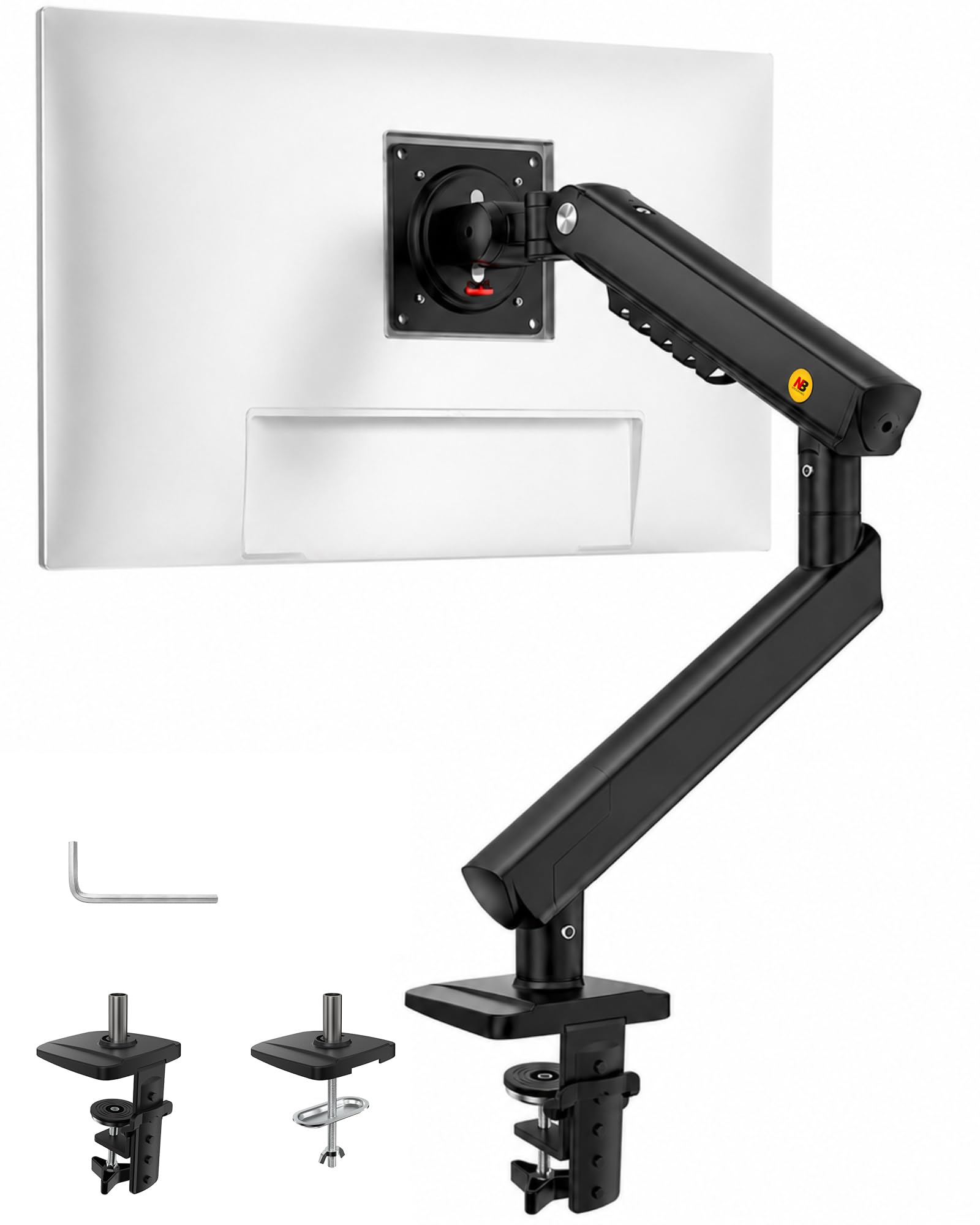
The Ergotron HX HD is purpose-built for the heaviest curved ultrawides like the Samsung Odyssey G9. Its heavy-duty construction holds monitors up to 42 lbs with zero wobble at full extension, and the 10-year warranty reflects a confidence in build that few competitors match.

This arm is for owners of 49-inch, 1000R curved monitors who want the gold standard in stability and aren't put off by a luxury price tag. The limited 20° tilt range means less flexibility for fine-tuning viewing angles, and for monitors under 28 lbs or smaller than 49 inches, the cost is hard to justify when the top pick offers similar hold for half the money.

Setup is straightforward with a clamp or grommet mount, and the arm maintains its position securely even at maximum reach. The gas spring adjustment is smooth, though the tilt mechanism requires some care to set properly — a minor adjustment that most users will manage without trouble.

💡 The 20° tilt range suits forward-facing desk setups; if you need portrait rotation or steep downward angles, consider a different arm.

Pros

  • Rock-solid stability for 49-inch curved ultrawides up to 42 lbs, even at full extension
  • 10-year warranty and premium build quality that sets the standard for heavy-duty monitor arms
  • Easy assembly with clamp or grommet mounting and consistent hold over time

Cons

  • Premium price may not be justified for monitors under 28 lbs or smaller than 49 inches
  • Limited tilt range (20°) reduces fine-tuning for viewing angles and prevents portrait rotation
Our verdict

For those who own a 49-inch super-ultrawide and demand absolute stability backed by a decade of support, the HX HD is the benchmark—but most buyers should save with the TitanLift.

Check Latest Price
4

Best Budget Single Arm

HUANUO FlowLift Single

93 /100
Lab Score Outstanding

Key details

Mounting
C-clamp / grommet
Tilt Range
-50° to +85°
Screen Size
32 in
Weight Capacity
19.8 lbs
View on Amazon

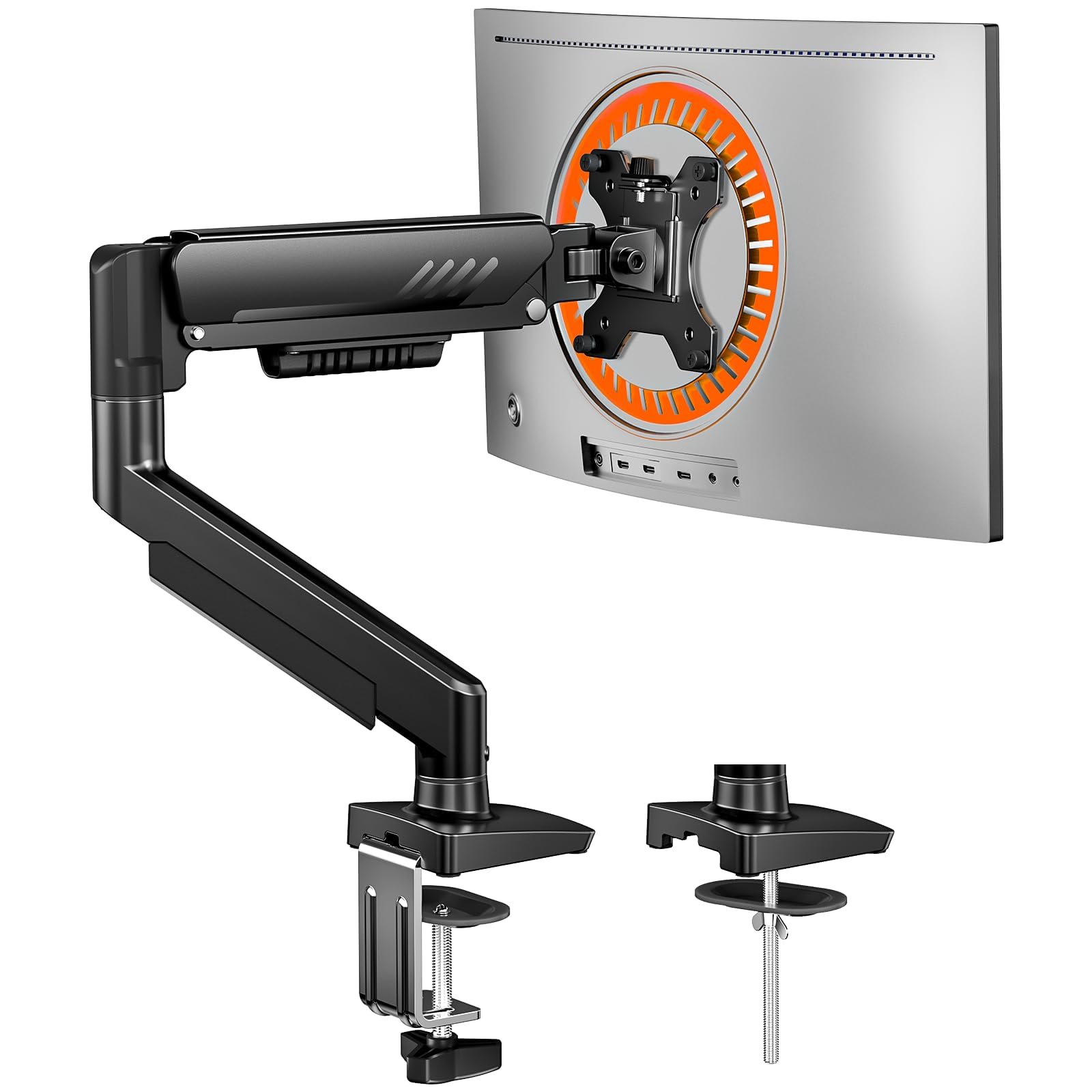
The HUANUO FlowLift Single delivers quick installation and dependable hold for lightweight monitors at a budget-friendly price. While the TitanLift HD handles heavy ultrawides, this arm focuses on everyday 27-inch screens where ease of setup and cost matter most. Most monitors under 15 lbs sit securely on the arm after a simple C-clamp or grommet mount, and the included clear instructions make the process straightforward.

This mount suits budget gamers, secondary side monitors, or anyone pairing a lightweight display under 15 lbs. Wobble can occur with heavier monitors near the 20 lb limit or when extended fully - the FlowLift performs best on a stable desk with a 13- to 27-inch screen. The tilt range from -50 to +85 degrees offers flexibility for portrait or landscape orientation, and the VESA 75x75/100x100 compatibility covers most standard monitors.

Tension adjustment uses a hex key to set the arm's resistance - first-time users may need a few tries to find the right balance. Once dialed in, the arm holds position during normal typing and casual gaming. The gas-spring mechanism is absent here; instead a manual tension system keeps the cost low, and the included hex key makes adjustments accessible.

💡 Adjusting arm tension with the included hex key can resolve droop issues - tighten the bolt under the joint if the monitor won't hold position.

Pros

  • Very easy to install with clear instructions and 3-minute setup
  • Solid build quality holds monitors securely once adjusted
  • Affordable price point - one of the most cost-effective single arms on the market

Cons

  • Stability can be inconsistent - wobble may occur with heavier monitors near the 20 lb limit or at full extension
  • Tension adjustment may require multiple attempts to get the arm to stay at the desired height
Our verdict

For a basic single monitor arm that installs quickly and holds standard displays securely, the FlowLift delivers good value - best paired with monitors under 15 lbs to avoid wobble.

Check Latest Price
5

Best Ultra-Budget Pick

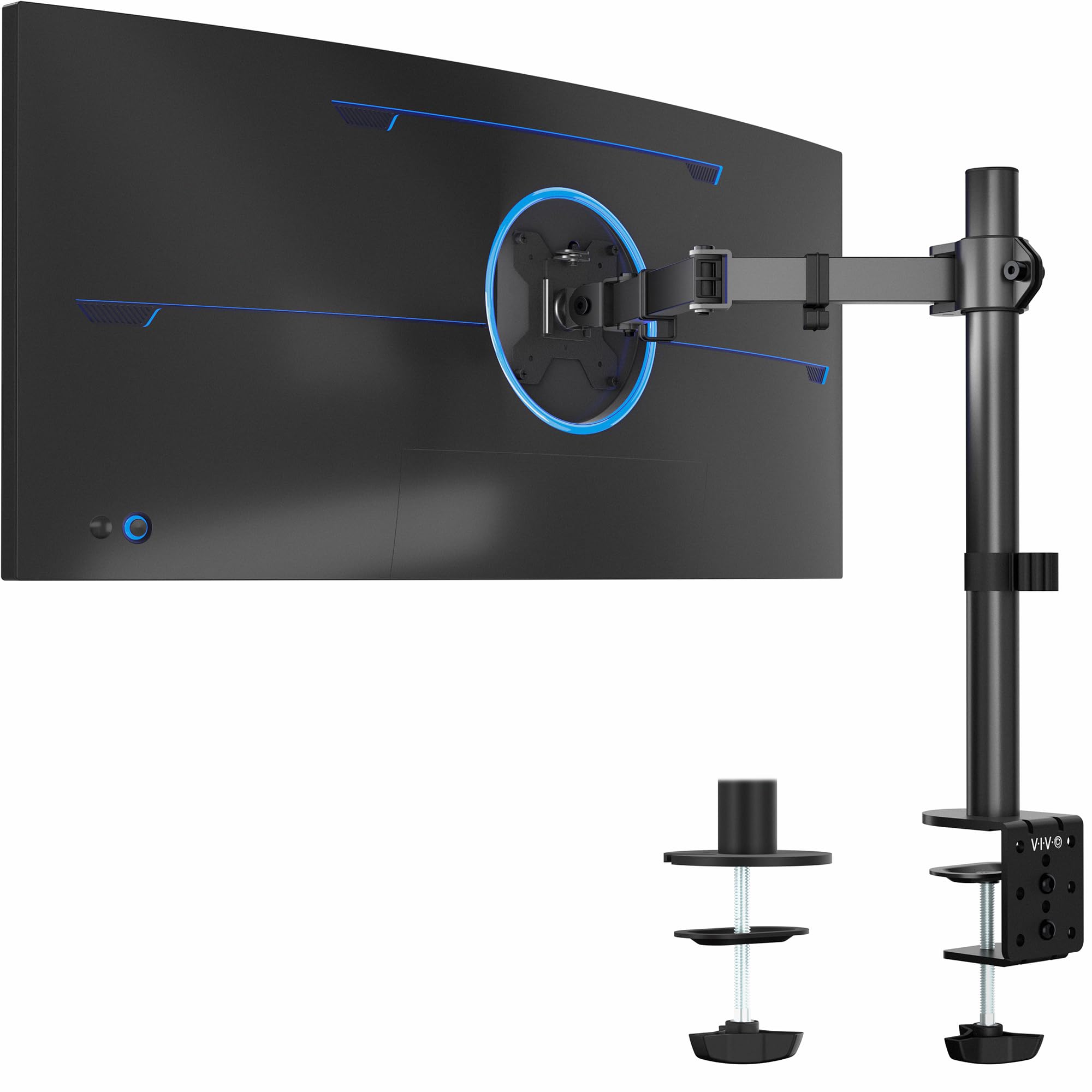
VIVO STAND-V001

91 /100
Lab Score Outstanding

Key details

Mounting
C-clamp / grommet
Tilt Range
+90° to -90°
Screen Size
38 in
Weight Capacity
22 lbs
View on Amazon

At a price that undercuts most competitors by half, the VIVO STAND-V001 delivers genuine functionality for typical 24- to 27-inch office monitors. The clamp and grommet mounting options fit most desks, and assembly takes under ten minutes with included hex tools.

The main tradeoff is vertical reach. Even at maximum extension the monitor sits lower than many alternatives, making this a poor fit for taller users or standing desks. This arm works best when you need the screen just above desk level in an entry-level or second-monitor setup.

Tilt, swivel, and rotation are adequate for portrait orientation, but heavier monitors near the 22 lb limit may require extra tightening to prevent forward sag. For lighter 27-inch screens the arm holds position without issue, offering dependable basic adjustability at a budget price.

💡 For monitors that sag, tightening the tilt adjustment screw a quarter turn past initial resistance typically holds position.

Pros

  • Cost-effective at a fraction of the price of comparable arms
  • Quick assembly with included tools; most users are mounted in under ten minutes
  • Full tilt, swivel, and rotation for portrait mode

Cons

  • Tilt tension may require over-tightening to prevent droop on heavier monitors
  • Height range is limited; the monitor sits low even at maximum extension, which may not suit taller users
Our verdict

If you need an inexpensive arm for a lightweight 27-inch monitor and don't require high vertical reach, this is the most cost-effective option available.

Check Latest Price
6

Best Heavy Dual Arm with USB

HUANUO HNDS7 Dual

93 /100
Lab Score Outstanding

Key details

Mounting
C-clamp / grommet
Tilt Range
+85° to -30°
Screen Size
40 in per arm
Weight Capacity
26.4 lbs per arm
View on Amazon

This dual monitor mount handles two large displays (up to 40" each) at 26.4 lbs per arm, with a tall pole that reaches 21.1" for standing desk clearance. The integrated USB 3.0 hub eliminates the need for separate cable runs to charge peripherals or connect thumb drives — a convenience missing from most arms at this price.

Stability is generally good for dual 32"-34" monitors, with the C-clamp base gripping desks up to about 2" thick. Over several months, some units may develop slack in the arm joints, allowing monitors to drift slightly. This is not a sudden failure but a gradual loosening that can be addressed with occasional tightening of the pivot bolts.

Best suited for users running two large monitors (32"-34") on a standing desk who want USB ports within arm's reach without extra cable clutter. The tall pole gives enough vertical adjustment for taller users or elevated work surfaces. If you prefer a set-and-forget setup and dislike periodic maintenance, the gas-spring FlowLift Dual offers more consistent long-term tension without manual adjustments.

💡 Check the pivot bolts every few months — a quarter-turn with a hex wrench restores arm tension if monitors start to sag.

Pros

  • Holds two 34" monitors up to 26 lbs each
  • Built-in USB 3.0 ports simplify connecting drives, phones, and other peripherals at the desk.
  • Tall pole (21.1") provides enough vertical range for standing desk users and taller screens.
  • C-clamp base secures firmly to most desks without significant wobble.

Cons

  • Base clamp may not fit desks with thick edges or metal support bars underneath.
  • Arm tension can degrade over time; some units require periodic bolt tightening to prevent monitor sag.
Our verdict

A capable dual arm with USB and extra height for heavy monitors — if you're willing to tighten a bolt every few months, the value is hard to beat.

Check Latest Price
7

Premium 34" Setup

Ergotron LX

95 /100
Lab Score Outstanding

Key details

Mounting
Clamp / grommet
Tilt Range
75°
Screen Size
34 in
Weight Capacity
25 lbs
View on Amazon

The Ergotron LX sets the benchmark for single-arm monitor mounts under 34 inches, with a gas-spring mechanism that moves precisely and holds ultrawides without sag. Its 10-year warranty and strong rating reflect a build quality that competitors struggle to match. However, it is limited to monitors up to 34 inches and 25 pounds, and its 13-inch vertical lift may leave taller users or standing desk setups needing an extension. The premium price also makes it less attractive for standard 27-inch monitors where cheaper arms offer similar stability at lower cost.

💡 If you are tall or using a standing desk, consider an extension to compensate for the 13-inch vertical lift range.

Pros

  • Smooth, precise gas-spring adjustment with a 10-year warranty for long-term reliability
  • Holds ultrawide monitors up to 34 inches securely without sag or wobble

Cons

  • Limited vertical lift (13 inches) may not reach eye level for taller users or standing desks without an extension
  • Premium pricing is less justified for lighter, standard monitors where budget arms perform adequately
Our verdict

The Ergotron LX is the right choice for those who prioritize long-term reliability and smooth adjustment for a 34-inch ultrawide and have the budget for a premium arm.

Check Latest Price
8

Single Ultrawide with USB

HUANUO HNSS7

92 /100
Lab Score Outstanding

Key details

Mounting
C-clamp / grommet
Tilt Range
+85° to -30°
Screen Size
49 in
Weight Capacity
26.48 lbs
View on Amazon

The HUANUO HNSS7 adds a USB 3.0 port directly on the arm, handy for charging peripherals or data transfer without reaching the PC. Its 21.1-inch height and 25.6-inch extension provide ample range for standing desk setups. This arm is a middle ground: heavier than basic single mounts but not as robust as the TitanLift HD for the biggest ultrawides. Tilt adjustment can be stiff; loosening the pivot screw helps achieve the desired angle, so those who frequently tweak tilt may find it less convenient. The aluminum build feels solid, and the C-clamp/grommet mounting is straightforward.

Pros

  • Integrated USB 3.0 port for convenient charging and data access
  • Aluminum build securely holds ultrawide monitors up to 49 inches
  • Generous height and extension range ideal for standing desks

Cons

  • Monitor may drift slightly over time if tension is not perfectly set
  • Pricier than entry-level arms that lack USB and heavy-duty capacity
Our verdict

Best for those who need USB connectivity and a tall reach for a single ultrawide, and are comfortable dialing in tilt tension.

Check Latest Price
9

Budget 49" Support

VIVO STAND-V110K

87 /100
Lab Score Excellent

Key details

Mounting
Clamp only
Tilt Range
+55° to -25°
Screen Size
49 in
Weight Capacity
44 lbs
View on Amazon

The VIVO STAND-V110K delivers pneumatic lift smoothness for 49" ultrawides at a mid-range price, undercutting the Ergotron HX significantly. However, the clamp only fits desks up to 1.8" thick, limiting compatibility with thicker workbenches, and the cable management clips are plastic and may detach — a minor compromise for those with suitable desks.

💡 Using adhesive cable ties can compensate for the plastic clips if they come loose.

Pros

  • Pneumatic arm holds 49" ultrawides without sag
  • Extra tall column reaches eye level for standing desks
  • Mid-range price for heavy-duty pneumatic mechanism

Cons

  • Clamp only fits desks up to 1.8" thick
  • Plastic cable management clips can detach during adjustments
Our verdict

Best for users with thin desks (under 1.8") who want pneumatic smoothness for a large ultrawide without paying premium for the HX.

Check Latest Price
10

Heavy 45" Curved

BenQ BSH01

85 /100
Lab Score Excellent

Key details

Mounting
Clamp / grommet with plate
Tilt Range
+50° to -20°
Screen Size
45 in
Weight Capacity
44 lbs
View on Amazon

The BenQ ErgoArm BSH01 stands out for its built-in steel reinforcement plate that distributes clamp pressure across a wider area, making it a sensible choice for desks with delicate tops or hollow-core construction. It handles heavy 45" curved monitors without sag, and installation is straightforward with clearly labeled parts. However, the tilt tension is set high enough that monitors under 15 lbs may not tilt downward at all, and the vertical range (8.7" to 18.7") sits lower than many alternatives, which can be an issue for taller users or those needing eye-level positioning. That combination means this arm works best when paired with a heavy monitor and a desk that needs protection, but it loses flexibility for lighter screens or taller setups.

Pros

  • Steel reinforcement plate prevents desk denting and distributes clamp force evenly.
  • Holds heavy 45" curved monitors securely without sag or wobble.
  • Clear instructions and labeled parts simplify installation for most users.

Cons

  • Tilt tension is too stiff for monitors under 15 lbs
  • Height range (8.7" to 18.7") may be too low for taller users or standing desk setups.
Our verdict

Worth considering if you own a heavy 45" curved monitor and want to avoid damaging a fragile desktop, but skip it for lighter screens or if you need more vertical reach.

Check Latest Price
11

ASUS ROG Fans

ASUS ROG AAS01

90 /100
Lab Score Outstanding

Key details

Mounting
Clamp only
Tilt Range
80°
Screen Size
39 in
Weight Capacity
23.35 lbs flat
View on Amazon

The ROG AAS01 offers the design language and hidden cable channels that ASUS fans expect, with smooth gas-spring height adjustment and stable hold for curved monitors up to 39 inches. However, the weight capacity (23 lbs flat) is in line with arms costing half as much, making this a premium aesthetic choice rather than a value play. Additionally, only VESA 100x100 is supported — owners of 75x75 monitors will need an adapter. For a gamer building a full ROG setup who prioritizes looks and cable management over price, this arm fits perfectly; anyone else will find equally stable alternatives for less.

Pros

  • Smooth gas-spring adjustment with premium ROG build quality and aesthetic.
  • Hidden cable channels and cutouts keep the desk clean.
  • Stable hold even with heavy curved monitors; no sagging or wobble.

Cons

  • Price is high relative to the weight capacity
  • Only VESA 100x100 is supported; 75x75 monitors require an adapter.
Our verdict

Best suited for ASUS ROG fans building a coordinated desktop who value the brand's design language over cost savings.

Check Latest Price
12

RGB Gaming Setup

MSI MPG MT201R V2

86 /100
Lab Score Excellent

Key details

Mounting
Clamp / grommet
Tilt Range
+50° to -20°
Screen Size
35 in
Weight Capacity
44 lbs
View on Amazon

The MSI MPG MT201R V2 delivers on its promise of smooth gas-spring adjustability and integrated RGB lighting that syncs with other MSI gear. Cable management channels keep wires organized, and the clamp/grommet setup suits most desks. Where it falls short is screen size: despite a weight capacity of 44 lbs, the maximum diagonal is 35 inches, so true 49-inch ultrawides are out of reach. At this price point, other arms support larger monitors without the RGB premium. This arm works well for mid-sized gaming monitors up to 34 inches where desk style matters more than screen real estate.

Pros

  • Smooth gas-spring height adjustment requires minimal effort to reposition your monitor.
  • Integrated cable management channels hide wires for a clean desktop look.
  • Premium build quality with customizable RGB lighting for themed setups.

Cons

  • RGB lighting adds cost without affecting monitor support - purely aesthetic.
  • Maximum screen size of 35 inches limits use with large ultrawide monitors, despite heavy weight capacity.
Our verdict

Choose this arm if you prioritize desk aesthetics and run a monitor up to 34 inches - skip it if you need to mount a true 49-inch ultrawide.

Check Latest Price
13

Lightweight Monitors

VIVO STAND-V001K

88 /100
Lab Score Excellent

Key details

Mounting
C-clamp / grommet
Tilt Range
+35° to -35°
Screen Size
32 in
Weight Capacity
19.8 lbs
View on Amazon

The VIVO STAND-V001K keeps desk clutter minimal with a compact footprint and offers smooth height changes for lighter monitors up to 24 inches. The tension spring mechanism, however, has limits: monitors approaching the 20 lb capacity can droop, and the ±35° tilt range is narrower than many alternatives. This tradeoff makes the arm best suited for secondary displays or office builds where budget and space are the primary concerns, not heavy or angle-demanding setups.

Pros

  • Compact base frees up desk space on small surfaces
  • Tension spring provides smooth height adjustments for monitors under 15 lbs

Cons

  • Tension spring may not hold monitors near the 20 lb limit; drooping can occur
  • Tilt range limited to ±35°, which may not satisfy users needing more screen angle flexibility
Our verdict

Best for lightweight monitors (under 15 lbs) and tight desks where cost and space matter most — skip it if you need to mount a heavy 32-inch screen or require wide tilt.

Check Latest Price

How to Choose

Weight Capacity

The listed weight capacity assumes a flat monitor with the center of gravity at the VESA plate. Curved and ultrawide monitors push the weight forward, effectively reducing the safe capacity by 10-20%. A 44-lb arm might struggle with a 35-lb curved monitor that has a deep stand.

Always look for a capacity at least 5 lbs above your monitor's weight (without the original stand). For large ultrawides like the Samsung G9, choose arms specifically designed for the shape, such as those with a heavy-duty pivot.

Screen Size Range

Screen size limits are linked to the arm's extension and pivot strength. A 49" rating doesn't guarantee the arm can hold a 49" curved monitor upright — the weight distribution and arm length produce leverage that can cause droop. Check the product's explicit curved monitor support.

For gaming, a larger screen requires a longer arm extension, which increases wobble sensitivity. If you play competitive shooters, consider a shorter arm or one with a gas-spring that dampens vibration.

Tilt and Swivel Range

Tilt range is often listed as a wide arc, but the usable range is smaller because the gas spring or tension must support the monitor at that angle. Arms with only 20° of tilt (like the Ergotron HX HD) limit ergonomic flexibility for portrait mode or high desk positions.

Swivel is rarely specified in degrees; pay attention to whether the arm has a locking pivot or relies on friction. Friction-based swivels can loosen over time, allowing the monitor to rotate unintentionally during intense gaming sessions.

Mounting Options

Most arms come with a C-clamp and grommet mount. The clamp needs a flat, unobstructed desk edge — metal crossbeams or thick edges over 3 inches often prevent secure installation. Grommet mounts require a pre-drilled hole (usually 0.5" to 1").

Some heavy-duty arms use a dual C-clamp or a reinforcement plate that protects the desk surface. If you have a glass desk, avoid clamp arms entirely and use a grommet mount with a protective plate to spread the load.

Arm Length and Height Adjustment

Longer arms (over 20 inches) offer more desk reach but introduce more wobble, especially at full extension. For standing desks, look for a vertical lift range of at least 18 inches so you can adjust your eye level without tilting the monitor.

Gas-spring arms provide smoother height changes than mechanical spring designs, but both require periodic retensioning as the spring settles. If you frequently change monitor height, a gas-spring arm with a tool-free adjustment knob saves time.

Frequently Asked Questions