9 Best Non-OLED Gaming Monitor of 2026: Speed Without the Gamble

Find the best non-OLED gaming monitors that balance high refresh rates with real-world reliability and picture quality, avoiding common QC pitfalls.

Gaming monitor specs have never looked better: 1440p, 180Hz, 240Hz, curved VA panels – all at prices that seem too good to be true. Often, they are. Many budget-friendly monitors cut corners on quality control, leading to dead pixels, premature failures, or frustrating stand limitations. This guide cuts through the noise to find the monitors that actually deliver on their promises for real-world gaming sessions.

The best options balance high refresh rates with dependable build quality and usable ergonomics. Whether you prioritize smooth fps in competitive shooters, immersive contrast for single-player adventures, or a versatile daily driver, we highlight the trade-offs that matter.

1

Best Overall

ASUS TUF VG27AQ3A

89 /100
Lab Score Excellent

Key details

Panel Type
Fast IPS
Resolution
1440p
Refresh Rate
180 Hz
Adaptive Sync
FreeSync Premium, G-Sync Compatible
View on Amazon

The 27-inch 1440p Fast IPS panel delivers crisp detail and vibrant colors across a 130% sRGB gamut, giving games and everyday content a lively, accurate look. The 180Hz refresh rate and 1ms response time keep fast motion fluid without noticeable ghosting, while ELMB Sync reduces motion blur to improve clarity during high-speed action. Adaptive sync via FreeSync Premium and G-Sync Compatibility ensures tear-free frame delivery across a wide refresh range.

In everyday use, the monitor's text is sharp for productivity, and the IPS panel provides wide viewing angles with typical IPS glow. The 180Hz refresh makes scrolling and window animations feel instant, while the 1ms response keeps fast-paced games like shooters and racers free of smearing.

Considering the package — QHD resolution, high refresh, adaptive sync, and a reputable brand — the monitor asks a mid-range price that undercuts many competitors with similar specs. This makes it a clear choice for buyers who want maximum performance per dollar without straying into budget-tier reliability concerns.

This display is best for gamers on a budget who want 1440p high-refresh for immersive single-player or competitive titles, as well as general users needing a crisp monitor for work and play. It is not suited for HDR-heavy content or those requiring the absolute highest refresh rates. A known caveat: some units arrive with dead or stuck pixels, so confirming the retailer's return policy before purchase is recommended.

💡 Check the retailer's dead pixel policy before buying – some accept returns for a few stuck pixels, others do not.

Pros

  • Sharp 1440p resolution with vibrant 130% sRGB color coverage
  • Buttery-smooth 180Hz refresh and 1ms response time for fluid motion
  • Strong value

Cons

  • Dead or stuck pixels may appear in some units; verify return policy
Our verdict

The ASUS TUF VG27AQ3A delivers the best balance of 1440p resolution, 180Hz refresh, and price among non-OLED monitors, with only a small pixel-variance risk to watch for.

Check Latest Price
2

Best Curved 1440P

Samsung Odyssey G55C

90 /100
Lab Score Outstanding

Key details

Panel Type
VA (curved 1000R)
Resolution
1440p
Refresh Rate
165 Hz
Adaptive Sync
FreeSync
View on Amazon

The Samsung Odyssey G55C centers its appeal on a 32-inch 1000R curved VA panel that produces deeper blacks and richer contrast than typical IPS gaming monitors. The curvature wraps around the viewer, drawing you into cinematic scenes and single-player worlds. At 165Hz and 1ms MPRT, it delivers smooth motion for most titles, though the VA panel’s response time means dark, fast-moving objects can show slight smearing.

This monitor suits gamers who prioritize visual immersion over raw speed — think RPGs, story-driven adventures, and open-world exploration. The 32-inch size and strong curve require ample desk depth, and the 1440p resolution balances sharpness with performance. Some units have shown DisplayPort connectivity hiccups (blackouts or no signal); using HDMI sidesteps this issue reliably. If you need a flat panel or 240Hz for competitive shooters, look elsewhere.

The G55C also stands as a cost-effective alternative to larger curved 1440p monitors, offering similar immersion at a lower price point. Its VA contrast gives it an edge over IPS options for viewers who prioritize black levels in dark rooms, making it a solid pick for those avoiding OLED due to burn-in concerns or budget constraints.

Pros

  • Immersive 32-inch curved display with high contrast
  • Excellent value for a large curved 1440p monitor
  • Beautiful appearance and gaming experience

Cons

  • VA panel ghosting in fast dark motion can be noticeable during rapid scene changes
Our verdict

For single-player enthusiasts seeking a large, curved 1440p monitor with strong contrast, the G55C delivers — just rely on HDMI to avoid the occasional DisplayPort glitch.

Check Latest Price
3

Best for Esports

Acer Nitro KG251Q

89 /100
Lab Score Excellent

Key details

Panel Type
VA
Resolution
1080p
Refresh Rate
280 Hz
Adaptive Sync
FreeSync Premium
View on Amazon

The Acer Nitro KG251Q targets competitive gamers who prioritize raw speed over resolution or immersion. Its 280Hz refresh rate on a 1080p VA panel provides fluid motion that makes a real difference in fast-twitch shooters, and at a price point that undercuts most rivals.

This monitor is best suited for esports players on a budget who plan to use a VESA arm or don't mind a fixed screen position. The stand offers tilt-only adjustment with no height or swivel, so you will want a VESA mount to dial in your preferred viewing angle. Color accuracy out of the box leans slightly warm, but for competitive play, response time and motion clarity matter more than precise hues.

In actual use, the 1ms VRB response time and FreeSync Premium support keep tearing and ghosting to a minimum. The VA panel delivers decent contrast, though black levels are not as deep as higher-end VA screens. For the price, the build quality feels solid, with minimal flex in the frame.

💡 Consider pairing with a VESA arm to address the fixed-height stand.

Pros

  • Great value for a 280Hz gaming monitor
  • High refresh rate delivers very smooth gameplay
  • Good build quality for the price

Cons

  • No height adjustment on the stand (tilt only)
  • Colors may need calibration for best accuracy
Our verdict

For competitive 1080p gaming on a tight budget, the Nitro KG251Q delivers the speed you need — just budget for a VESA arm to fix the stand limitation.

Check Latest Price
4

Best for Enthusiasts

LG 27GR83Q-B

87 /100
Lab Score Excellent

Key details

Panel Type
IPS
Resolution
1440p
Refresh Rate
240 Hz
Adaptive Sync
G-Sync Compatible, FreeSync Premium
View on Amazon

The LG 27GR83Q-B pairs a 240Hz refresh rate with QHD resolution and HDMI 2.1 inputs, giving it an edge for both PC and console gamers who want the smoothest motion at this resolution. Colors are vivid out of the box, and the IPS panel holds up well with good contrast for an LCD.

This monitor is built for enthusiasts who prioritize speed and feature set over cost savings. The sturdy assembly and adjustable stand reinforce its premium positioning. That said, occasional dead pixels – sometimes near the screen center – have been noted, and some units may become inoperable after a few months. Checking the return policy before purchase is worthwhile.

💡 Inspect the panel upon arrival for dead pixels so any issues can be addressed quickly under the return policy.

Pros

  • Sturdy construction with a premium feel
  • Vibrant colors and good HDR400 performance
  • Smooth 240Hz refresh rate for fluid gameplay

Cons

  • Dead pixels may appear on some units, sometimes near the center
  • In rare cases, units may cease to function after a few months
Our verdict

For gamers who want the fastest 1440p refresh rate plus console-ready HDMI 2.1, the LG delivers on specs – just factor in the occasional panel variance when buying.

Check Latest Price
5

Best Value Curved 1440P

Acer Nitro EDA270U

91 /100
Lab Score Outstanding

Key details

Panel Type
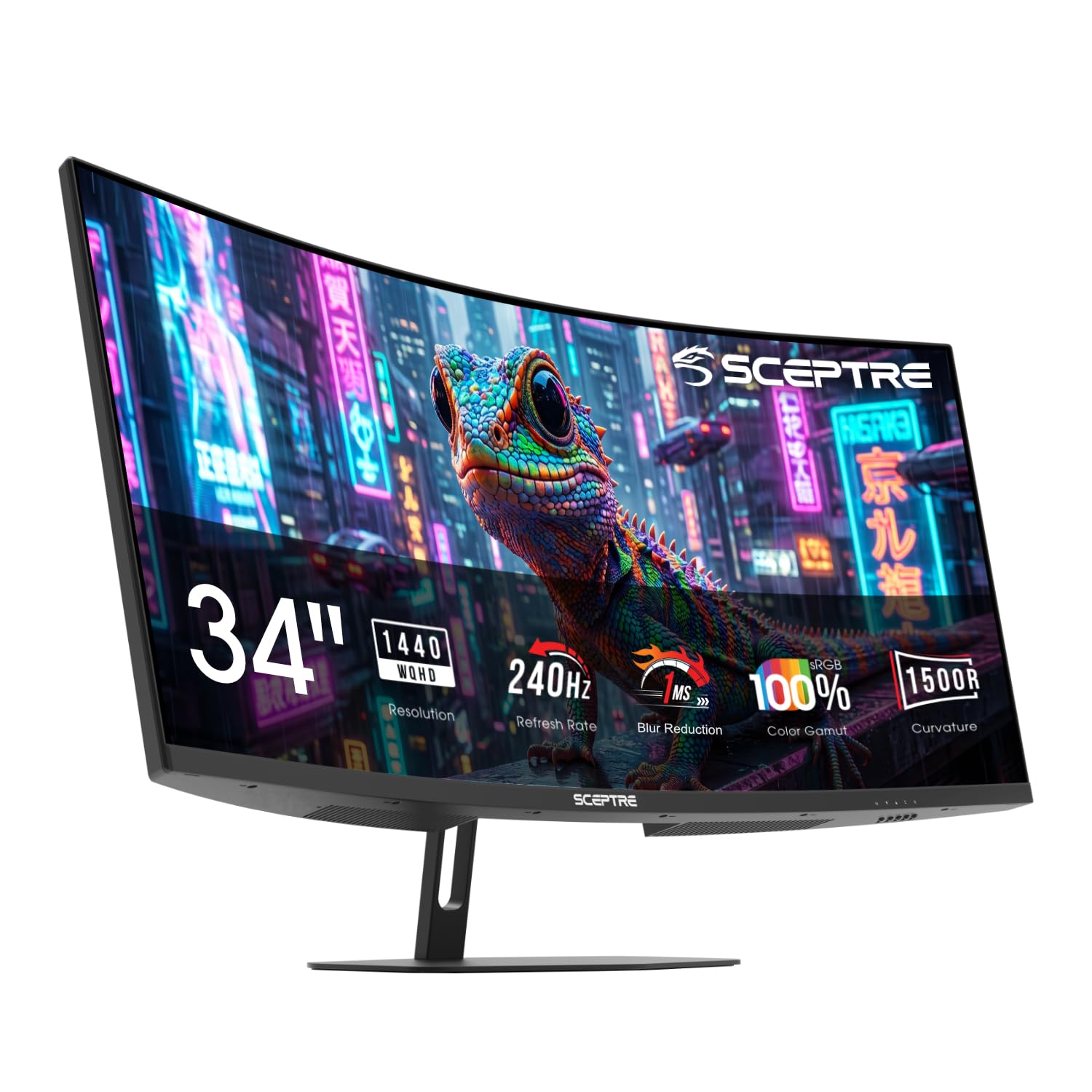
VA (curved 1500R)
Resolution
1440p
Refresh Rate
180 Hz
Adaptive Sync
FreeSync Premium
View on Amazon

The Acer Nitro EDA270U delivers a 27-inch curved 1500R VA panel at 2560x1440 with a 180Hz refresh rate for a price that undercuts most competitors. That combination — curved QHD, high refresh, and a budget tag — is what sets it apart from the ASUS TUF top pick. Image quality is crisp out of the box for the price, with decent HDR support that adds pop to games and media.

This monitor is a natural fit for gamers who want immersive curved 1440p without spending more than $160, especially if they already own or plan to buy a VESA mount. The included stand only offers tilt and can feel wobbly on an uneven desk — a monitor arm solves both height and stability in one move. Colors may look slightly washed out initially, but a quick calibration in the OSD brings them to a pleasing level.

Build quality feels solid for the price tier, and most buyers will have a trouble-free experience. That said, a minority of units may stop functioning after several months of use — a possibility worth factoring in if long-term durability is a top concern. For the price, the gamble is reasonable, but buyers who need absolute reliability should consider the ASUS TUF's larger user base and slightly higher cost.

💡 Mounting the monitor on a VESA arm eliminates the wobble and adds height adjustability — a worthwhile upgrade for daily comfort.

Pros

  • Curved 1440p at 180Hz for under $160
  • Sharp QHD resolution with solid contrast and acceptable HDR for the price.
  • Sturdy enclosure and panel feel well-constructed given the budget pricing.

Cons

  • Colors may appear desaturated until you adjust gamma and contrast in the OSD.
  • Stand wobbles on uneven surfaces and lacks height or swivel adjustment.
  • In rare cases, the monitor may stop working after several months of use.
Our verdict

If your budget stops under $160 and you plan to use a monitor arm, the Acer Nitro EDA270U gives you curved 1440p gaming with solid specs — just budget time for color tuning and accept the possibility of unit variation.

Check Latest Price
6

Premium Brand 1440P

Alienware AW2725DM

91 /100
Lab Score Outstanding

Key details

Panel Type
Fast IPS
Resolution
1440p
Refresh Rate
180 Hz
Adaptive Sync
FreeSync & G-Sync
View on Amazon

The AW2725DM brings Alienware’s build quality and a wide color gamut to the 1440p high-refresh segment, backed by Dell’s three-year advanced exchange warranty that replaces the unit quickly if issues arise. Colors look vivid and accurate out of the box, and the 180Hz refresh handles fast motion smoothly. The higher price compared to the ASUS VG27AQ3A buys that warranty and slightly richer color coverage, but some units may show intermittent black screen flashing — a QC variance to check early. IPS glow is present in dark scenes, as expected from Fast IPS panels. This monitor works well for gamers who prioritize warranty support and color fidelity over the absolute lowest cost, and who can accept the possibility of unit-level quirks.

Pros

  • Wide 95% DCI-P3 color gamut for vibrant, accurate visuals in games and media.
  • Dell’s 3-year advanced exchange warranty offers peace of mind with fast replacement.
  • Solid build quality with a height-adjustable stand for comfortable ergonomics.

Cons

  • IPS glow may be visible in dark room scenes, typical for this panel type.
  • Occasional black screen flashing has been noted in some units
Our verdict

Best for buyers who want Dell’s warranty and color accuracy over the lowest price, and are comfortable with unit variance.

Check Latest Price
7

Budget Ergonomic

Samsung Odyssey G3 G30D

91 /100
Lab Score Outstanding

Key details

Panel Type
VA
Resolution
1080p
Refresh Rate
180 Hz
Adaptive Sync
FreeSync
View on Amazon

The Samsung Odyssey G3 G30D delivers what few budget monitors offer: a fully adjustable stand with height, tilt, swivel, and pivot at an affordable price. Picture quality is crisp for 1080p gaming, and the 180Hz refresh rate keeps fast motion smooth. The trade-off is a glossy screen that picks up reflections in bright or directly lit rooms, and the resolution caps at 1080p – fine for most gaming, but not suited to users who want sharper detail for productivity or 1440p immersion.

💡 Position the monitor away from direct light sources to minimize glare from the glossy panel.

Pros

  • Full ergonomic adjustability (height, tilt, swivel, pivot) at a budget price
  • Good picture quality for 1080p gaming with vibrant colors and crisp detail

Cons

  • Glossy screen can cause noticeable reflections in rooms with windows or direct light behind the viewer
  • Stays at 1080p resolution
Our verdict

Best for gamers who need a fully adjustable stand and are comfortable with 1080p; avoid if you work in bright rooms or want higher resolution.

Check Latest Price
8

Ultra-Budget Office

MSI PRO MP243L

90 /100
Lab Score Outstanding

Key details

Panel Type
IPS
Resolution
1080p
Refresh Rate
144 Hz
Adaptive Sync
FreeSync
View on Amazon

Under $100, this 144Hz IPS monitor delivers clear visuals and solid construction for daily use. The lack of DisplayPort means gamers with older GPUs may not achieve 144Hz over HDMI; VGA is limited to 60Hz. The stand is tilt-only, though VESA mounting provides an alternative.

For those seeking a 1080p secondary screen or a budget-friendly gaming option with compatible hardware, this is a capable choice. Its 1080p resolution and missing DisplayPort keep it from being a primary high-end gaming monitor.

Pros

  • Cost-effective for a 144Hz IPS panel under $100.
  • Crisp text and vibrant colors for everyday use.
  • Solid build quality suits repeated purchases for office setups.

Cons

  • Only HDMI and VGA inputs -- no DisplayPort, which may restrict high refresh rates on some GPUs.
  • Stand offers tilt only, no height or rotation adjustment.
Our verdict

Best suited as a secondary office monitor or for budget gaming setups where HDMI can deliver 144Hz -- verify GPU compatibility before purchase.

Check Latest Price
9

240Hz Curve

SANSUI ES-G27C1 PRO

91 /100
Lab Score Outstanding

Key details

Panel Type
VA (curved 1500R)
Resolution
1080p
Refresh Rate
240 Hz
Adaptive Sync
FreeSync
View on Amazon

This budget-friendly curved 240Hz VA monitor delivers smooth motion and decent 1080p image quality for the price, making it tempting for competitive gaming on a tight budget. The 1500R curve adds immersion, and setup is plug-and-play. However, long-term durability varies between units – some develop display issues within months, so this is best approached as a short-term or secondary monitor rather than a daily driver. Out-of-box color accuracy may need a quick calibration for those who want neutral tones.

💡 Plan to spend a few minutes adjusting color settings after unboxing if neutral tones matter.

Pros

  • Strong value for the specs
  • Smooth 240Hz motion with crisp 1080p detail for fast-paced games.
  • Simple plug-and-play setup out of the box.

Cons

  • Long-term durability may vary; some units develop issues within months.
  • Out-of-box colors may need adjustment for accurate tones.
Our verdict

Works best as a budget entry into high-refresh curved gaming for those willing to accept a shorter lifespan, or as a temporary secondary monitor.

Check Latest Price

How to Choose

Resolution: 1080p vs 1440p

1080p remains the go-to for competitive gaming where high fps matters more than pixel density. It pairs well with budget GPUs and keeps refresh rates butter-smooth. The trade-off is noticeably softer text and less detail in open-world titles.

1440p offers a sharp jump in image quality without the heavy GPU toll of 4K. It is the sweet spot for most gamers who want clarity and speed, but expect to run newer games at medium-high settings to maintain 100+ fps.

Refresh Rate: 144Hz to 300Hz

Refresh rate determines how many frames per second the screen can display. 144Hz is smooth for most genres; 240Hz and above give a tangible edge in fast-paced shooters where split-second reactions matter. The law of diminishing returns kicks in above 240Hz for all but esports pros.

Higher refresh rates also require a capable GPU. Pairing a 300Hz monitor with a mid-range card wastes the potential. Match the refresh rate to your typical in-game fps for the best experience.

Panel Type: IPS vs VA

IPS panels offer wide viewing angles and consistent color accuracy, making them great for mixed use (gaming plus productivity). The downside is IPS glow in dark scenes and lower contrast compared to VA.

VA panels deliver deeper blacks and higher contrast ratios, ideal for cinematic single-player games. However, they suffer from slower response times and visible ghosting in fast motion. For competitive shooters, IPS is typically preferred; for immersive RPGs, VA wins.

Adaptive Sync: FreeSync vs G-Sync

Adaptive sync eliminates screen tearing by matching the monitor's refresh rate to the GPU's frame output. FreeSync works with AMD GPUs and many modern NVIDIA cards via HDMI/DP. G-Sync is NVIDIA's proprietary tech, often adding cost.

The practical difference is minimal for most users. Both deliver smooth gameplay. The key is ensuring your GPU supports the monitor's adaptive sync standard. Most monitors labeled 'G-Sync Compatible' work with both.

Ergonomics: Stand Adjustment

A stand with height, tilt, and swivel adjustment saves neck strain during long sessions. Many budget monitors offer only tilt, forcing you to prop the screen or buy a separate VESA arm.

If you plan to use the included stand, prioritize models with full adjustability. For those mounting on an arm, stand limitations become irrelevant. A VESA mount is a common fix for tilt-only monitors.

Frequently Asked Questions