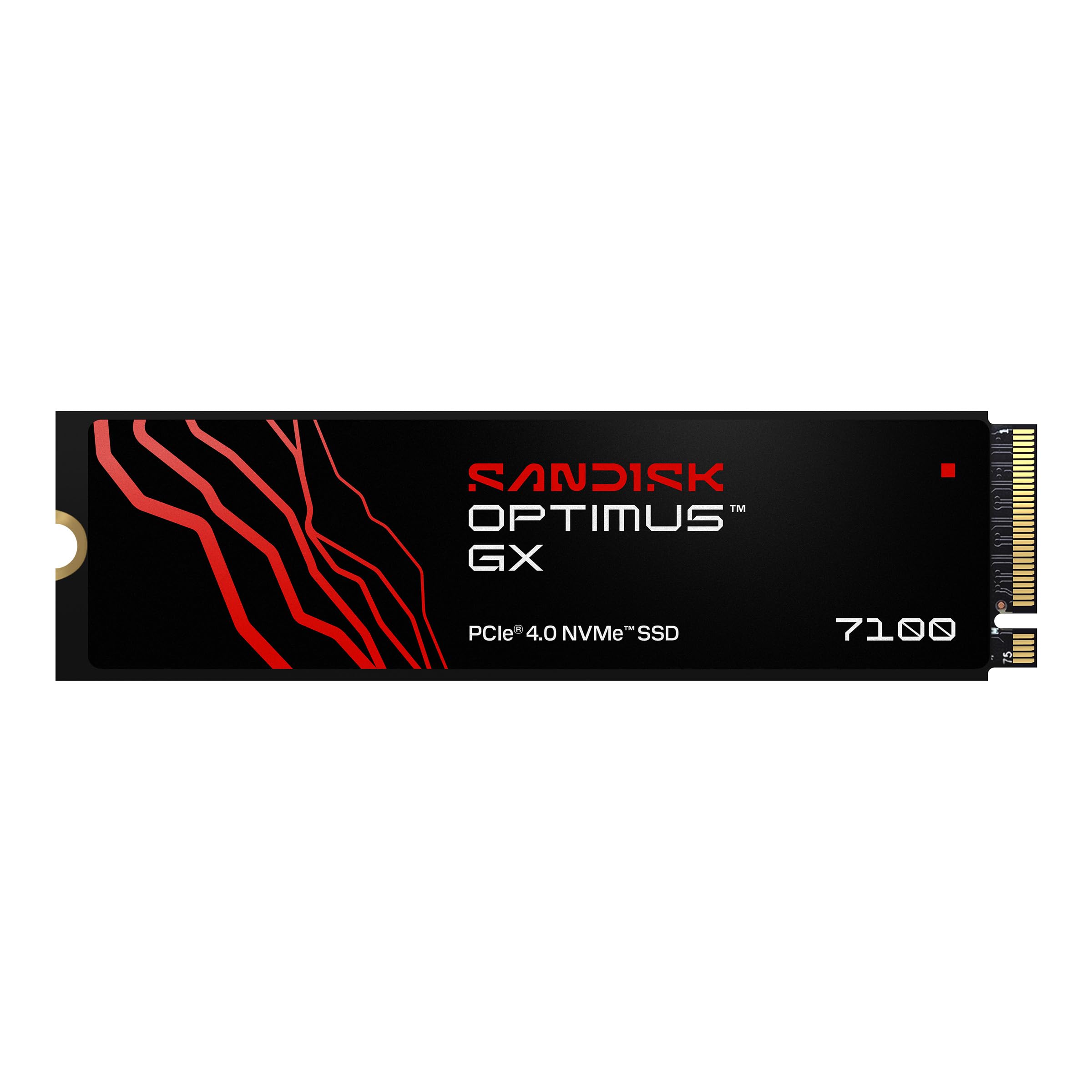
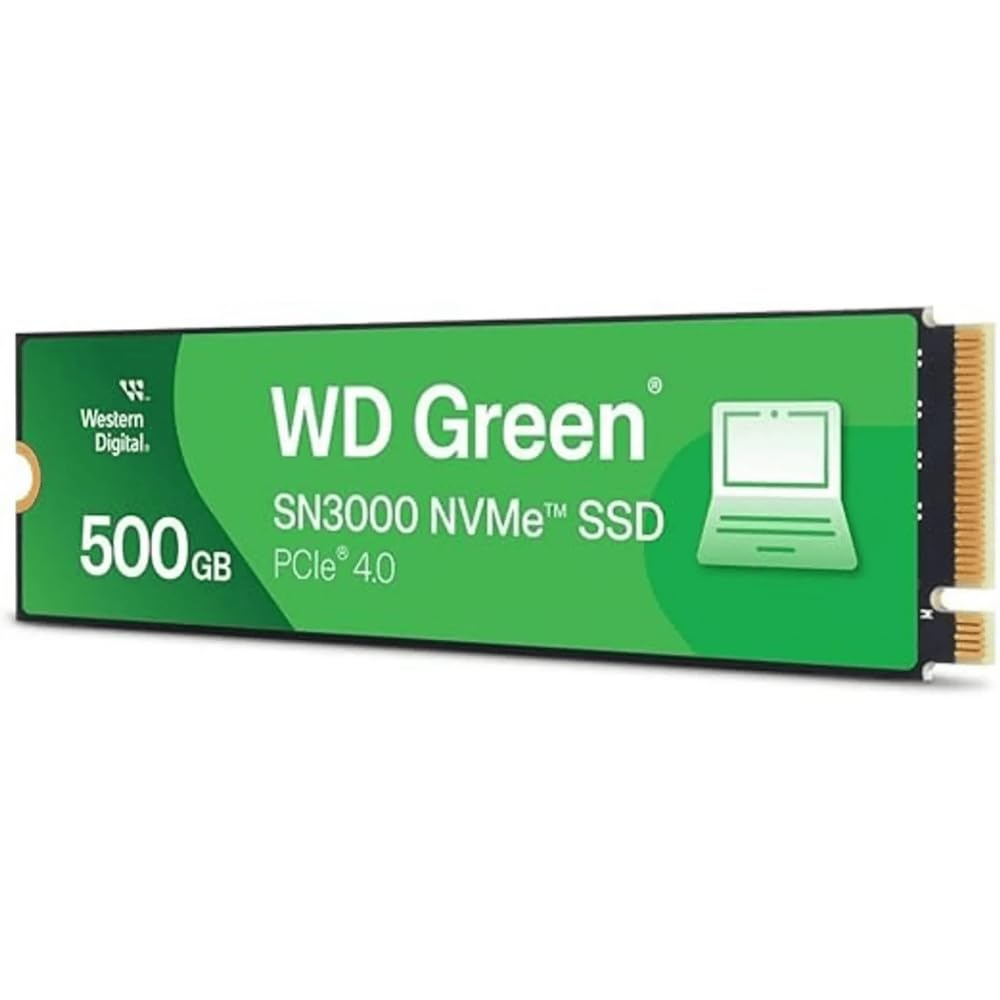
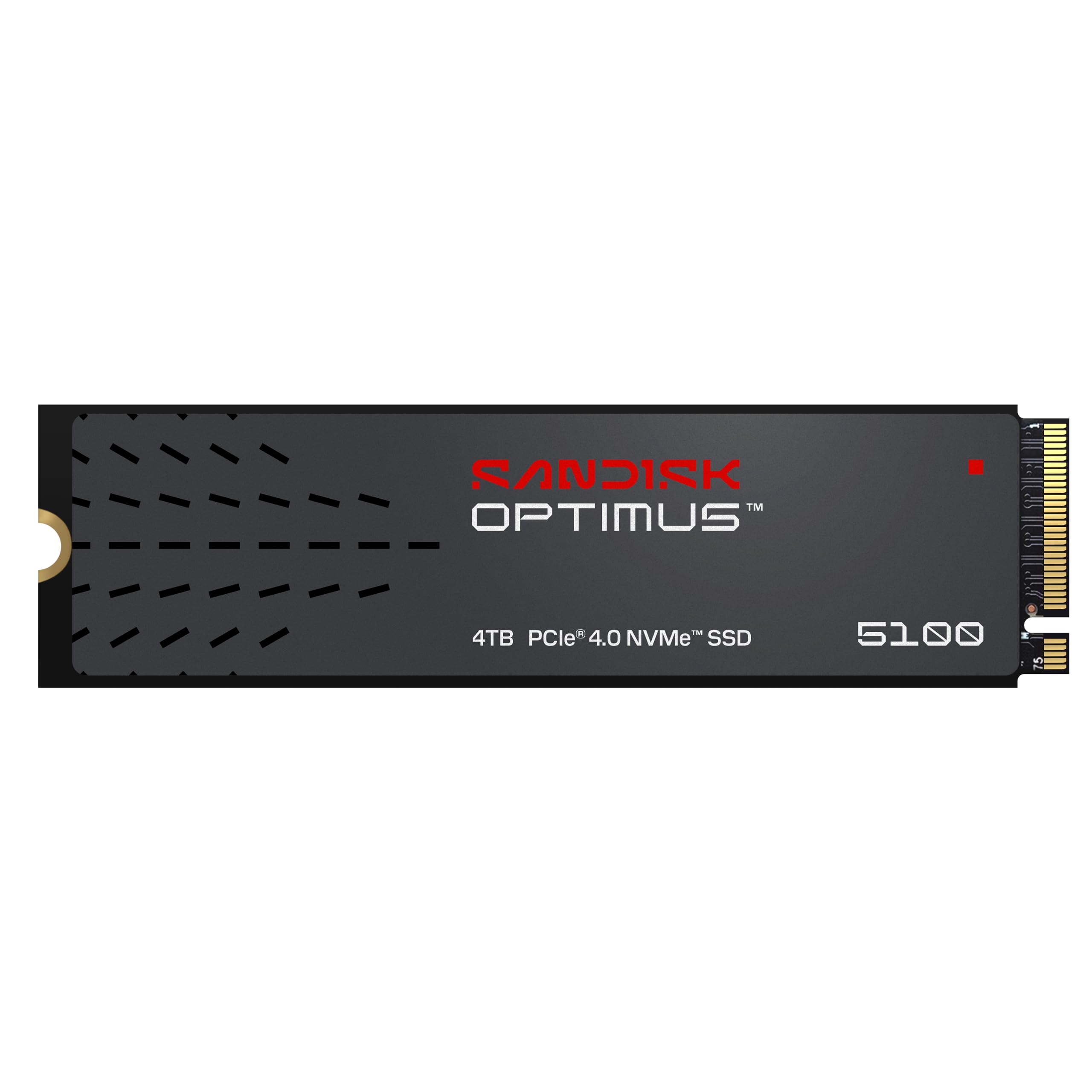
10 Best NVMe SSD of 2026: Gen4 Speed Without the Gen5 Price Tag

Which NVMe SSDs deliver real-world gaming speed without the Gen5 premium? Guide for gamers building or upgrading a PC.

Gamers see Gen5 SSD ads promising blistering speeds, but few realize Gen4 already handles modern game loads without the extra cost and heat. The real bottleneck is often the motherboard slot and cooling.

This guide focuses on Gen4 drives that actually improve load times in your current setup. We cut through the spec sheet noise to find the ones that balance performance, price, and reliability for gaming and everyday use.

The result? You get a drive that matches your system — not a marketing number you'll never feel.

1

Best Overall

Crucial P310 1TB Gen4

96 /100
Lab Score Outstanding

Key details

Cooling
Good thermal mgmt
Capacity
1 TB
PCIe Gen
PCIe 4.0
Warranty
5-year
View on Amazon

The Crucial P310 delivers sequential read speeds of 7,100 MB/s and writes of 6,000 MB/s — specifications that result in noticeably faster game loads and system boots compared to Gen3 or SATA drives. For the price, this level of Gen4 performance competes with drives costing significantly more, making it a sharp value proposition.

In gaming sessions, the drive handles level transitions and asset streaming without stutter. Its thermal efficiency keeps temperatures around 70°C under sustained loads in a typical desktop case, so throttling is uncommon. The M.2 2280 form factor and PCIe 4.0 interface ensure compatibility across a wide range of motherboards, laptops, and handheld consoles like the Steam Deck and ROG Ally. Installation is a straightforward plug-and-play affair — no special drivers or heatsink required in most setups.

This SSD suits gamers, general PC users upgrading from older storage, and handheld owners who want more capacity without sacrificing speed. It uses a host memory buffer instead of a dedicated DRAM cache. For typical gaming and boot drive duties, this difference is imperceptible, but sustained write tasks — such as copying large video files or running extended renders — may see a drop in performance. The drive also lacks the top sequential write speeds of premium Gen4 models like the Samsung 990 Pro. For the vast majority of buyers, these are niche concerns. The 5-year limited warranty adds peace of mind for long-term ownership.

Pros

  • Fast sequential reads and writes reduce load times in games and applications.
  • Strong value for the price, matching costlier drives in everyday performance.
  • Simple installation across desktops, laptops, and handheld consoles.
  • Runs cool under gaming loads, minimizing thermal throttling.

Cons

  • Lacks dedicated DRAM cache; sustained writes may slow during large file transfers or heavy rendering.
  • Not the fastest Gen4 drive; users after maximum write speeds should consider the Samsung 990 Pro.
Our verdict

The P310 delivers the speed most buyers need at a price that undercuts premium competitors.

Check Latest Price
2

Best Premium Gen4

Samsung 990 Pro 1TB Gen4

96 /100
Lab Score Outstanding

Key details

Cooling
Capacity
1 TB
PCIe Gen
PCIe 4.0
Warranty
5-year
View on Amazon

Sequential reads hit 7,450 MB/s and writes reach 6,900 MB/s, placing this drive at the top of Gen4 performance. The onboard DRAM cache maintains consistent speeds during large file transfers, making it a strong match for moving 4K/8K video footage or compiling code.

This drive suits enthusiasts and professionals who regularly work with multi-gigabyte files and need every megabyte per second available. The higher price compared to similarly fast rivals like the WD Black SN850X means typical gamers will see better value in the top pick, which offers nearly identical real-world game loading times at a lower cost.

Pros

  • Peak Gen4 sequential speeds for large-file workloads
  • Outpaces most competing Gen4 drives in heavy multitasking
  • Five-year warranty and Samsung Magician software for monitoring

Cons

  • Costs more than other Gen4 drives with comparable sequential speeds
Our verdict

If your work involves sustained high-throughput transfers, the 990 Pro justifies its premium. For gaming, the top pick delivers nearly the same experience at a lower price.

Check Latest Price
3

Best for PS5 & Handhelds

WD Black SN7100 1TB Gen4

96 /100
Lab Score Outstanding

Key details

Cooling
Runs cool w/o heatsink
Capacity
1 TB
PCIe Gen
PCIe 4.0
Warranty
3-year
View on Amazon

The SN7100 delivers Gen4 speeds up to 7,250 MB/s reads while maintaining lower operating temperatures than competing drives, even without a dedicated heatsink. This thermal efficiency sets it apart from the SN850X, which tends to run hotter under sustained loads.

This drive suits gamers expanding a PS5 or upgrading a thin laptop where airflow is limited. The lack of DRAM cache (HMB) is less of a concern in these scenarios because game loading and general use don't involve sustained large-file writes. However, some units have exhibited early failure, so keeping backups is wise if the drive will hold critical data.

In systems with poor ventilation, the drive may still benefit from a small heatsink during extended file transfers. For a desktop build where heat isn't a constraint, the SN850X offers higher sustained write performance, but the SN7100's cool operation makes it the better pick for tight spaces.

💡 Adding a small heatsink helps during extended file transfers, though many users find it unnecessary for typical gaming loads.

Pros

  • Fast Gen4 read and write speeds for quick game loading and file transfers
  • Runs cool without a heatsink in many setups, ideal for confined spaces
  • Easy installation and broad compatibility with consoles and laptops
  • Competitive price for a mid-range Gen4 drive

Cons

  • Under sustained loads, temperatures can rise enough to benefit from a heatsink
  • Some units may experience early failure within months of use
Our verdict

A cool-running Gen4 drive that suits PS5 and laptop upgrades well, though the occasional early failure means it's not the safest bet for irreplaceable data without a backup plan.

Check Latest Price
4

Best for Creatives

Crucial T500 1TB Gen4

96 /100
Lab Score Outstanding

Key details

Cooling
Runs cool w/o heatsink
Capacity
1 TB
PCIe Gen
PCIe 4.0
Warranty
5-year
View on Amazon

The Crucial T500 delivers sequential reads up to 7,300 MB/s and writes up to 6,800 MB/s, shortening game loads and project open times. The included one-month Adobe Creative Cloud subscription adds real value for editors and designers, making the overall package more than just a fast SSD.

The drive runs cool even without a heatsink, suitable for tight builds and PS5 expansion. The bundled Acronis cloning software eases migration from an older drive.

This drive is best for content creators who will use the Adobe CC month and for gamers wanting quick loading. Because it relies on Host Memory Buffer (HMB) rather than a dedicated DRAM cache, sustained write speeds can dip after the SLC cache fills during long video exports. For bursty workloads and everyday use, performance remains consistent.

💡 For long rendering sessions, allowing short breaks between exports helps the drive's SLC cache recover and maintain write speeds.

Pros

  • Sequential reads up to 7,300 MB/s reduce load times in games and creative apps.
  • Includes Acronis cloning software and a month of Adobe CC
  • Runs cool under load, no heatsink required for most builds.
  • 5-year limited warranty provides long-term coverage.

Cons

  • Priced higher than some competing Gen4 drives, especially for buyers who won't use the Adobe bundle.
  • On certain motherboards, the drive may not be detected without a BIOS update
Our verdict

A strong Gen4 performer that makes the most sense for creative professionals who can leverage the software bundle, though it's less compelling for pure gaming builds on a tight budget.

Check Latest Price
5

Best High-Capacity

WD Black SN850X 2TB Gen4

96 /100
Lab Score Outstanding

Key details

Cooling
Capacity
2 TB
PCIe Gen
PCIe 4.0
Warranty
5-year
View on Amazon

The SN850X delivers sequential read speeds up to 7,300 MB/s, placing it among the faster Gen4 drives for loading games and large project files. Its Game Mode 2.0 software can prioritize gaming workloads to reduce latency. Compared to the top pick, this drive offers a larger capacity and dedicated gaming features at a higher cost.

This drive suits gamers and content creators who need 2TB of fast storage and want the extra software features. It is compatible with PS5 and standard M.2 slots, making installation straightforward. That said, some drives can fail after firmware updates or within months of use, so maintaining regular backups is recommended for anyone who cannot tolerate data loss.

The drive runs at 6,300 MB/s write speeds, which keeps file transfers quick. For heavy workloads, performance stays consistent during sustained reads, though write speeds may drop after extended transfers — typical for most NVMe SSDs without active cooling.

Pros

  • Fast, consistent performance for gaming and large files
  • Large 2TB capacity with good value per gigabyte
  • Easy installation and broad compatibility (PC, PS5)

Cons

  • Premium price for the 2TB capacity
  • Some drives may fail after firmware updates or within months of use
Our verdict

The SN850X offers fast, high-capacity Gen4 storage with gaming extras, but reliability concerns make it a fit only for users who keep backups and accept the risk.

Check Latest Price
6

Budget Storage

Kingston NV3 1TB Gen4

95 /100
Lab Score Outstanding

Key details

Cooling
Capacity
1 TB
PCIe Gen
PCIe 4.0
Warranty
3-year
View on Amazon

For its entry-level price, the Kingston NV3 delivers Gen4 read speeds that match many costlier drives, making it an appealing choice for expanding game libraries or storing media files on a budget. However, its write speed (4,000 MB/s) falls behind competitors, affecting large file transfers, and some units have shown stability issues, which means this drive is best suited as secondary storage rather than a primary OS or critical data drive.

Pros

  • Exceptional value: Gen4 read speeds at an entry-level price.
  • Plug-and-play installation with dependable everyday performance for secondary storage.
  • Thermally efficient

Cons

  • Write speeds (4,000 MB/s) are lower than many Gen4 competitors, noticeable when transferring large files.
  • Durability concerns: some units may develop issues after a short period, making this a risky choice for primary storage.
Our verdict

Best suited as a secondary game or media drive where speed matters less than cost, and where a potential unit issue won't compromise important data.

Check Latest Price
7

Everyday Gaming

Samsung 990 EVO Plus 1TB Gen4/5

96 /100
Lab Score Outstanding

Key details

Cooling
Capacity
1 TB
PCIe Gen
PCIe 4.0/5.0
Warranty
5-year
View on Amazon

The Samsung 990 EVO Plus delivers strong Gen4 read and write speeds that handle gaming and daily computing without issue, while its support for PCIe 5.0 x2 means it can slot into newer systems down the road. That future-proofing comes at the cost of a DRAM-less design (using HMB instead), which can lead to slower sustained writes compared to drives like the 990 Pro. More importantly, some users have reported early failures or data corruption, so this drive is best treated as a capable secondary storage option rather than a primary drive for irreplaceable files.

💡 A heatsink is recommended if you plan sustained heavy writes, especially in tight cases.

Pros

  • Fast enough for games and general tasks at a mid-range price
  • Simple installation and good heat management during normal use
  • Supports both PCIe 4.0 x4 and 5.0 x2, offering compatibility with upcoming systems

Cons

  • Under sustained write loads the drive may run warm; a heatsink helps in compact builds
  • Occasional early failure or data corruption reports make regular backups advisable for important data
Our verdict

This drive fits budget-conscious builders who want Gen4 performance and future Gen5 compatibility, provided they maintain regular backups for critical files.

Check Latest Price
8

PS5 Alternative

Acer Predator GM7 1TB Gen4

93 /100
Lab Score Outstanding

Key details

Cooling
Capacity
1 TB
PCIe Gen
PCIe 4.0
Warranty
5-year
View on Amazon

The Acer Predator GM7 delivers among the fastest sequential reads and writes you will find on a Gen4 SSD at this price point. Its 7,400 MB/s read speed matches top-tier drives from Samsung and WD, while costing noticeably less. However, because this model entered the market recently, there is limited data on how it holds up under years of heavy writes — a consideration for anyone planning to use it as a constant-rewrite OS or workstation drive. For lighter workloads like game storage or PS5 expansion, where write cycles are lower, the risk is smaller, and the value proposition becomes more compelling.

Pros

  • Read and write speeds rival premium Gen4 drives at a lower cost.
  • Simple M.2 installation with broad compatibility, including PS5 expansion.

Cons

  • Under sustained heavy write workloads (e.g., daily video editing) long-term endurance is not yet verified across a wide user base.
  • For buyers who plan to keep the drive for five-plus years, the brand's shorter NAND track record may give pause compared to Samsung or WD.
Our verdict

This drive suits gamers and PS5 owners who want Gen4 speeds without paying premium prices, but for sustained heavy write workloads, a more established drive may be a safer choice.

Check Latest Price
9

Gen5 Early Adopter

Lexar NM1090 PRO 1TB Gen5

85 /100
Lab Score Excellent

Key details

Cooling
Capacity
1 TB
PCIe Gen
PCIe 5.0
Warranty
5-year
View on Amazon

This drive hits Gen5 sequential speeds of 14,000 MB/s read and 10,000 MB/s write, putting it in the same performance bracket as premium Gen5 SSDs for roughly the cost of a high-end Gen4 drive. A DRAM cache helps maintain steady write throughput during large transfers. However, early production units have shown occasional data corruption, and the overall track record is too short to confirm durability under sustained heavy workloads. These factors make the NM1090 PRO best suited as secondary or scratch storage where speed matters more than long-term dependability, not as a primary OS or project drive.

Pros

  • Gen5 speeds (14,000 MB/s read, 10,000 MB/s write) at a price near high-end Gen4 drives
  • DRAM cache boosts sustained write performance for large file transfers

Cons

  • Data corruption has been noted on some units
Our verdict

If you are an early adopter on a budget who wants to experiment with Gen5 speeds in a secondary slot, the NM1090 PRO is the cheapest entry point — just keep backups for anything you cannot afford to lose.

Check Latest Price
10

Bulk Storage

WD Blue SN5000 4TB Gen4

94 /100
Lab Score Outstanding

Key details

Cooling
Capacity
4 TB
PCIe Gen
PCIe 4.0
Warranty
5-year
View on Amazon

The 4TB SN5000 offers Gen4 storage at a competitive per-gigabyte price for game libraries and media archives. Its speeds (5,500/5,000 MB/s) are adequate for bulk use, but it trails gaming-focused drives like the SN850X. It may run warm during sustained writes, so a heatsink is advisable, and some motherboards have detection quirks. This drive fits best as a secondary storage option where capacity trumps speed.

Pros

  • Massive 4TB capacity at a reasonable per-GB cost
  • Solid read/write speeds for bulk storage and archives

Cons

  • Slower than gaming-focused Gen4 drives like SN850X
  • May run warm under sustained use; a heatsink is recommended
Our verdict

Best for buyers who prioritize capacity over speed — a capable secondary drive for media, games, and archives if your motherboard supports it and you add cooling.

Check Latest Price

How to Choose

Sequential Read/Write Speeds

Higher sequential speeds shorten large file transfers, but most games rely on random reads where Gen4 drives already exceed console load times. A 7,000 MB/s read drive loads games identically to a 14,000 MB/s one in practice.

Focus on sustained write speeds if you frequently move large video files; otherwise, any modern Gen4 drive is faster than your system can fully utilize.

PCIe Generation

Gen4 is the sweet spot for current builds. Gen5 doubles bandwidth but requires a Gen5 motherboard slot and active cooling to avoid throttling. Most gamers see zero benefit in launch times or frame rates.

A Gen4 drive works in a Gen3 slot at Gen3 speeds, so there's no upgrade penalty if you later move to a newer motherboard.

Capacity

1TB is the practical minimum for a gaming PC with a few AAA titles. 2TB eliminates juggling installs, while 4TB suits media libraries but costs more per gigabyte.

SSDs slow down when nearly full, so leave at least 10-20% free space to maintain peak performance.

Warranty Length

Most drives offer 3-5 years. A longer warranty signals manufacturer confidence, but doesn't guarantee failure-free life. Drives fail regardless of warranty; backups are non-negotiable.

Pay attention to TBW (Total Bytes Written) ratings — a 600 TBW rated drive can handle heavy writes for years, while budget drives with 150 TBW may wear out faster under constant video editing.

DRAM Cache

DRAM cache improves sustained write performance and random access, especially under heavy multitasking. Drives without DRAM use Host Memory Buffer (HMB), which leverages system RAM and works well for most gamers.

For content creators moving large files back-to-back, a DRAM-equipped drive like the Samsung 990 Pro maintains speeds better than HMB alternatives.

Cooling Requirements

High-speed Gen4 and Gen5 drives generate substantial heat. Sustained loads above 70°C trigger thermal throttling, cutting speeds. A motherboard heatsink or aftermarket cooler is strongly recommended, especially in laptops and small-form-factor builds.

Some drives like the WD Black SN7100 run cool enough to skip an extra heatsink, but check your case airflow before assuming.

Frequently Asked Questions