6 Best OLED Gaming Monitors of 2026: Real HDMI 2.1, Not Just Hype

Which OLED gaming monitors deliver true HDMI 2.1 for PS5/Xbox and real HDR brightness, not just marketing exaggeration.

Too many OLED gaming monitors arrive with spec sheets boasting HDMI 2.1 and 1,000-nit highlights, only for console players to find their PS5 locked at 60Hz or SDR content that looks dim and washed out. The result is buyer's remorse from spec exaggeration that the box never admits.

Even among monitors that get the connectivity and brightness right, a quiet split emerges: some prioritize rock-stable variable refresh with dedicated anti-flicker hardware, while others push peak HDR impact and full-bandwidth HDMI for a future-proof console experience. The right choice depends on whether you’re more bothered by VRR flicker or by a display that can’t keep up with your Xbox’s 120Hz output.

Our picks cut through those traps, focusing on 27-inch 1440p sweet spots, 4K flagships, and an ultrawide that doubles as a smart TV — all with the HDMI 2.1 and brightness you actually get, not the version the marketing team invented.

1

Best Overall

LG UltraGear 27GX704A-B

89 /100
Lab Score Excellent

Key details

HDMI Version
HDMI 2.1
Refresh Rate
240Hz
Adaptive Sync
G-Sync Compatible, FreeSync Premium Pro
HDR Brightness
275/1300 nits, True Black 400
View on Amazon

The LG 27GX704A-B's WOLED panel reaches a 1300-nit peak in HDR, a figure that outclasses the 400-600 nit ceiling common in other 27-inch OLEDs. That luminance drive gives specular highlights genuine intensity, while the per-pixel black levels and glossy finish preserve deep contrast and an image that feels sharp and immersive even outside pure HDR content.

Motion handling is equally precise. A 240Hz refresh rate and a 0.03ms response time eliminate ghosting, and official G-Sync Compatible certification guarantees tear-free variable refresh on Nvidia GPUs. FreeSync Premium Pro extends that stability to AMD systems, so frame pacing stays smooth regardless of brand.

Two HDMI 2.1 ports supply current-gen consoles with 1440p at 120Hz without chroma subsampling, while DisplayPort 1.4 handles the PC side. A built-in USB hub consolidates peripherals, and the VESA DisplayHDR True Black 400 stamp adds consistency to HDR tone mapping right out of the box.

This monitor targets competitive 1440p PC players and console gamers who favor HDR impact and motion clarity above all. VRR flicker can surface in dark game scenes with fluctuating frame rates — it's an OLED characteristic that some players find distracting, so those with high sensitivity should consider the ASUS model with hardware anti-flicker (also reviewed in this guide). The glossy screen rejects ambient light poorly, making a light-controlled space the right environment for its strengths.

Pros

  • Stunning color accuracy and deep OLED blacks heightened by the glossy coating
  • Vivid HDR with up to 1300 nits peak brightness for intense highlights
  • Smooth 240Hz refresh rate with official G-Sync Compatible and FreeSync Premium Pro support
  • Full HDMI 2.1 ports enable 1440p 120Hz gaming on current-gen consoles without compromise
  • Excellent value for a 1440p 240Hz OLED with complete connectivity

Cons

No notable drawbacks to flag.

Our verdict

This is the 27-inch OLED to get if you want peak HDR brightness and full HDMI 2.1 without paying a premium for anti-flicker hardware you may not need.

Check Latest Price
2

Best Anti-Flicker Glossy

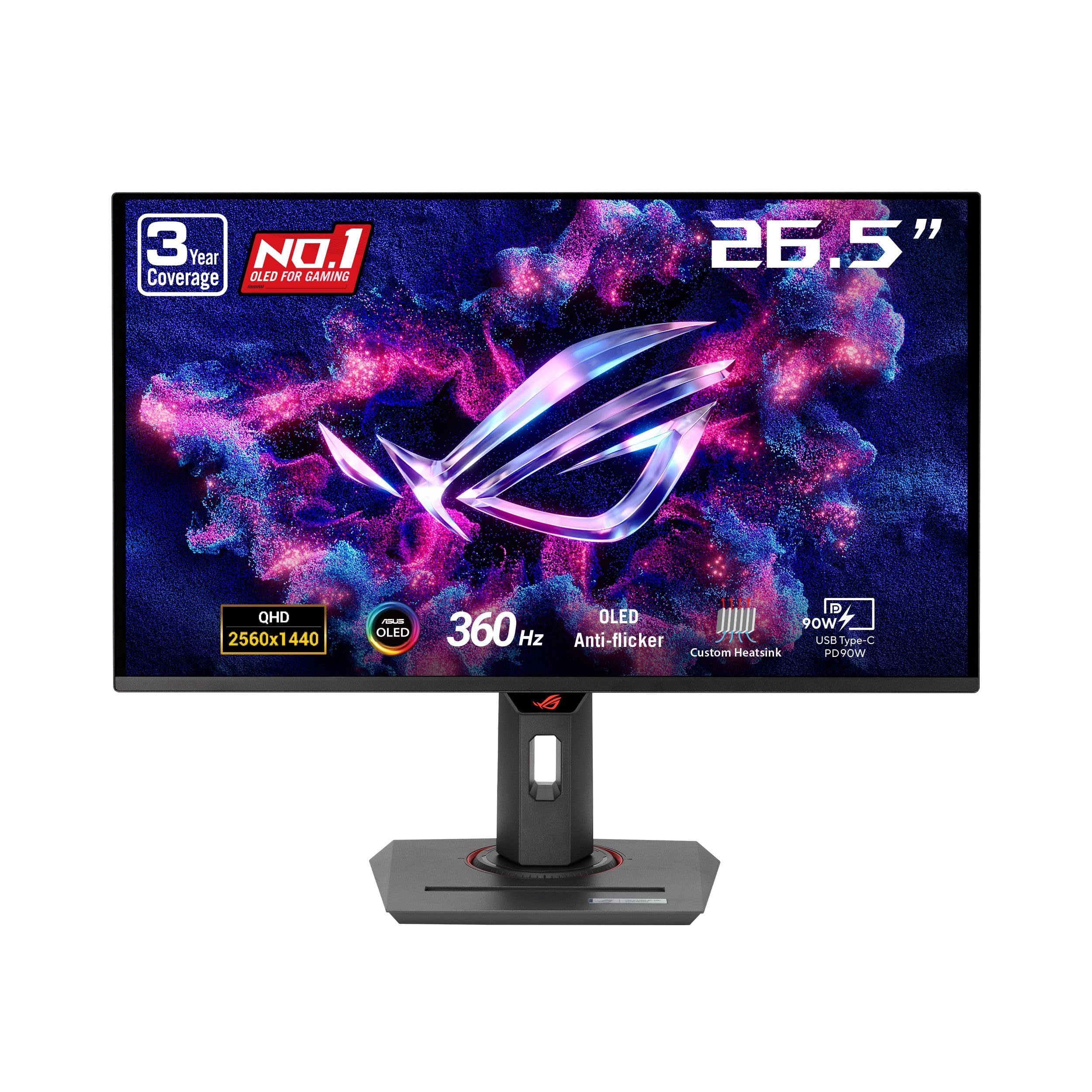
ASUS ROG Strix XG27AQDMG

88 /100
Lab Score Excellent

Key details

HDMI Version
HDMI 2.0
Refresh Rate
240Hz
Adaptive Sync
G-Sync Compatible, FreeSync Premium
HDR Brightness
View on Amazon

Where the top pick in this set maximizes peak HDR brightness and console-ready HDMI 2.1, the ASUS XG27AQDMG zeroes in on eliminating VRR flicker with dedicated ROG Anti-flicker hardware. The glossy WOLED coating heightens perceived contrast and sharpness, making dark game environments feel deeper and more dimensional. At 240Hz with a 0.03ms gray-to-gray response, motion remains crisp and ghost-free.

Hardware anti-flicker noticeably reduces the distracting luminance pulses that often accompany frame-rate fluctuations in other OLEDs. Combined with the panel's inky blacks and vivid color, the result is a display that holds together visually during fast panning and hectic combat. The 3-year warranty, including burn-in coverage, adds a layer of long-term confidence.

Flicker-sensitive competitive gamers who prefer glossy visuals and can trade peak HDR brightness for fluid VRR will find the XG27AQDMG's motion clarity a genuine edge. The glossy finish demands controlled lighting but rewards with exceptional contrast. A thorough out-of-box inspection helps catch the rare unit that arrives with problems.

💡 To minimize brightness fluctuations in HDR, use lower peak brightness settings and play in a dimly lit room.

Pros

  • Glossy WOLED panel delivers deep blacks and vivid colors that heighten depth in dark game scenes.
  • Dedicated hardware anti-flicker reduces distracting luminance shimmer during frame-rate changes.
  • 3-year warranty covers burn-in, adding long-term confidence for OLED gaming.
  • 240Hz refresh with 0.03ms response eliminates motion blur for competitive play.

Cons

  • Automatic brightness limiter can aggressively dim during bright HDR scenes, flattening highlight detail.
  • Occasional units may exhibit early failure with dead pixels or blackouts, requiring a return.
Our verdict

If VRR flicker is your primary annoyance, the XG27AQDMG's hardware anti-flicker offers a noticeably cleaner motion experience. Budget time for a thorough out-of-box check.

Check Latest Price
3

Best Budget OLED

Samsung Odyssey OLED G5 27"

86 /100
Lab Score Excellent

Key details

HDMI Version
HDMI 2.0
Refresh Rate
180Hz (DP)
Adaptive Sync
G-Sync Compatible, FreeSync
HDR Brightness
280 cd/m²
View on Amazon

The QD-OLED panel delivers the signature infinite contrast and wide color gamut that make games feel immersive — true blacks and vivid highlights without halo. A 0.03ms response time eliminates smearing, and the 180Hz refresh over DisplayPort keeps motion clean for fast-paced shooters. It strips away premium frills like high peak brightness and HDMI 2.1 to focus on core image quality and speed at a budget-friendly entry point.

Unlike the top pick’s 1300-nit WOLED and console-ready HDMI 2.1, this Samsung concentrates value into the DisplayPort experience. The glossy finish enhances perceived contrast, but the trade-off is that brightness tops out at a modest 280 cd/m² typical, which makes it less capable of punching through ambient light. For PC gamers building a desk setup in a dimmer room, that’s a fair exchange for a much lower price.

This monitor is for budget-conscious PC players who connect via DisplayPort and prioritize motion clarity over HDR fireworks. It fits competitive 1440p gaming where rapid pixel response matters more than extreme luminance. The HDMI 2.0 port caps refresh at 144Hz and cannot support 4K/120Hz, so console gamers who want full bandwidth should look elsewhere. Likewise, anyone working or playing in a sunny space will find the SDR brightness insufficient.

💡 Connect over DisplayPort and keep ambient lighting moderate; the panel’s deep contrast and full 180Hz shine when reflections and bright windows aren’t fighting it.

Pros

  • QD-OLED picture quality with deep blacks and vibrant colors makes game worlds pop.
  • Outstanding value
  • 180Hz over DisplayPort and 0.03ms response time deliver fluid, blur-free motion.
  • G-Sync Compatible and FreeSync support eliminate tearing across GPU brands.

Cons

  • SDR brightness can feel underwhelming in well-lit rooms; best enjoyed in dimmer environments.
  • HDMI 2.0 port limits consoles and HDMI-only PCs to 144Hz, leaving the full 180Hz only via DisplayPort.
Our verdict

For a DisplayPort-equipped PC in a controlled-light room, this is the most sensible doorway to OLED gaming — sacrificing HDMI 2.1 bandwidth and peak brightness for a price that’s hard to ignore.

Check Latest Price
4

Best 4K 240Hz Flagship

ASUS ROG PG32UCDM 32"

92 /100
Lab Score Outstanding

Key details

HDMI Version
HDMI 2.1
Refresh Rate
240Hz
Adaptive Sync
G-Sync Compatible
HDR Brightness
True Black 400
View on Amazon

The ASUS ROG PG32UCDM stakes its ground on no-compromise 4K gaming with a Quantum Dot OLED panel that hits 240Hz — a leap beyond 1440p competitors that prioritize VRR smoothness. The 32-inch screen pairs true 10-bit color depth and 99% DCI-P3 coverage with a custom heatsink, delivering HDR visuals without the aggressive brightness clamping found on some WOLED designs. Unlike the glossy anti-flicker monitor in this set, the PG32UCDM offers a matte finish and a full USB-C 90W hub, making it a true desktop command center for both gaming rigs and high-end laptops.

In sustained play, the 0.03ms response time and G-SYNC Compatible engine produce buttery motion clarity for esports titles and sprawling open-world games alike. The uniform brightness setting keeps luminance stable across the desktop, avoiding the dimming surprises that can plague OLEDs during long productivity stints. Where the experience tightens is during heavy frame rate fluctuations in darker scenes — the VRR flicker inherent to current QD-OLED panels can be noticeable, though it recedes once frame pacing stabilizes.

This monitor targets the PC enthusiast with an RTX 4090 or similar flagship GPU who wants 4K at 240Hz without compromise on color work or connectivity. Content creators will appreciate the single-cable USB-C solution that charges a MacBook while driving the display. Anyone extremely sensitive to VRR flicker or unwilling to pay a luxury premium should look toward the 1440p anti-flicker options that smooth out luminance instability — at the cost of resolution and screen real estate. The occasional report of dead pixels or bubbles out of the box warrants a careful unboxing and immediate testing, but the 3-year burn-in warranty provides long-term peace of mind.

💡 To reduce VRR flicker, cap your game's frame rate just below 240Hz in titles that exhibit frame time instability — it keeps luminance fluctuations to a minimum.

Pros

  • Quantum Dot OLED produces vivid, accurate colors and true blacks for an immersive visual experience in games and media.
  • 240Hz refresh and 0.03ms response time eliminate motion blur, giving fast-paced games a competitive edge.
  • USB-C 90W power delivery simplifies the desk by charging a laptop while acting as a single-cable display connection.
  • Custom heatsink and uniform brightness mode maintain consistent display quality and reduce the risk of image retention over time.

Cons

  • The premium price places it beyond typical enthusiast budgets, and out-of-box defects like dead pixels have been noted occasionally.
  • VRR flicker can distract during gameplay with unstable frame rates, a behavior common to QD-OLED panels that may bother sensitive users.
Our verdict

The PG32UCDM delivers the richest 4K OLED gaming experience available, with the connectivity and warranty to justify its price for those who prioritize resolution and color depth over absolute VRR smoothness.

Check Latest Price
5

Best QD-OLED 240Hz for AMD

Samsung Odyssey OLED G6 27"

87 /100
Lab Score Excellent

Key details

HDMI Version
HDMI 2.0
Refresh Rate
240Hz
Adaptive Sync
FreeSync Premium
HDR Brightness
400 cd/m²
View on Amazon

Stepping up from the entry-level G5, this 27-inch Odyssey OLED G6 raises the bar to 240Hz while adding a glare-free matte coating and higher sustained brightness. Where the G5 trades speed for affordability, the G6 delivers the responsiveness competitive players expect from a QD-OLED panel.

The 1440p QD-OLED display delivers deep, inky blacks alongside vibrant, Pantone-validated color that makes games and media pop. A 0.03ms response time keeps motion sharp, and the 240Hz refresh ensures minimal input lag during fast-paced shooters.

AMD GPU owners get the full benefit: FreeSync Premium works seamlessly over DisplayPort to eliminate tearing without added latency. Nvidia users, however, miss out on certified G-Sync, which can introduce occasional flicker in variable refresh scenarios. The single HDMI port—almost certainly version 2.0—further narrows the monitor’s role to a single-PC setup, capping connected consoles at lower refresh rates.

The matte surface stands out in a segment flooded with glossy finishes, cutting overhead reflections and making the monitor viable in brighter rooms while retaining excellent color saturation. For a desktop environment where lighting control isn’t perfect, this coating is a genuine advantage.

Pros

  • QD-OLED panel produces vivid, accurate color with Pantone validation.
  • 240Hz refresh and 0.03ms response time keep motion crisp and responsive.
  • Glare-free matte coating reduces reflections without dulling colors.
  • Mid-range pricing places 240Hz QD-OLED within reach, especially during frequent sales.

Cons

  • Lacks official G-Sync Compatible certification
  • Single HDMI port (likely 2.0) caps console refresh rates and complicates multi-device setups.
Our verdict

For AMD-based gaming desks where color depth and 240Hz fluidity matter most, the G6 delivers a compelling QD-OLED experience at a price that respects its feature set.

Check Latest Price
6

Best Smart Ultrawide

LG UltraGear 34GX90SA-W

86 /100
Lab Score Excellent

Key details

HDMI Version
HDMI 2.1
Refresh Rate
240Hz
Adaptive Sync
G-Sync Compatible, FreeSync Premium
HDR Brightness
View on Amazon

The 34GX90SA-W is not the pure gaming performance-per-dollar champion of this roundup — that title belongs to the top 16:9 OLED pick. Instead, this LG stakes its claim on versatility: boot up webOS and you can stream Netflix, Disney+, or play cloud games without touching a PC. Paired with a 240Hz refresh rate and OLED's instant 0.03ms response, it delivers arcade-level responsiveness while doubling as a smart TV.

This shape and feature set clicks for sim racers, flight sim enthusiasts, and living-room battlestations where a single display pulls double duty for PC gaming and evening streaming. The 800R curve wraps around your peripheral vision, creating a convincing sense of speed in titles like Assetto Corsa or Microsoft Flight Simulator. That cinematic immersion comes with a tradeoff: the steep bend distorts straight lines in documents and spreadsheets, making it a poor fit if you split your day between immersive gaming and desk work.

A minor electrical quirk: the DisplayPort handshake can sometimes fail after the PC enters sleep, leaving a 'no signal' screen. A quick cable reseat clears it, but the behavior undercuts the otherwise seamless all-in-one experience.

Pros

  • Vivid OLED colors and deep blacks paired with a 240Hz ultrawide panel for immersive gaming.
  • Built-in webOS transforms the monitor into an all-in-one smart entertainment hub for streaming and cloud gaming.
  • Aggressive 800R curve that deeply wraps your vision for sim racing and flight titles.
  • USB-C with 65W power delivery simplifies a single-cable notebook connection.

Cons

  • DisplayPort signal detection can be finicky, occasionally requiring a cable reseat after sleep.
  • The 800R curve can be uncomfortably steep for productivity tasks like document editing.
Our verdict

For a cockpit-first gaming setup where the display also serves as your streaming TV, the 34GX90SA-W delivers a compelling all-in-one experience. The aggressive curve thrives in sim racing and flight sims but pushes productivity work to the sidelines.

Check Latest Price

How to Choose

Refresh Rate

A 240Hz panel halves the time a frame stays on screen compared to 120Hz, cutting perceived blur and shrinking input lag. Going from 240Hz to 360Hz or 480Hz offers diminishing returns unless you’re playing competitive shooters at the very highest level, and you need a GPU that consistently pushes those frame rates. For almost everyone stepping into OLED, 240Hz is the clarity ceiling that feels instantly transformative.

Monitors that only reach 180Hz via DisplayPort can still satisfy if you game on PC with a decent graphics card. The catch is console players: if you cannot feed that fast refresh through HDMI, the display’s real-world ceiling drops to 120Hz or 144Hz, so make sure the port matches your platform.

HDMI 2.1 vs. 2.0

HDMI 2.1’s extra bandwidth is the only way current-gen consoles can run 4K at 120Hz or 1440p at 120Hz+ with proper color depth. A monitor labeled ‘240Hz’ that only offers HDMI 2.0 will lock your PS5 or Xbox to 120Hz at best — and often 60Hz at 4K — forcing you to switch entirely to DisplayPort on a PC to unlock higher speeds.

The hidden trade-off appears on budget OLEDs where a single HDMI 2.0 port saved manufacturing cost, leaving console users stranded. Unless you commit to PC-only gaming, verify that at least one HDMI port is version 2.1; otherwise you’re buying speed you cannot use on half your devices.

Adaptive Sync

Adaptive sync prevents tearing by matching the monitor’s refresh to the GPU’s output, but how it’s certified matters. G-Sync Compatible means the monitor passed Nvidia’s validation for tear-free gaming with GeForce cards, while FreeSync alone offers similar function but can occasionally produce micro-stutter on Nvidia hardware.

If you run an AMD GPU, FreeSync Premium is a safe bet. For Nvidia users, an uncertified FreeSync display may still work, but you risk intermittent sync dropouts in dark sequences where frame pacing gets choppy — exactly when you want buttery smoothness.

HDR Brightness

OLED monitors can produce perfect black levels, but sustained brightness in games is another story. Many boast 1,000-nit or higher peak highlights, yet typical full-screen luminance sits around 200–300 nits, causing SDR desktop use or bright daylight scenes to feel dim.

Automatic brightness limiters (ABL) further drop overall luminance when large white areas appear, so a monitor with ‘True Black 400’ certification at least guarantees a minimum HDR quality. In practice, a glossy panel paired with a 1,300-nit peak delivers the most dramatic HDR pop, while matte coatings slightly diffuse that impact but cut reflections in bright rooms.

Screen Finish & Anti-Flicker

Glossy screens make pixels look sharper and colors richer because there’s no grain from anti-glare coatings, but they act like mirrors in sunlit rooms. Matte finishes tame reflections at the cost of slightly softer text and a bit less contrast punch — a fair trade if you can’t control ambient light.

VRR flicker is a separate issue: when the refresh rate fluctuates rapidly, the panel’s brightness can pulse in dark scenes, creating distracting flicker. Dedicated anti-flicker hardware, like ASUS’s ROG technology, smooths those transitions at the expense of a tiny latency bump, making a real difference if flicker drives you up the wall.

Frequently Asked Questions