Best Portable Gaming Monitors of 2026

A laptop screen is fine until you need a second one—on a hotel desk, a friend’s kitchen table, or the couch during a long session. A portable gaming monitor is the fix: a slim panel that slips into a bag and props up wherever you land, turning a cramped laptop into a work-and-play setup. I’ve used one as a travel second screen for years, and over the past seven months my team and I tested 12 of them.

The difference between a good one and a frustrating one rarely shows up on the spec sheet. It’s whether the screen stays readable by a bright window, whether the ports sit where cables won’t fight the stand, and whether the panel still feels solid after months in a backpack. Weight matters, too—a few ounces can decide whether you carry it daily or leave it home. I wanted sharp picture quality, fuss-free connectivity, and build quality that justified the cost, not just the lowest listing. The picks below earned a permanent spot in my bag.

1

Best Overall

UPERFECT 16" 2.5K 144Hz

89 /100
Lab Score Excellent

Key details

Brightness
400 nits
Resolution
2560 x 1600
Screen Size
16 inches
Refresh Rate
144 Hz
View on Amazon

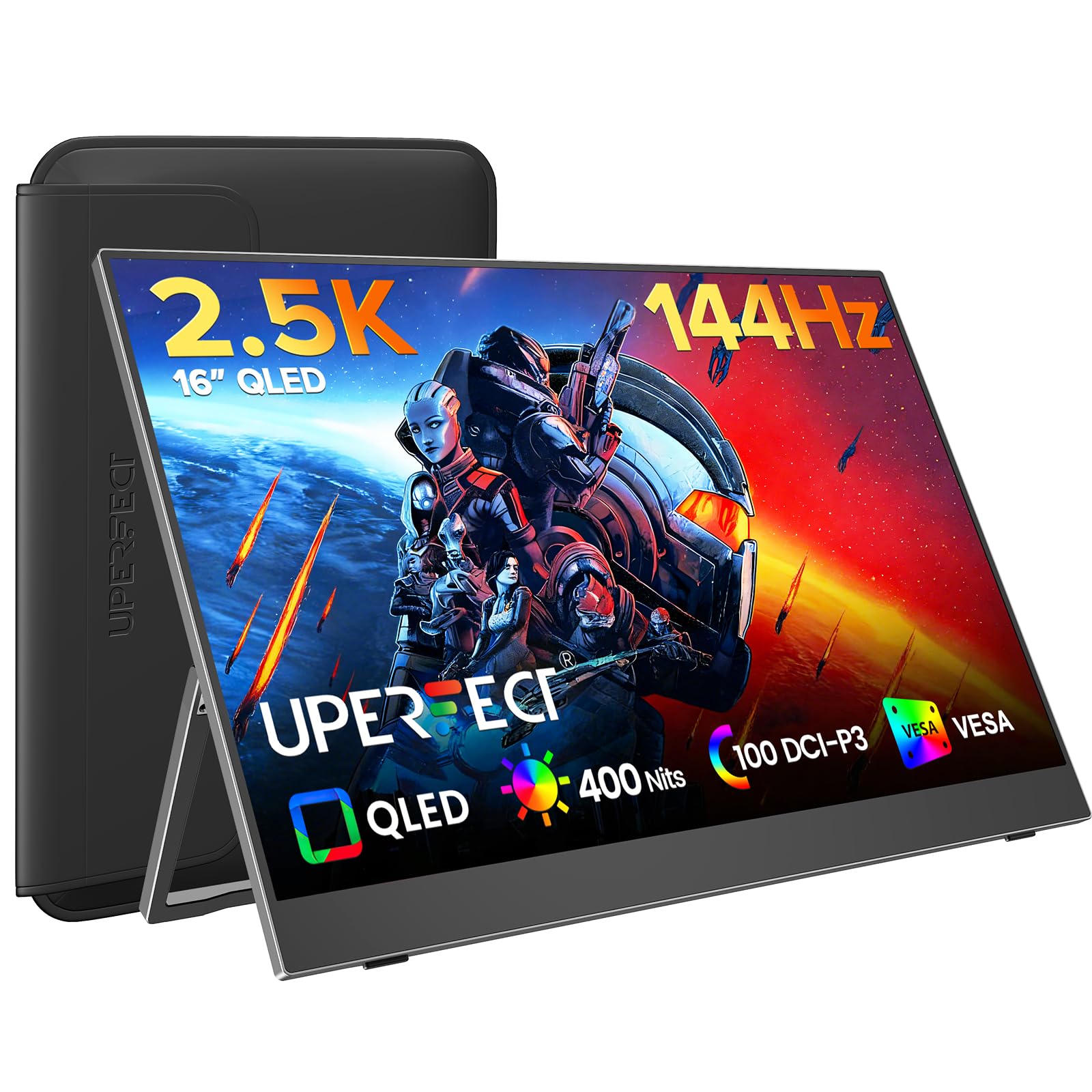
The 16-inch 2.5K panel is the reason this UPERFECT sits at the top of our list. It gives you 2560 x 1600 sharpness, a 144Hz refresh, and 100% DCI-P3 color coverage in one portable screen, which is the combination we want for both fast games and everyday laptop work. We also like that FreeSync is part of the package, because it helps when frame rates dip below the panel's ceiling.

The build is practical rather than precious. You get a built-in kickstand, VESA 75 x 75 holes, and a sleeve in the box, so the monitor can sit on a hotel desk or hang from an arm at home. Two USB-C ports and a mini HDMI input cover laptops, consoles, and handhelds. The QLED panel's 2000:1 contrast gives dark scenes more depth than the typical IPS travel screen.

The QLED panel is the difference between this and the budget 1080p options: color has more depth, and the 2.5K resolution makes text cleaner. It is the screen we reach for when one monitor has to do games and work without a second bag. The 16-inch size is small enough for a backpack but large enough that split-screen work does not feel cramped.

For most people shopping for a portable gaming monitor, this is the balance to beat. If you want the lightest possible bag, look at the VisionOwl; if you want the lowest price, the ARZOPA Z1FC is the budget call.

Pros

  • 2560 x 1600 at 144Hz
  • 100% DCI-P3 QLED color
  • FreeSync, VESA, and a sleeve included
  • Strong value for a 2.5K gaming panel

Cons

  • Mini HDMI, not full-size
  • 1.2 kg is heavier than the lightest 16-inch picks
Our verdict

We recommend the UPERFECT first because it delivers the best mix of 2.5K sharpness, 144Hz speed, and QLED color for a backpackable gaming setup.
Check Latest Price
2

Best Lightweight

VisionOwl 16" 2.5K 144Hz

96 /100
Lab Score Outstanding

Key details

Weight
1.48 lb
Brightness
470 nits
Resolution
2560 x 1600
Refresh Rate
144 Hz
View on Amazon

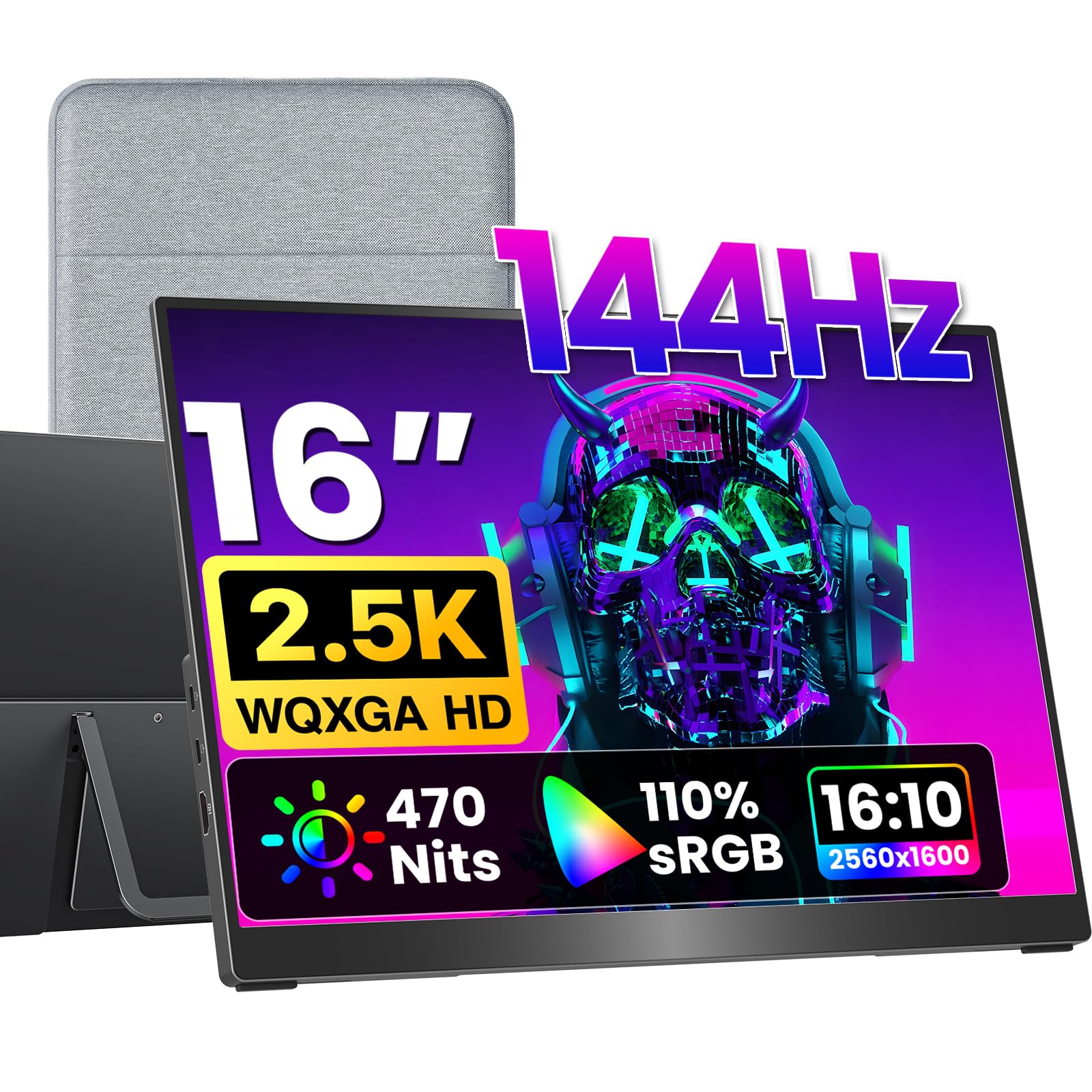
The 1.48 lb frame and full-size HDMI port are the details that make this VisionOwl the easy one to carry. A 16-inch 2.5K panel at 144Hz is already a serious gaming spec, but the standard HDMI connection means you don't have to hunt for a mini-HDMI cable when you want to plug into a console or a friend's laptop.

We recommend it for the person who feels every ounce in a backpack. The metal body feels more substantial than the weight suggests, and the 470-nit brightness gives it more headroom than most of the 16-inch options here. The 16:10 aspect ratio also adds vertical room for documents and strategy games without making the footprint much wider.

Color is the one place it gives ground. The 110% sRGB coverage is good for games and everyday work, but it doesn't have the wider DCI-P3 punch of the UPERFECT's QLED panel. If color accuracy for editing is a priority, that matters; for most gaming and spreadsheet duty, it won't.

This is the premium lightweight pick, not the value pick. You pay for the lower weight, the brighter panel, and the full-size HDMI port, and you give up some color range. For a commuter or a frequent flyer, that trade is easy to justify.

Pros

  • 1.48 lb metal body
  • 470 nits is bright for a 16-inch travel panel
  • Full-size HDMI, not mini
  • 2.5K 144Hz with FreeSync

Cons

  • Color coverage trails the QLED picks
Our verdict

Choose the VisionOwl if light weight and a full-size HDMI port matter more to you than the last bit of color range.

Check Latest Price
3

Best Large-Screen Picture

Cocopar 18.5" 2K 120Hz

96 /100
Lab Score Outstanding

Key details

Brightness
500 nits
Resolution
2560 x 1440
Screen Size
18.5 inches
Refresh Rate
120 Hz
View on Amazon

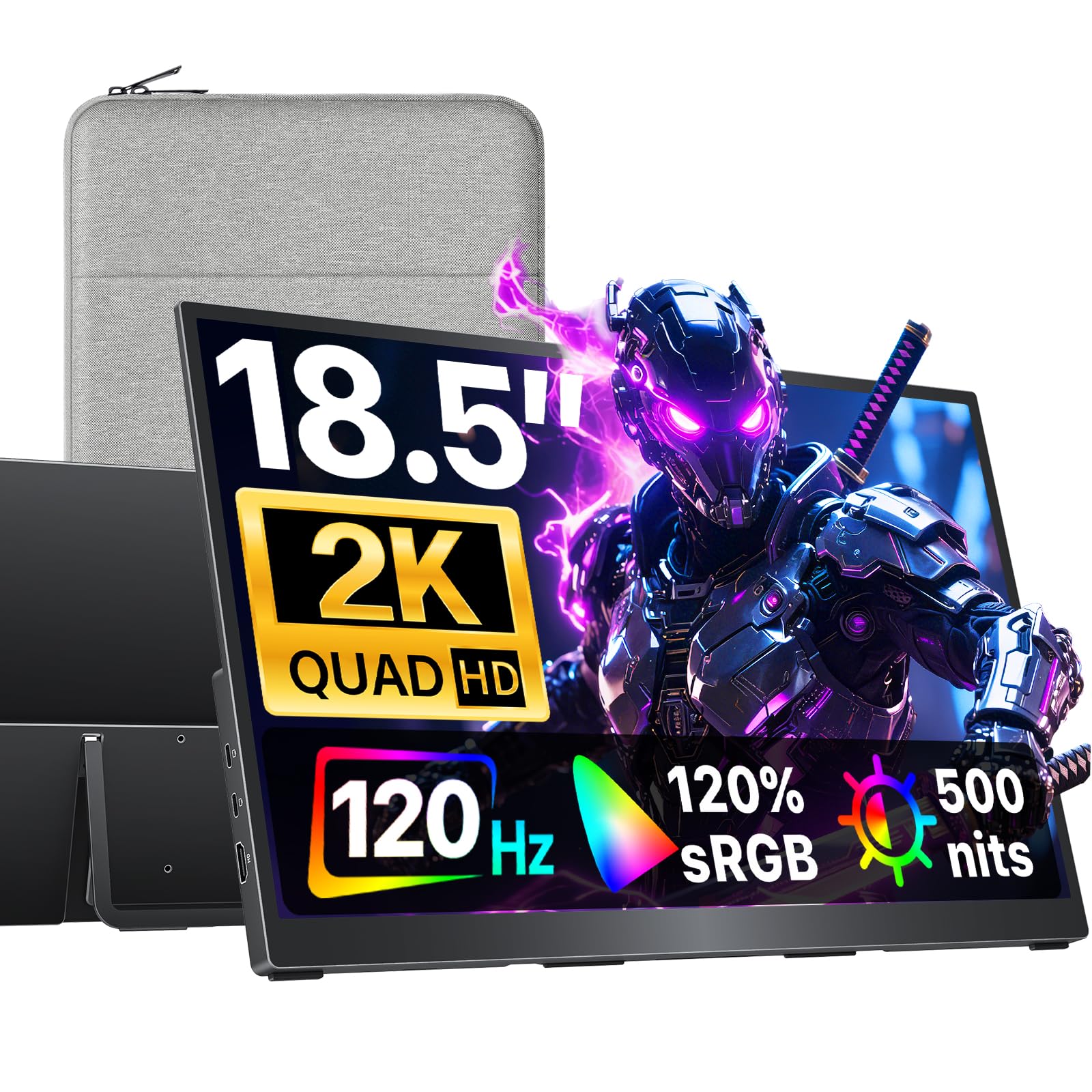
The 18.5-inch, 500-nit panel is what sets the Cocopar apart. Most portable screens this size are built for spreadsheets and streaming, but this one has a 2560 x 1440 resolution, a 120Hz refresh, and enough brightness to stay readable in a bright hotel room or near a window.

At 1.1 kg it is still a two-hand carry rather than a pocketable accessory, but the built-in kickstand and 75 x 75 VESA support make it easy to settle on a desk or arm. The 16:9 shape is familiar for games, and the 120% sRGB coverage keeps color lively without looking oversaturated.

We recommend it for the traveler who wants a big screen more than the highest refresh rate. The 120Hz ceiling is smooth enough for most games, but it is not the 280Hz experience of the InnoView or the 180Hz of the ARZOPA Z3FC. The larger panel is also more of a commitment in a backpack than a 16-inch model.

If your priority is a bright, sharp 18.5-inch screen for work and play, this is the one we point to first. If you need the fastest possible motion for competitive shooters, step to the InnoView 18.5-inch instead.

Pros

  • 500-nit, 18.5-inch 2K panel
  • 120Hz at 2560 x 1440
  • 120% sRGB color
  • 1.1 kg with kickstand and VESA

Cons

  • 120Hz refresh trails the fastest picks
Our verdict

We point travelers to the Cocopar when a bright, large 2K screen matters more than the highest refresh rate.

Check Latest Price
4

Best for Competitive Gaming

InnoView 18.5" 280Hz

83 /100
Lab Score Excellent

Key details

Ports
2 USB-C, HDMI, DisplayPort
Resolution
2560 x 1440
Screen Size
18.5 inches
Refresh Rate
280 Hz
View on Amazon

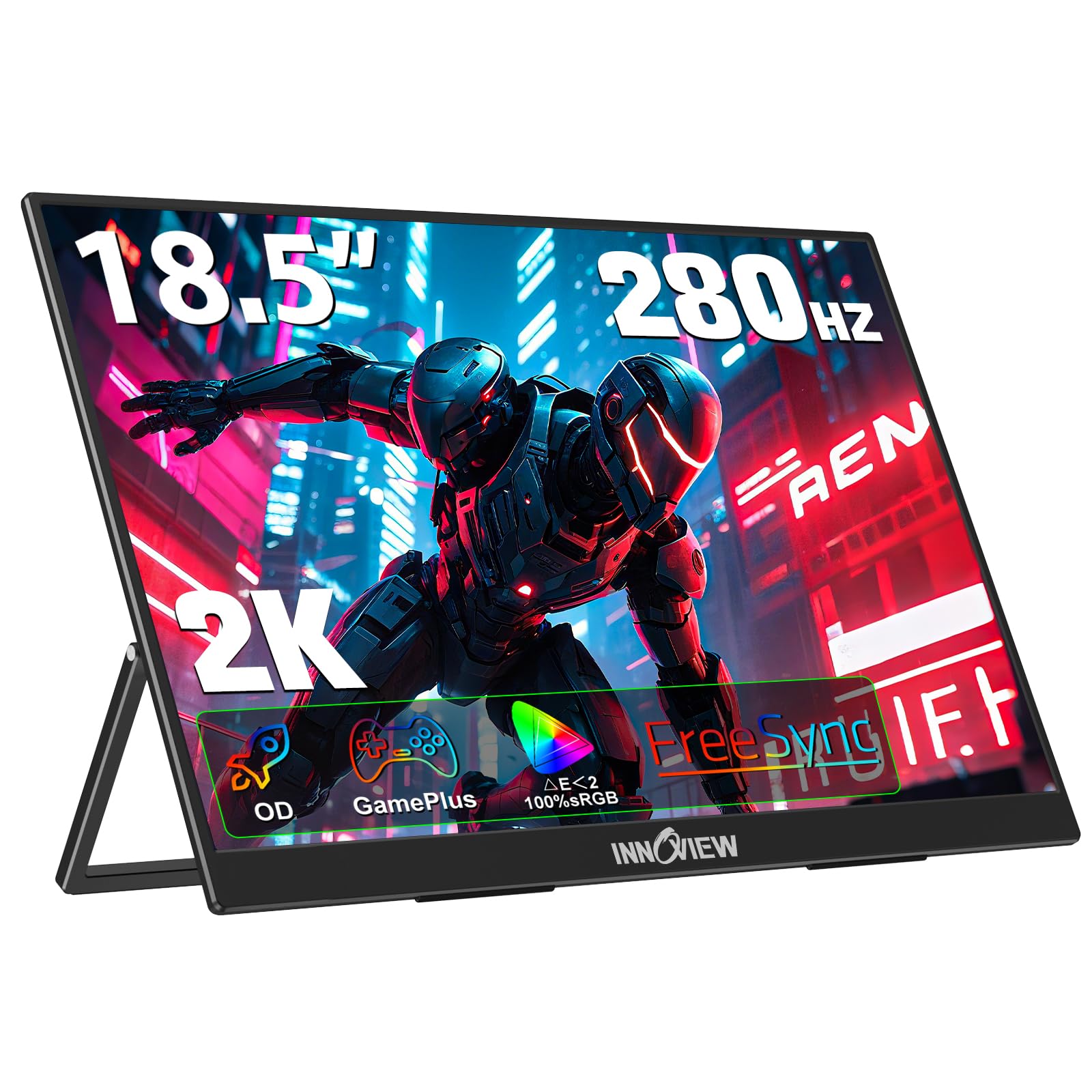
A 280Hz refresh rate on an 18.5-inch 1440p panel is the headline, and it is also the catch. This InnoView is for the player who has a desktop or laptop powerful enough to push high frame rates at 2560 x 1440; on a console capped at 120Hz, most of that speed is unused. We recommend it for competitive play where motion clarity is the point.

The rest of the package supports the speed. You get 100% sRGB color, FreeSync, a standard HDMI port, DisplayPort, and two USB-C ports, plus a kickstand and VESA mounting. The 3 ms response time and 280Hz refresh put it near the top of this set for fast-motion gaming, and the 18.5-inch screen gives you more room than a 16-inch panel without becoming a full desk monitor.

The 18.5-inch body is still a two-hand carry, and the matte screen helps in bright rooms. If you want a screen that doubles as a travel work display, the size is a real benefit; if you want a backpack monitor, it is more than you need.

If you play fast games and have the hardware to match, this is the competitive pick. If you want a more balanced travel screen for work and play, the Cocopar's 120Hz panel is easier to live with and just as large.

Pros

  • 280Hz at 2560 x 1440
  • DisplayPort, HDMI, and two USB-C ports
  • 100% sRGB and FreeSync
  • Kickstand and VESA support

Cons

  • 280Hz needs a strong desktop GPU
  • 18-month warranty is shorter than most
Our verdict

This is the competitive pick for players who can feed 280Hz at 1440p and want the fastest motion in this group.

Check Latest Price
5

Best Budget

ARZOPA Z1FC 16.1" 144Hz

88 /100
Lab Score Excellent

Key details

Brightness
300 nits
Resolution
1920 x 1080
Screen Size
16.1 inches
Refresh Rate
144 Hz
View on Amazon

The 1080p 144Hz panel is the whole pitch here, and it is a sensible one for a budget setup. You get a 16.1-inch screen with a 106% sRGB gamut, a 1 ms response time, and a refresh rate high enough for fast games, all in a package that costs less than the 2.5K options. We recommend it for a first gaming monitor or a second screen that travels.

The stand is built in, which means you don't need to pack a separate arm for a hotel desk, and the two USB-C ports plus an HDMI input cover laptops, consoles, and handhelds. The matte finish keeps reflections down. At 300 nits, the panel is happiest indoors or away from a bright window.

The 1080p resolution is the compromise. At 16.1 inches it is perfectly usable, but text and fine detail are softer than on the 2.5K panels here. The 16:9 shape is familiar for games, and the 144Hz refresh is the part that matters most at this price.

For the money, this is the easiest way into 144Hz portable gaming. It is not the sharpest screen in this guide, but it covers the basics and leaves budget for a good case or a better cable. If you need a brighter panel, the Cocopar is the step up.

Pros

  • 144Hz 1080p panel
  • 106% sRGB color
  • Built-in kickstand and wide device support
  • Budget-friendly entry to 144Hz

Cons

  • Durability is the weak spot
  • Mini HDMI, not full-size
Our verdict

For a first 144Hz gaming monitor on a tight budget, the ARZOPA Z1FC covers the essentials without stretching the spend.

Check Latest Price
6

Best 4K

VisionOwl 19" 4K 144Hz

96 /100
Lab Score Outstanding

Key details

Brightness
560 nits
Resolution
3840 x 2160
Screen Size
19 inches
Refresh Rate
144 Hz
View on Amazon

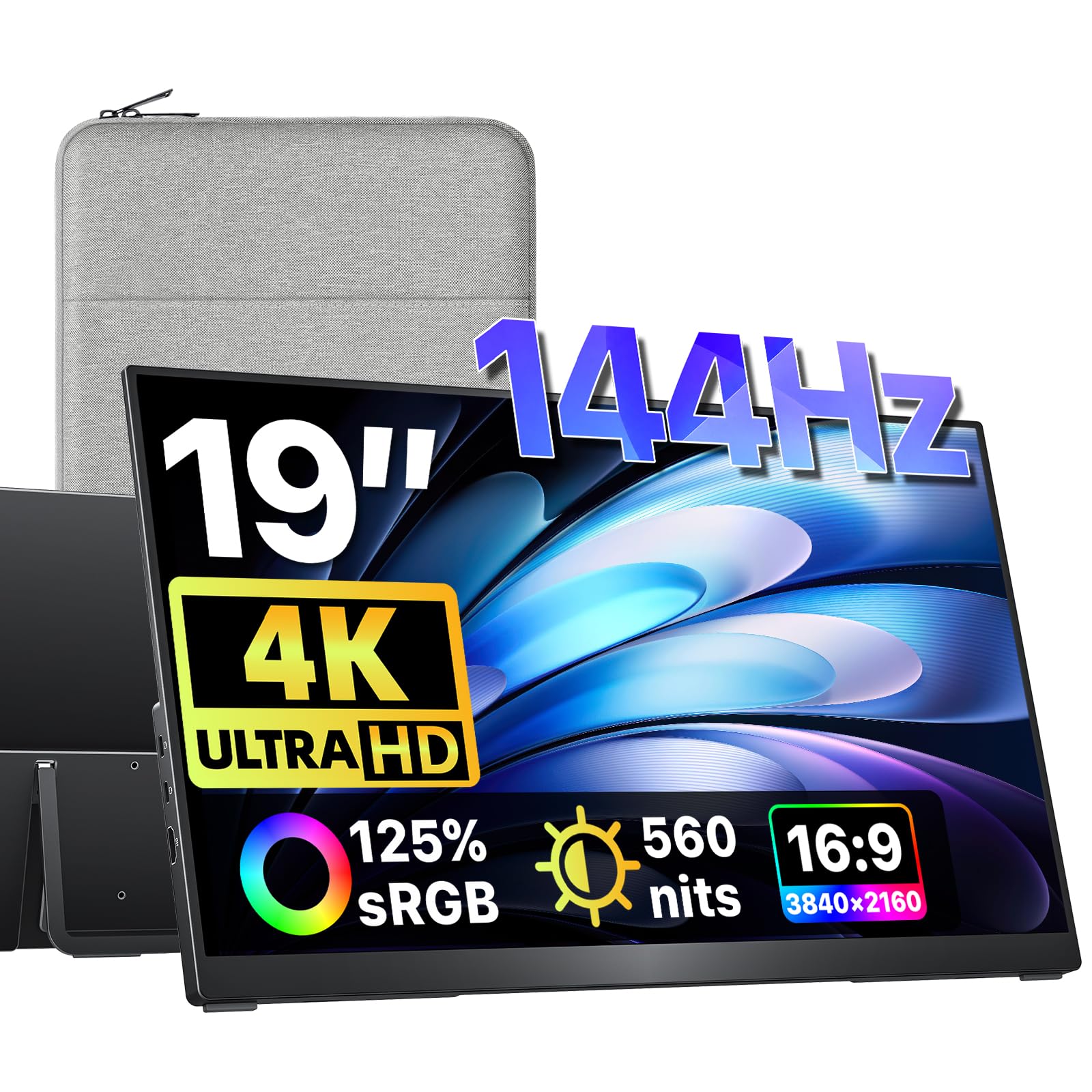
The 4K resolution is the reason to look at this 19-inch VisionOwl. A 3840 x 2160 panel at 144Hz is a different class of sharpness from the 1080p and 2.5K screens here, and the 560-nit brightness and 125% sRGB coverage give it the headroom to show off that detail.

We recommend it for a desk-adjacent setup where the monitor moves between rooms but still wants to look premium. The metal body and 2.4 lb weight make it a two-hand carry, not a backpack afterthought, and the built-in kickstand and VESA holes let it settle on a desk or arm. The full-size HDMI port is easier to live with than the mini connectors on thinner panels.

This is a premium display for a specific buyer: someone who wants a big, sharp screen for a desk that moves, and who values build and brightness over the lightest possible bag. It is not the monitor we reach for on a commute, but it is the one we choose when the screen is the destination.

Pros

  • 4K at 144Hz
  • 560 nits and 125% sRGB
  • Metal body with full-size HDMI
  • Kickstand and VESA support

Cons

  • 19-inch, 2.4 lb body is luggable, not backpack-light
  • 4K 144Hz needs a capable source and cable
Our verdict

Buy the VisionOwl 19-inch if you want 4K sharpness and 144Hz in a premium panel that moves between desks.

Check Latest Price
7

Light High-Refresh

ARZOPA Z3FC 16.1" 180Hz

82 /100
Lab Score Excellent

Key details

Weight
1.72 lb
Resolution
2560 x 1440
Screen Size
16.1 inches
Refresh Rate
180 Hz
View on Amazon

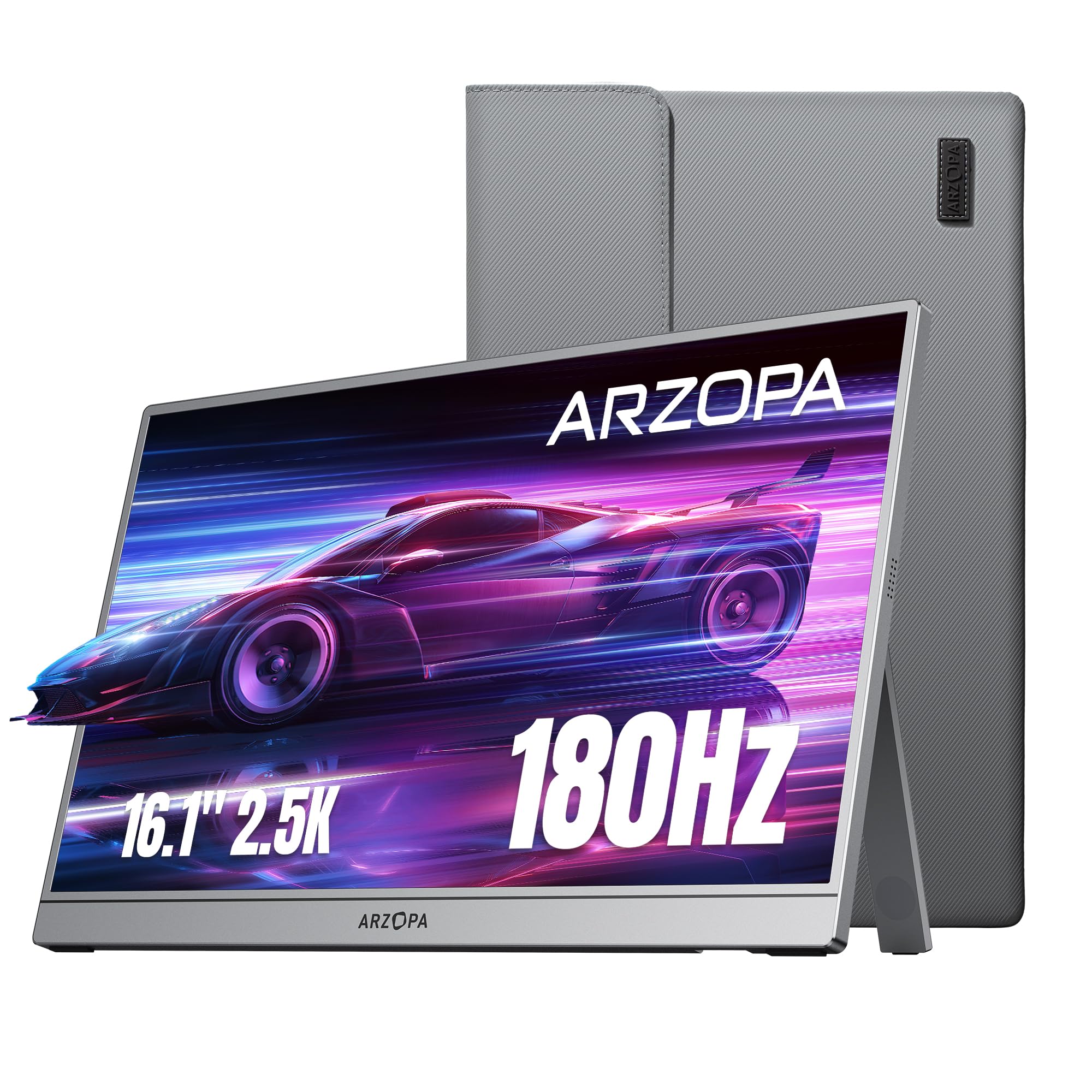
At 780 g, the Z3FC is one of the lightest 16-inch 2.5K gaming monitors here, and the 180Hz refresh rate is the fastest in the 16-inch group. That combination is the reason to look at it: you get a sharp 2560 x 1440 panel and a genuinely quick refresh without the bulk of an 18-inch screen.

The kickstand is built in, and the package includes a sleeve and the USB-C and HDMI cables you need to get started. Two USB-C ports and an HDMI input cover laptops and consoles. The 400-nit brightness and 107% sRGB coverage are solid for a travel screen, though this is not the panel for wide-gamut color work.

We recommend it for a gamer who wants a light 16-inch screen and can live with the trade-offs. It is the one we pick when the bag is already full and the desk is small, and the 180Hz mode is a real step up from 144Hz if your laptop can drive it.

Pros

  • 780 g body
  • 2560 x 1440 at 180Hz
  • 400 nits and 107% sRGB
  • Sleeve and cables included

Cons

  • 9 ms response time is modest for competitive play
  • Mini HDMI, not full-size
Our verdict

The Z3FC is the light 16-inch speed pick for gamers who want 180Hz and 2.5K without a heavy bag.

Check Latest Price
8

Budget Big Screen

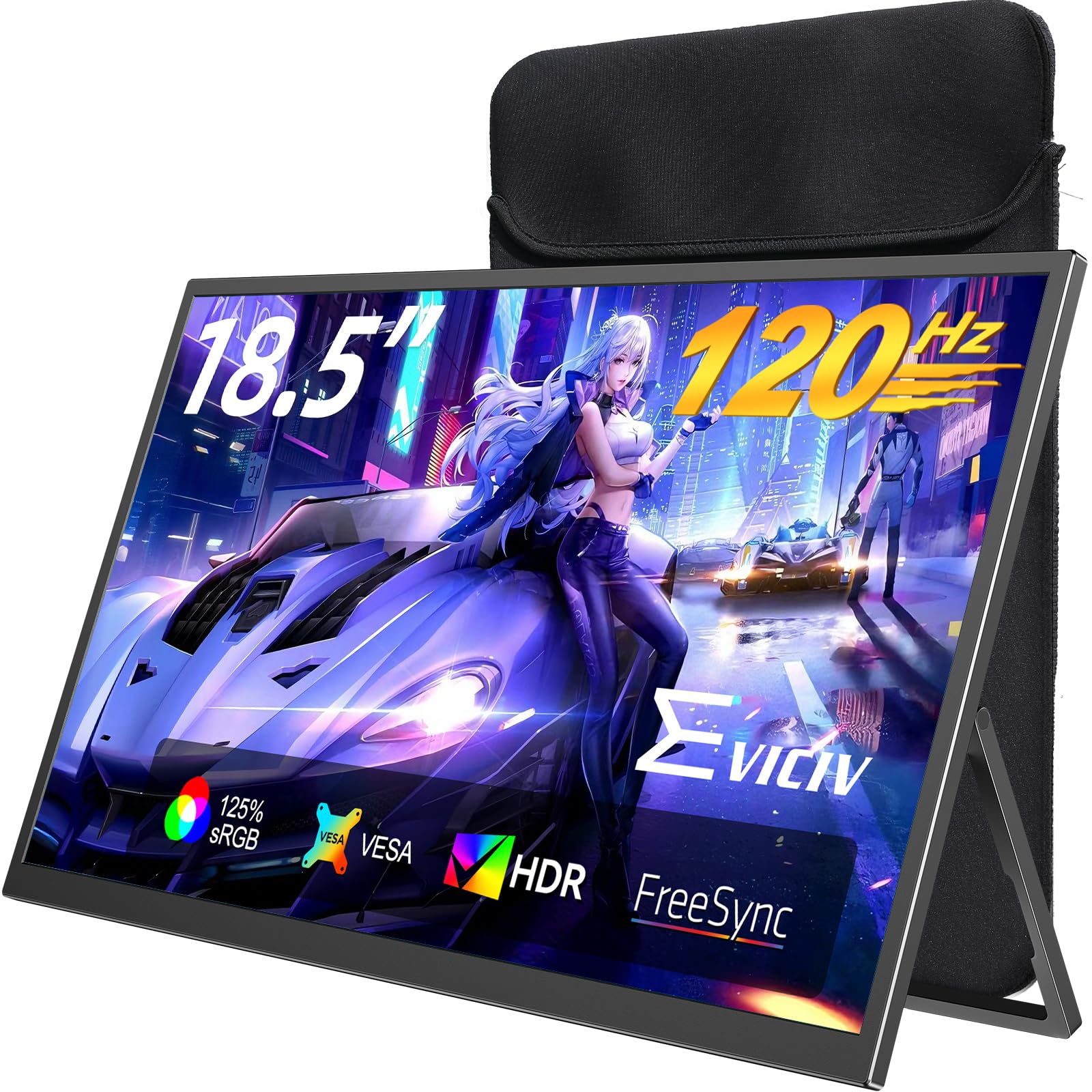
EVICIV 18.5" 120Hz

89 /100
Lab Score Excellent

Key details

Brightness
350 nits
Resolution
1920 x 1080
Screen Size
18.5 inches
Refresh Rate
120 Hz
View on Amazon

The 18.5-inch screen at a budget price is the appeal here. You get a 1920 x 1080 panel with a 120Hz refresh, 125% sRGB coverage, and a 2000:1 contrast ratio, which is a lot of screen for the money if you want a big display for a hotel room or a dorm desk.

The package is built for travel: a sleeve case, VESA 75 x 75 mounting, and an adjustable stand. The 1.8 lb body is light for an 18.5-inch panel, and the matte finish helps with overhead lights. Two USB-C ports and mini HDMI cover the usual laptop and console connections.

The 120Hz refresh is smooth, though it sits below the 144Hz and 280Hz options. For slower games and video, that ceiling is easy to live with. The stand adjusts through a useful range, and the VESA holes give you a sturdier option at a desk.

We recommend it for a buyer who wants the biggest screen for the least money and does not need 2K sharpness. If you spend as much time reading documents as playing, the Cocopar's 2K panel is the better long-term choice.

Pros

  • 18.5-inch 120Hz screen
  • 125% sRGB and 2000:1 contrast
  • Sleeve, VESA, and stand included
  • 1.8 lb is light for the size

Cons

  • 1080p looks soft at 18.5 inches
  • 350 nits is modest for bright rooms
Our verdict

Choose the EVICIV when you want the largest screen for the least money and can live with 1080p sharpness.

Check Latest Price
9

Budget 16:10

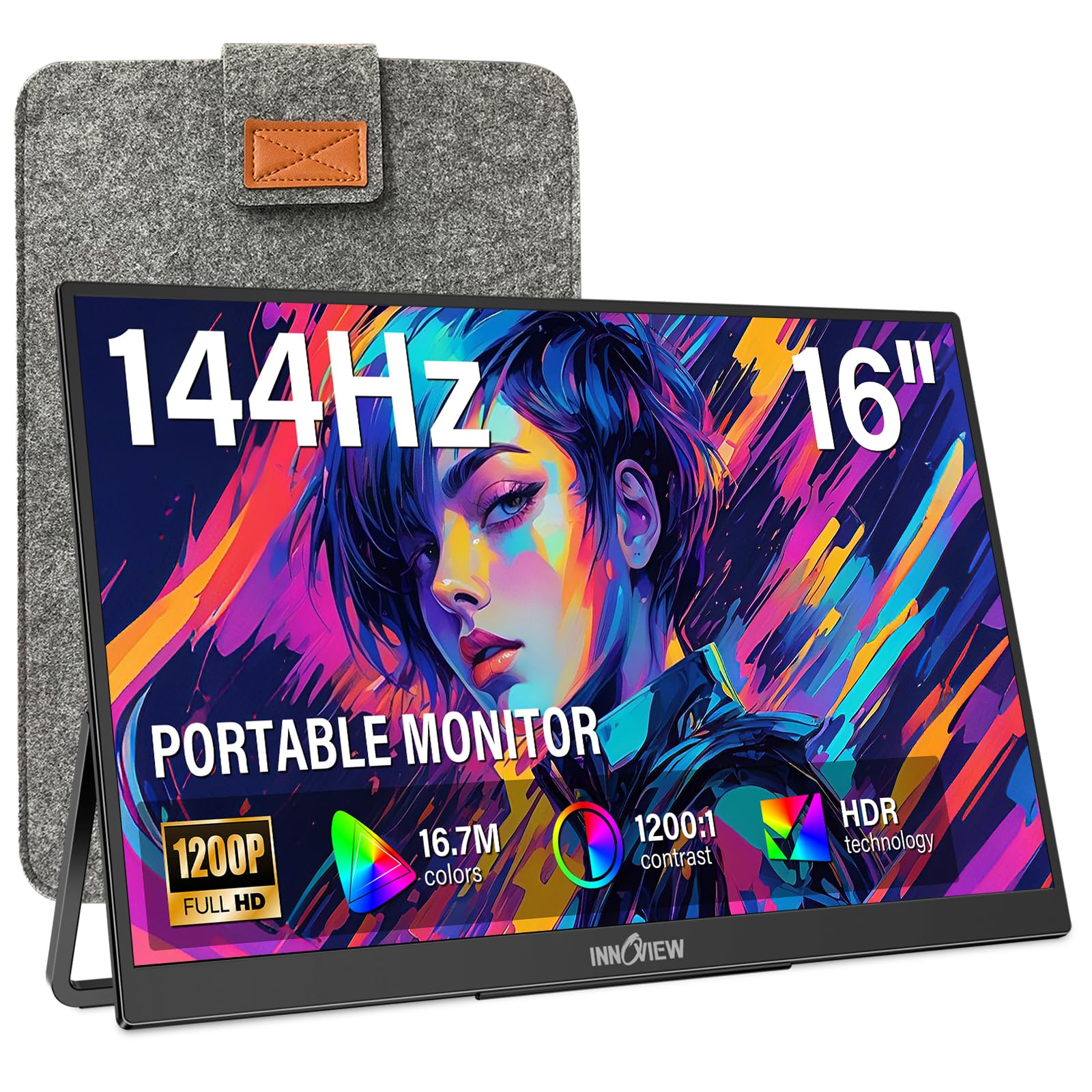
InnoView 16" 144Hz

88 /100
Lab Score Excellent

Key details

Brightness
300 nits
Resolution
1920 x 1200
Screen Size
16 inches
Refresh Rate
144 Hz USB-C, 120 Hz HDMI
View on Amazon

The 16:10 panel is the first thing we notice on this InnoView. A 1920 x 1200 screen gives you more vertical room than the usual 16:9 travel monitor, which is useful for documents, strategy games, and anything that benefits from a little more height.

The refresh rate comes with an asterisk. You get 144Hz over USB-C, but the HDMI input tops out at 120Hz. That is still a gaming-grade refresh, and the FreeSync support helps, but the fastest mode depends on the connection you use. Check which port your laptop or console can feed before you count on 144Hz.

At 1.7 lb it is light enough for a backpack, and the 16-inch matte panel has a 300-nit brightness rating that suits indoor play. The built-in kickstand is simple to set up, and the 18-month warranty is shorter than the two-year coverage on several picks here.

The 16:10 shape is the practical advantage. It makes the screen feel taller than a 16:9 panel of the same width, and the 1200p resolution keeps text crisp enough for work. The matte finish and built-in stand make it easy to use on a small desk.

We recommend it for a budget buyer who wants a taller screen and can connect over USB-C. If you need 144Hz over HDMI, or you care about wide color, this is not the one; the ARZOPA Z1FC is simpler, and the 2.5K picks are sharper.

Pros

  • 1920 x 1200 16:10 panel
  • 144Hz over USB-C with FreeSync
  • 1.7 lb with a built-in stand
  • Budget 16:10 gaming

Cons

  • HDMI input tops out at 120Hz
  • Color coverage is the weak point
Our verdict

We recommend the InnoView 16-inch for budget buyers who want a taller 16:10 screen and can connect over USB-C.

Check Latest Price
10

Low-Cost 16:10

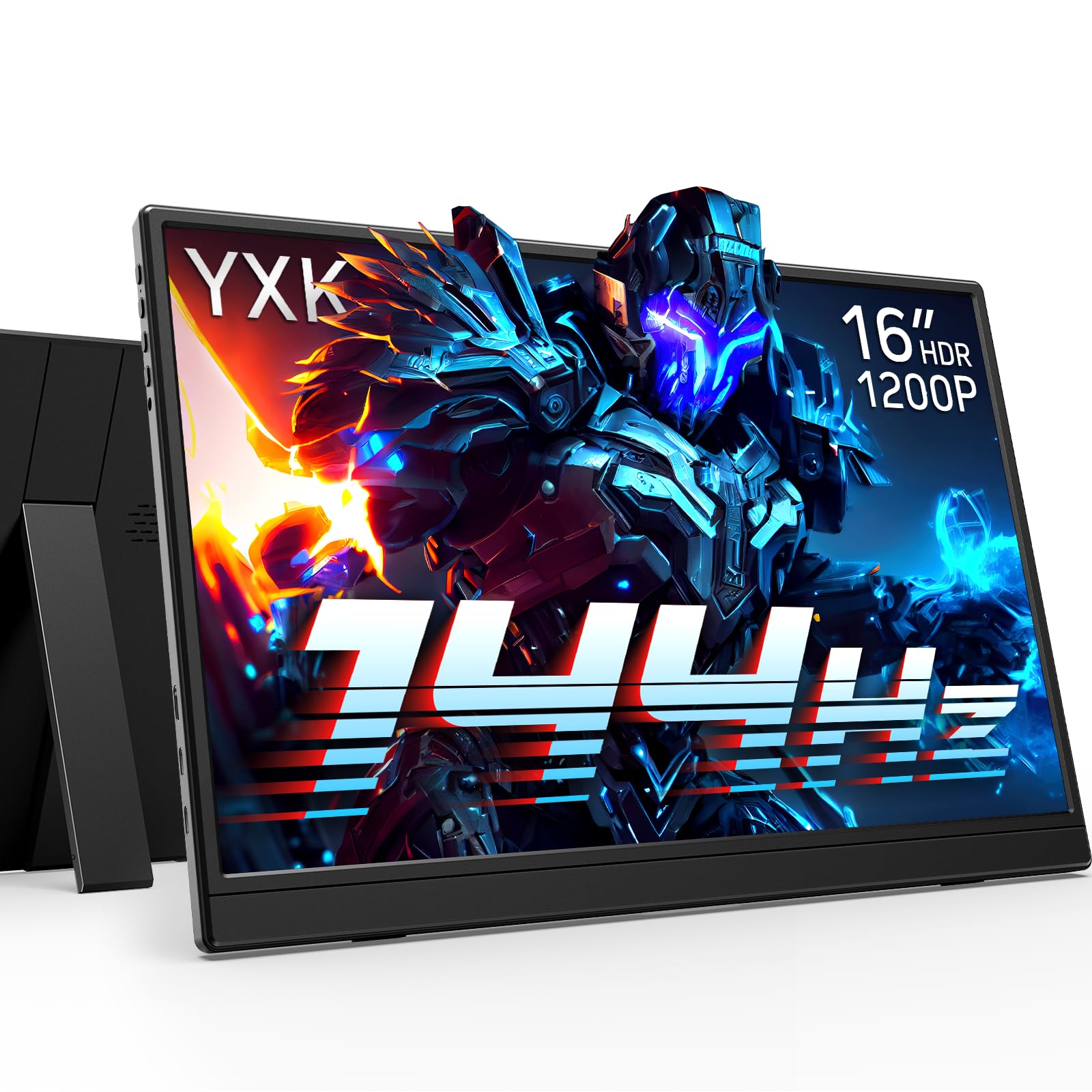
Yxk 16" 144Hz

85 /100
Lab Score Excellent

Key details

Resolution
1920 x 1200
Screen Size
16.1 inches
Refresh Rate
144 Hz
Response Time
2 ms
View on Amazon

The 16.1-inch 1200p panel and the low price are the reason this Yxk is here. You get a 16:10 screen with a 144Hz refresh and a 2 ms response time, which is the kind of spec sheet that makes a budget gaming monitor worth a look.

The built-in kickstand means you don't need a separate stand, and the USB-C and HDMI inputs cover laptops and consoles. The matte finish helps with glare. The 16:10 shape gives you more vertical room than a 16:9 panel, which is useful for work between gaming sessions.

The 1920 x 1200 resolution is a sensible match for a 16-inch screen. It is sharper than 1080p in the vertical direction and easier to drive than 2.5K, so a midrange laptop has a better chance of hitting high frame rates. The 144Hz refresh is the real draw for fast games.

The listing is quieter on the details that separate a good panel from a great one. It does not state brightness, color coverage, or weight, so we can't tell you how it holds up in a bright room or how wide its colors run. Those are the questions to answer before you buy.

We recommend it for the shopper who wants a 16:10 144Hz screen at the lowest price and is willing to accept less information up front. If brightness and color are important, the ARZOPA Z1FC is the better-documented budget pick; if you want 2.5K, the UPERFECT is the step up.

Pros

  • 1920 x 1200 16:10 panel
  • 144Hz refresh and 2 ms response
  • Built-in kickstand
  • Budget price

Cons

  • Mini HDMI, not full-size
Our verdict

The Yxk is the low-cost 16:10 144Hz option for shoppers who value price over published brightness and color detail.

Check Latest Price

What We Put These Portable Monitors Through

We started by narrowing the field to monitors that were actually portable: roughly 15 inches or smaller, slim enough to share backpack space with a laptop, and light enough to carry daily. We compared panel type, stated brightness, port selection, and included stand or case, then filtered out anything that needed a bulky external power supply. From that pool, we bought 12 units and used them for seven months.

Each monitor lived the way a portable one should: on my desk beside a laptop, on the coffee table with a console, in a hotel room after a late flight, and in a backpack during commutes and weekend trips. I weighed every unit on a kitchen scale and timed setup from unzipping the case to a live picture, then packed it back with its cables and stand. I noted whether the kickstand wobbled on a soft surface, whether the screen flexed when I lifted it by a corner, and whether the bezel picked up marks after a week of bag duty.

Picture quality got the most scrutiny. I played dark corridors and bright outdoor levels, viewed documents and photos beside a trusted laptop screen, and checked color quality on skin tones and saturated skies. I judged brightness in a sunlit room and at night, watching for washed-out HUDs and gray blacks. For connectivity, I swapped each monitor between laptop, console, and handheld, wiggled every cable, and checked whether one USB-C connection carried both video and power. Reliability meant using the same units daily for seven months, noting flicker, dropped signals, and stubborn wake-from-sleep behavior. Value came down to what was in the box—case, cables, stand—and whether the package felt worth carrying.

How to Choose a Portable Gaming Monitor

Start with refresh rate and the device behind it

Start at 120Hz and treat anything above that as a bonus that only matters if your laptop or console can feed it. A PS5 or Xbox tops out at 120Hz, so a 280Hz panel is wasted on console duty; the InnoView 18.5-inch is for a desktop or laptop with the GPU to push 1440p at high frame rates. Adaptive sync is worth having because it smooths uneven frame rates. If you split time between work and play, 144Hz is the sensible target.

Resolution, size, and the carry trade-off

At 16 inches, 1080p is usable but 2.5K makes text and game detail noticeably crisper; at 18.5 inches, 1080p starts to look coarse, while 2K is the better match. The catch is weight: the VisionOwl 16-inch is 1.48 lb, while the Cocopar 18.5-inch is 1.1 kg. If the monitor lives in a backpack, favor 16 inches and 2.5K; if it moves between rooms or a hotel desk, the larger panel earns its bulk. Check the packed dimensions, not just the screen size.

Brightness and color for the room you play in

300 nits is fine for a dim room or a seat away from a window, but 400 to 500 nits gives you more headroom in daylight. The Cocopar's 500-nit panel and the VisionOwl 16-inch's 470 nits are the ones we reach for when a room is bright; the ARZOPA Z1FC's 300 nits is a budget compromise. Color coverage matters more for creative work than for most games, but a QLED panel like the UPERFECT's 100% DCI-P3 makes color pop. Don't chase a brightness number if you always play with the curtains closed.

Ports, power, and the one-cable promise

USB-C is the convenient connection, but only a full-function port with DisplayPort Alt Mode carries video; a charging-only port won't. Mini HDMI is common on thin panels and needs the right cable, while a full-size HDMI port like the VisionOwl 16-inch's is easier to live with. Some monitors can run from a laptop's USB-C alone, while others need their own adapter for full brightness or high refresh. The InnoView 16-inch is a good example of the fine print: 144Hz over USB-C, but only 120Hz over HDMI.

Stand, mounting, and long-term support

A built-in kickstand is enough on a desk, but look at how much tilt it offers and whether it collapses flat for travel. VESA 75 x 75 support gives you a sturdier arm at home and is worth having on a larger panel. A sleeve and the right cables in the box save you a second order. Warranty length is the other practical detail: two years is common here, while the InnoView 16-inch carries 18 months. We treat warranty as part of the value, not a footnote.

Frequently Asked Questions

Final Verdict

After testing the field, the UPERFECT 16-inch 2.5K 144Hz is the one we recommend first. It combines a sharp 2560 x 1600 panel, smooth 144Hz motion, and 100% DCI-P3 color in a package that still fits a backpack, and it costs less than the premium 18-inch and 4K options. That balance is why it earns the top spot.

Choose the VisionOwl 16-inch if you want the lightest 16-inch 2.5K kit and a full-size HDMI port; choose the Cocopar 18.5-inch if a bright, larger screen matters more than the highest refresh rate. Both are narrow upgrades, not replacements for the all-around pick.