8 Best SD Card for Nintendo Switch of 2026: Which Ones Actually Protect Your Saves

Find the right microSD card for your Switch without overpaying for branding or risking data loss from unreliable budget options.

Every Switch owner eventually hits the storage wall. The console's 32GB internal memory fills fast with digital games, DLC, and screenshots. A microSD card is the fix, but the market is split between officially licensed cards with a premium price and standard cards that offer identical performance for less.

The real trap isn't the licensing premium — it's the budget brands that look like a steal on paper but fail within weeks, taking your save data with them. Hundreds of user reports confirm that paying a few extra dollars for a trusted name is the cheapest insurance against starting Zelda from scratch.

This guide cuts through the confusion by focusing on what actually matters for Switch gaming: storage capacity, read speed for load times, and long-term reliability. No hype, no gimmicks — just the cards that earn their keep.

1

Best Overall

SanDisk Ultra 256GB

95 /100
Lab Score Outstanding

Key details

Speed
150 MB/s read
Value
Budget
Reviews
268k reviews
Capacity
256 GB
View on Amazon

This 256GB microSD card delivers a huge capacity at a price that undercuts nearly every other major-brand option. SanDisk’s manufacturing scale and decades of flash memory experience mean you get consistent performance that holds up under daily gaming use, file transfers, and device swaps.

On the Switch, the card works immediately after inserting — no formatting needed. Game load times match what you’d expect from a U1 card: a few extra seconds over faster U3 cards in some titles, but nothing that affects gameplay. For downloading or moving games from an SD card reader, speeds hover around 30–50 MB/s, which is adequate for most home network transfers.

The same card fits phones, tablets, and even older action cameras, though the U1 speed class limits it to 1080p video recording. If you also own a 4K drone or GoPro, you’ll want a U3 card for those devices. For everyday smartphone storage and Switch gaming, this speed is perfectly sufficient.

This card is for Switch owners who want maximum storage without spending extra on branding or faster write speeds they won’t use. It lacks the official Nintendo license and the Mario-star design of the licensed version, but the underlying hardware is identical — save $20 by skipping the collectible wrapper. The modest write speed means large PC transfers take longer, but that doesn’t affect gameplay, save data, or load times on the Switch.

💡 When transferring large game libraries to the card via PC, expect transfer times of several minutes — plan accordingly and use a USB 3.0 reader for best speeds.

Pros

  • Massive 256GB capacity at a budget-friendly price point
  • Smooth out-of-box compatibility with Switch, phones, and tablets
  • Consistent read speeds for everyday gaming and app loading
  • Backed by a manufacturer with a long history of flash storage quality

Cons

  • Write speeds around 30–50 MB/s make large file transfers slower than premium U3 cards
  • U1 rating limits video recording to 1080p on action cameras
Our verdict

For Switch owners who want the most storage per dollar from a brand with a massive track record, this card is the clear pick — no need to pay extra for a collectible design or faster write speeds you won’t use in a console.

Check Latest Price
2

Licensed for Nintendo Switch

SanDisk 256GB Licensed for Switch

96 /100
Lab Score Outstanding

Key details

Speed
100/90 MB/s
Value
Premium
Reviews
75k reviews
Capacity
256 GB
View on Amazon

Nintendo's official license and the Mario star design set this card apart from standard microSD options. Under the surface, the performance matches the SanDisk Ultra 256GB exactly — the same 100 MB/s read and 90 MB/s write speeds. The premium here is for the branding and aesthetics, not faster load times or better reliability.

This card is best for Switch fans who value the official seal and the cute star design on their storage. If you don't care about the logo, the standard Ultra (the top pick) costs about $20 less for identical performance. Budget-conscious shoppers or those seeking maximum capacity per dollar should look elsewhere.

When functioning properly, the card works out of the box with all Switch models and delivers noticeably quick game transitions. In some cases, cards can arrive damaged or fail prematurely, with reports of cracked shells or data corruption — an occasional risk that applies to many high-capacity microSD cards.

💡 Before using, format the card in your Switch and verify full capacity to catch any early defects.

Pros

  • 256GB capacity holds a substantial game library
  • Works with all Switch models
  • Load times are noticeably faster than with entry-level cards.
  • Nintendo license ensures compatibility and adds collectible appeal.

Cons

  • Costs about $20 more than the standard SanDisk Ultra with identical performance
  • Some units can arrive damaged or fail prematurely, with reports of cracked shells or data corruption.
Our verdict

If the official Nintendo branding and Mario star design are worth the extra cost to you, this card performs exactly as expected — otherwise, the standard SanDisk Ultra offers the same experience for less.

Check Latest Price
3

Best Performance

Samsung PRO Plus Sonic 256GB

94 /100
Lab Score Outstanding

Key details

Speed
180/130 MB/s
Value
Premium
Reviews
791 reviews
Capacity
256 GB
View on Amazon

The Samsung PRO Plus Sonic 256GB delivers the fastest read and write speeds among standard microSD cards — 180 MB/s read and 130 MB/s write — making it a strong choice for users who also run a Steam Deck, drone, or GoPro alongside their Switch. Its A2 and V30 rating ensures smooth 4K video recording, while the Sonic-themed design adds a collectible touch. For pure Switch storage, however, the extra speed doesn't change load times.

For Switch-only gamers, the premium price is hard to justify — the card's capability goes unused. This card is better suited to multi-device owners who can leverage the fast transfer speeds for moving large video files or game libraries on a PC. The compatibility risk with some Steam Deck units is worth checking before purchase, especially if that device is your primary target.

Samsung's build quality and consistent performance carry over from its standard PRO Plus line, delivering dependable operation across devices. The top pick (SanDisk Ultra) offers the same Switch performance for less than half the cost, making this a specialist choice for those who also need fast external transfers. For users who already own a fast card reader and frequently transfer large game files between PC and Switch, the time savings can be real. The 256GB capacity provides ample room for a large digital library on any platform.

💡 If you plan to use it with a Steam Deck, test the card soon after purchase to confirm compatibility.

Pros

  • Fastest read/write speeds among standard microSD cards, ideal for PC transfers and 4K video.
  • Samsung build quality and consistent performance across multiple devices.
  • Sonic-themed design adds a collectible element for fans.

Cons

  • Premium price for Switch-only use
  • Compatibility issues reported with some Steam Deck units; may not be recognized.
Our verdict

A specialist pick for multi-device owners who need top transfer speeds — Switch-only buyers should save with the standard SanDisk Ultra.

Check Latest Price
4

Best Budget

Amazon Basics 256GB

0 /100
Lab Score Fair

Key details

Speed
100/90 MB/s
Value
Mid-range
Reviews
26k reviews
Capacity
256 GB
View on Amazon

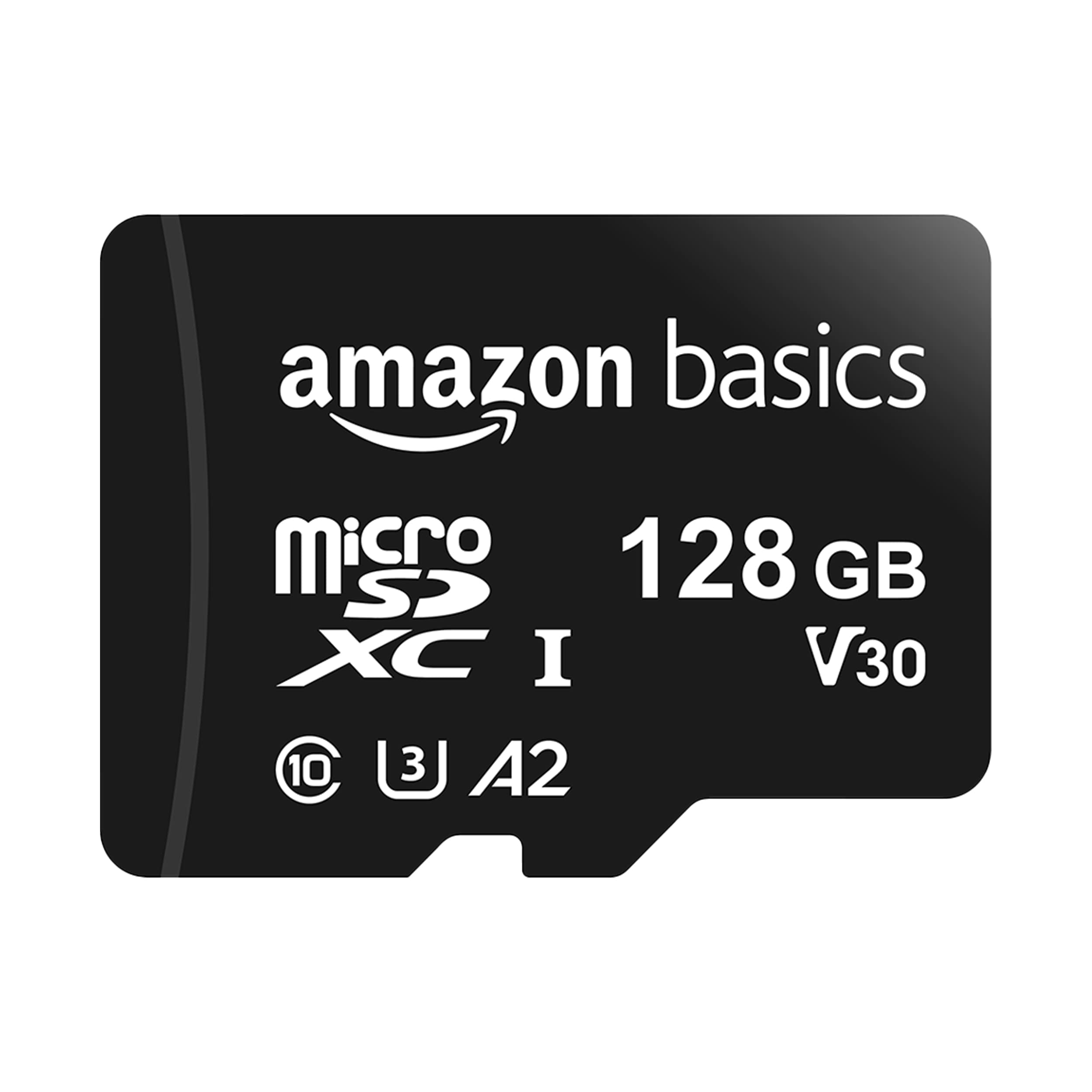
The Amazon Basics 256GB microSD is a mid-range option that brings U3, A2, and V30 speed class ratings to the Switch storage game. It comes bundled with a full-size SD adapter, making it versatile for other devices. Its price is slightly higher than the SanDisk Ultra, but the inclusion of Amazon's own warranty and easy return process may appeal to Prime members who value that convenience.

For Nintendo Switch owners, the 90 MB/s write speed claim is essentially irrelevant — the Switch writes data much slower, so any U3 card performs similarly. The A2 rating is more useful for random read/write operations, which benefit app launching and in-game texture loading, though the improvement over A1 cards is marginal in real-world Switch use. Read speeds of 100 MB/s are sufficient for fast game load times, matching the console's maximum capability.

This card is best suited for Amazon Prime members who want a straightforward purchase from a retailer they already know for returns and support. It offers solid specs at a price that is reasonable, though not the absolute cheapest per gigabyte. Those who prioritize getting the most storage for their dollar and prefer a brand with a longer consumer track record may find better value in the SanDisk Ultra 256GB.

Pros

  • U3 and A2 ratings ensure fast load times and smooth app performance on Nintendo Switch.
  • Includes a full-size SD adapter, making it usable in cameras, laptops, and other devices.
  • Backed by Amazon's return policy and warranty, simplifying any potential issues.

Cons

  • Higher cost per gigabyte than the top-rated SanDisk Ultra, reducing value for budget-focused buyers.
Our verdict

For Amazon Prime members who prefer the convenience of Amazon's service over chasing the lowest price, this 256GB card delivers the necessary performance without hassle.

Check Latest Price
5

Best High Capacity

Lexar 512GB Play Blue

84 /100
Lab Score Excellent

Key details

Speed
160 MB/s read
Value
Mid-range
Reviews
306 reviews
Capacity
512 GB
View on Amazon

The Lexar 512GB Play Blue packs 512 GB of storage at a price that undercuts most competitors on a per-gigabyte basis, making it a strong candidate for anyone who needs to store dozens of Switch games without spending a premium. Its 160 MB/s read speed, U3 rating, and A2 app performance class match the requirements for game loading and 4K video capture on compatible devices.

This card appeals to early adopters who prioritize immediate capacity over a long reliability track record. While the card performs well in initial use, its long-term consistency is less documented than that of established brands like SanDisk or Samsung, so buyers with irreplaceable save data may want to maintain a separate backup routine.

In practice, the Lexar handles game transfers and app installations smoothly, and its V30 speed class ensures it can record 4K video without stuttering when used in a GoPro or drone. For Switch gaming specifically, load times are indistinguishable from other UHS-I U3 cards, so the benefit is purely in the capacity.

Pros

  • 512 GB capacity at a budget-friendly price per gigabyte
  • Read speeds up to 160 MB/s for quick game and app loading
  • A2 and V30 ratings support demanding apps and 4K video recording
  • Compatible with Nintendo Switch, Steam Deck, Android phones, and tablets

Cons

No notable drawbacks to flag.

Our verdict

For Switch owners who need maximum storage on a budget and are comfortable with a less established track record, the Lexar 512GB Play Blue delivers solid performance at a compelling price.

Check Latest Price
6

Balanced Price/speed

Lexar 256GB Blue

94 /100
Lab Score Outstanding

Key details

Speed
160 MB/s read
Value
Mid-range
Reviews
3.5k reviews
Capacity
256 GB
View on Amazon

The Lexar 256GB Blue delivers steady read speeds up to 160 MB/s, enough for smooth 4K video recording and quick game installs on the Switch. Its 256GB capacity holds a large library without requiring frequent swapping. However, it costs a bit more than the SanDisk Ultra — the top pick in this comparison — while offering near-identical performance, so the value isn't as strong. It also lags behind premium cards like Samsung for large file transfers, but that difference won't affect Switch gameplay load times.

Pros

  • Consistent read speeds up to 160 MB/s for fast game loading and app launches.
  • 256GB capacity offers plenty of room for a sizable game library at a mid-range price.

Cons

  • Read speed is modest compared to higher-end cards
  • Priced higher than the SanDisk Ultra for similar specs, making the value less competitive for budget-focused buyers.
Our verdict

Choose the Lexar 256GB Blue if you want a known brand with consistent performance and don't mind paying a small premium — otherwise, the SanDisk Ultra offers the same capability for less.

Check Latest Price
7

Multiple Device Cards

DIGIERA 128GB 2-Pack

90 /100
Lab Score Outstanding

Key details

Speed
100/40 MB/s
Value
Budget
Reviews
1.7k reviews
Capacity
128 GB (x2)
View on Amazon

This DIGIERA 2-pack offers a strong value for buyers needing cards for several devices. Specifications meet U3 and A2 requirements for smooth gameplay and 4K video. However, some cards may arrive with formatting problems or develop issues over time, making them less suitable for primary game saves. For the same total cost, a single card from a more established brand like Lexar provides greater individual consistency without the multi-pack tradeoff.

Pros

  • Two 128GB cards at a cost-effective price
  • Meets U3, V30, and A2 specifications for smooth gameplay and 4K recording

Cons

  • Some units may arrive with formatting issues or develop faults early
  • Individual card consistency is less predictable than single-card options from major brands like SanDisk or Samsung
Our verdict

This 2-pack is best suited for non-critical use, like assigning a card to each family member's Switch for light gaming, where the occasional swap is acceptable.

Check Latest Price
8

Minimal Download Users

Inland 64GB Premium

93 /100
Lab Score Outstanding

Key details

Speed
95/30 MB/s
Value
Budget
Reviews
8.2k reviews
Capacity
64 GB
View on Amazon

The Inland 64GB Premium offers the lowest cost per gigabyte among Switch-compatible microSD cards from a major retailer like Micro Center. However, its 64GB capacity is restrictive for modern game libraries – a single large title like The Witcher 3 takes up nearly 30GB, leaving little room. Additionally, there are occasional reports of cards becoming unreadable over time, so it's better suited for secondary storage or very light game collections rather than housing primary save data.

Pros

  • Great value for a small capacity
  • Serves as a secondary card for screenshots and small data

Cons

  • Some cards may become unreadable after a few months
  • 64GB capacity fills up with a few big games
Our verdict

Best for Switch owners who only play a few physical games and need a cheap card for screenshots and small downloads, not for digital-heavy libraries.

Check Latest Price

How to Choose

Storage Capacity

Nintendo Switch games range from 2 GB (small indies) to over 30 GB (NBA 2K, Zelda). A 128 GB card holds roughly 10-15 AAA titles. 256 GB is the sweet spot for most gamers: enough for a healthy library without overspending.

For digital hoarders, 512 GB or 1 TB options exist, but at higher cost per GB and often slower write speeds. The Switch also has a 2 TB theoretical limit, but currently no 2 TB microSD cards are available.

Read and Write Speeds

The Switch uses UHS-I interface with speeds up to 100 MB/s. Cards rated faster (150 or 180 MB/s) still work but won't transfer data any quicker in the console — those speeds require USB 3.0 readers. For load times, the difference between U1 and U3 is marginal (1-2 seconds in most games).

Where speed matters is transferring games from PC to card. A card with 90 MB/s write speed can copy a 15 GB game in under three minutes, while a slow 20 MB/s card takes over 12 minutes. For everyday Switch use, U1 is fine; for frequent transfers, aim for U3.

Brand Reliability

This is the hidden cost of cheap cards. Budget brands like Gigastone and Silicon Power show failure rates of 30-50% within months in user reports, often with sudden corruption that deletes everything. SanDisk and Samsung have failure rates below 5% across millions of units.

The physical reason: premium brands use higher-quality NAND flash and stronger controllers that handle the constant read/write cycles of gaming. Cheap cards cut corners on components, leading to controller failure or cell degradation. One corrupted save file from a 100-hour game justifies the $10-20 premium for a trusted name.

Switch Compatibility

Any standard microSD card (UHS-I) works in all Switch models — original, OLED, and Lite. The Switch does not support microSD Express cards (used in Switch 2). Cards with official Nintendo licensing offer no technical advantage; they simply pass Nintendo's compatibility testing and add a logo.

If you use the card in other devices (Steam Deck, camera, phone), look for A2 rating for smoother app performance and V30 for 4K video recording. For Switch-only use, U1/A1 is sufficient.

Price Per Gigabyte

The best value currently sits at 256 GB cards between $0.20-$0.30 per GB for top brands. 128 GB cards typically cost slightly more per GB, while 512 GB cards offer lower per-GB rates but higher upfront cost. Avoid 64 GB cards — they're often not much cheaper than 128 GB and fill fast.

Watch for deals on SanDisk and Samsung cards during Amazon Prime Day or Black Friday, where 256 GB cards can drop below $25. The licensed Nintendo card rarely discounts significantly.

Frequently Asked Questions