12 Best Thermal Paste 2026: Focus on Application, Not Just Numbers

Find the best thermal paste for your gaming PC – balancing cooling, ease of application, and longevity so you don't waste money on hype.

Thermal paste specs can be misleading. A tube that promises 12 W/m-K might only drop temps by 2°C more than a budget option – if you apply it correctly.

The real differentiators are application consistency and long-term stability. A paste that dries out or is too thick to spread evenly will never reach its rated performance.

For most gaming builds, the paste that is easy to apply and stays effective for years outperforms the one with the highest number on the box. This guide focuses on that balance.

1

Best Overall

Arctic MX-4 4g

96 /100
Lab Score Outstanding

Key details

Quantity Value
High (4g)
Electrical Type
Non-conductive
Application Ease
Easy syringe
Thermal Conductivity
Carbon microparticles
View on Amazon

The ARCTIC MX-4 consistently reduces CPU temperatures by up to 20 degrees Celsius in standard configurations, making it a go-to choice for everyday computing and light gaming. For extreme overclocking, premium pastes like Kryonaut can yield slightly lower temperatures, but for typical use the MX-4's performance is more than sufficient. The real-world difference between thermal pastes is often small; this one delivers results that satisfy the vast majority of users.

Application is straightforward: the syringe tip dispenses a precise pea-sized dot, and the paste's consistency spreads evenly under cooler mounting pressure without requiring manual spreading. Once applied, the MX-4 maintains its thermal properties for years, reducing the need for frequent repasting. The non-conductive formula adds an extra layer of safety, as there is no risk of short circuits if the paste gets on unintended surfaces.

This paste suits budget-conscious builders assembling a new PC or repasting a laptop. It is ideal for first-time assemblers who want a forgiving material that is hard to mess up. If you are an extreme overclocker chasing every last degree, you may see better results with a premium paste like Kryonaut, but for the broader audience of PC users, the MX-4 provides all the cooling needed.

The eight-year stability rating means the paste won't dry out or degrade quickly, offering long-term peace of mind. Combined with a price that sits well below most high-end competitors, the MX-4 delivers dependable cooling without demanding a premium.

Pros

  • Cuts CPU temperatures by up to 20 degrees Celsius in standard desktop and laptop builds.
  • Syringe design and smooth finish let first-time builders apply it without mess or guesswork.
  • Non-conductive formula eliminates electrical short risk if paste spreads beyond the CPU die.
  • Delivers consistent thermal performance for up to eight years without drying out or degrading.
  • Costs a fraction of premium pastes while providing comparable cooling for the majority of processors.

Cons

  • When pushing a CPU to its limits with extreme overclocking, the MX-4 may not match the thermal performance of specialized premium pastes.
Our verdict

Solid value: consistent, easy-to-apply cooling at a budget-friendly price that handles nearly every mainstream build without compromise.

Check Latest Price
2

Best for Performance

TG Kryonaut 1g

95 /100
Lab Score Outstanding

Key details

Quantity Value
Low (1g)
Electrical Type
Non-conductive
Application Ease
Thick, slow
Thermal Conductivity
Exceptional
View on Amazon

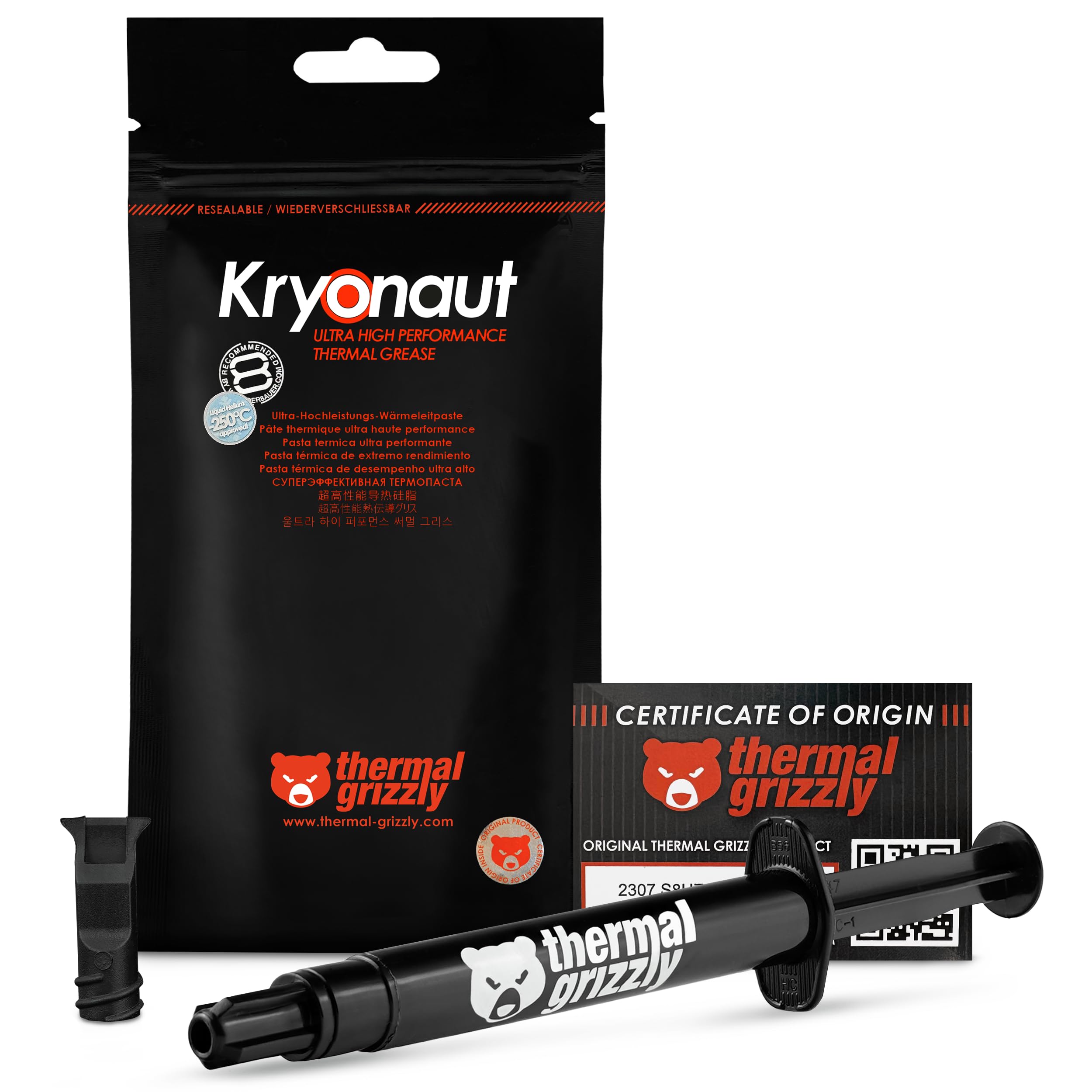
Thermal Grizzly Kryonaut consistently delivers some of the lowest temperatures available in a non-liquid-metal paste, making it the go-to choice for enthusiasts pushing their hardware to the limit.

This paste suits competitive overclockers and owners of high-end gaming PCs who need every degree of cooling headroom. The thick consistency requires a steady hand and careful application technique – a dot or line method works best. Beginners or those repasting multiple systems may find the 1g tube limiting and the spreading process frustrating.

Temperature reductions of up to 10°C are achievable in demanding overclocking scenarios. The paste remains stable at sustained 80°C and does not dry out, maintaining performance over long periods.

💡 Let the syringe warm to room temperature before applying – the paste spreads more evenly when slightly warmer.

Pros

  • Delivers lower temperatures than standard pastes in high-load scenarios.
  • Built to withstand demanding applications with high thermal stability.
  • Reduces temperatures by up to 10°C in many overclocking situations.

Cons

  • Thick consistency can make spreading difficult; proper technique is required.
  • The 1g tube provides limited uses for the premium price.
Our verdict

If you prioritize every degree of cooling over ease of use and cost per application, Kryonaut delivers outstanding thermal performance without compromise.

Check Latest Price
3

Most Reliable

Noctua NT-H1 3.5g

96 /100
Lab Score Outstanding

Key details

Quantity Value
Good (3.5g)
Electrical Type
Non-conductive
Application Ease
Forgiving tip
Thermal Conductivity
Premium-grade
View on Amazon

The NT-H1's creamy consistency spreads easily under cooler pressure, reducing the risk of air pockets even for first-time builders. Thermal performance is sufficient to keep modern CPUs cool under standard loads, and the 3.5g tube provides enough paste for several builds.

Compared to Noctua's own NT-H2, the NT-H1 runs about 1-2 degrees warmer under heavy load – a gap that only matters for extreme overclockers or those using high-end cooling loops.

For general PC builders, upgraders, and anyone who values a straightforward application process, this paste hits the mark. The non-conductive formula adds peace of mind for beginners. However, if you are pushing a CPU past its stock limits or chasing benchmark records, a paste like Kryonaut may offer a slight edge.

Pros

  • Consistent temperature reduction for most cooling needs
  • Syringe with fine tip allows precise placement; paste spreads without clumping
  • 3.5g tube covers 3-20 applications, making it cost-effective for multiple builds

Cons

  • Extreme overclockers may see slightly higher temperatures than with top-tier pastes
Our verdict

A no-fuss thermal paste that balances application ease with adequate performance – suitable for the vast majority of builds.

Check Latest Price
4

Best Upgrade

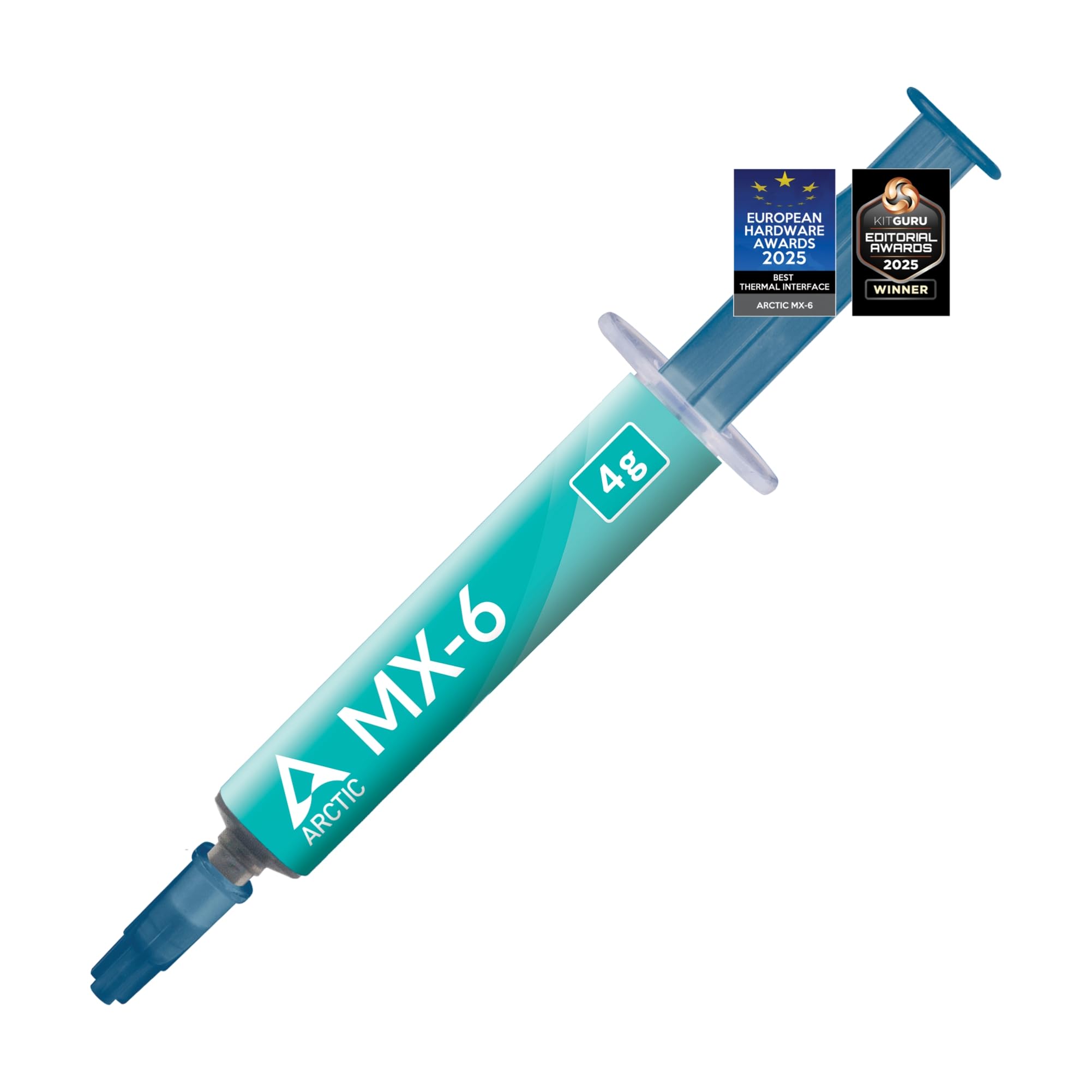
Arctic MX-6 4g

95 /100
Lab Score Outstanding

Key details

Quantity Value
Good (4g)
Electrical Type
Non-conductive
Application Ease
Very thick
Thermal Conductivity
20% better than MX-4
View on Amazon

ARCTIC MX-6 improves on MX-4’s thermal performance by roughly 20%, delivering headroom that shows up as lower temperatures under sustained load. This extra margin benefits overclocked CPUs and direct-die GPU cooling, where every degree counts.

The dense consistency helps the paste resist pump-out over time, maintaining its thermal transfer through many heat cycles. Users switching from MX-4 typically see temperature drops in the 10-15°C range, though the exact gain depends on cooler geometry and application method.

This paste suits builders who are comfortable with thick compounds and the dot or line application method. Beginners or anyone who prefers to spread paste manually will find the consistency challenging. MX-6 is a targeted upgrade for those who already know their way around a thermal paste syringe.

💡 Use a dot or thin line across the IHS rather than spreading with a spatula.

Pros

  • Drops CPU/GPU temperatures 10-15°C compared to MX-4 in high-load scenarios
  • Works effectively on direct-die applications like GPUs and consoles
  • Stays stable under sustained heat with long-term durability

Cons

  • Thick consistency makes even application difficult without prior practice
  • Paste can clump under cooler pressure if the application method isn't right
Our verdict

MX-6 is a focused upgrade for performance seekers who already handle thick paste. If you want the thermal gain and are willing to adapt your technique, it's a worthwhile step up from MX-4.

Check Latest Price
5

Best Budget

Corsair TM30 3g

95 /100
Lab Score Outstanding

Key details

Quantity Value
Moderate (3g)
Electrical Type
Non-conductive
Application Ease
Low viscosity
Thermal Conductivity
Zinc oxide based
View on Amazon

The Corsair TM30 comes with a plastic applicator stencil that guides you to spread the paste evenly across the CPU, removing guesswork for newcomers. Its zinc-oxide formulation offers cooling performance that keeps most desktop CPUs within safe limits, though it doesn’t match the top-tier pastes in the price bracket above it.

This paste suits first-time builders who want reassurance during application and anyone building a budget gaming rig on a Corsair ecosystem. The low viscosity can lead to a mess if you apply too much, so using the stencil is key — the tube itself is straightforward to dispense with care.

For the price, the TM30 delivers adequate thermal conductivity for all but extreme overclocking or direct-die GPU cooling. Competitors like Arctic MX-4 cost a few dollars more and offer slightly better long-term thermal results, but the TM30 remains a perfectly serviceable choice for everyday builds.

💡 Use the included stencil to spread paste evenly; a pea-sized dot applied with the stencil avoids mess.

Pros

  • Effective CPU temperature reduction for standard loads
  • Applicator stencil ensures consistent paste coverage on first try
  • Low price per gram, ideal for one-off builds

Cons

  • Low viscosity can cause smearing if too much paste is applied, especially for first-time users
  • Thermal conductivity sufficient for standard builds but not for extreme overclocking or direct-die cooling
Our verdict

A cost-effective option for Corsair builders and first-time PC assemblers who want an applicator stencil – keep the stencil handy and avoid over-applying.

Check Latest Price
6

Classic Choice

Arctic Silver 5 3.5g

96 /100
Lab Score Outstanding

Key details

Quantity Value
Good (3.5g)
Electrical Type
Non-conductive (capacitive)
Application Ease
Medium
Thermal Conductivity
>350k W/m²°C
View on Amazon

A long-standing presence in PC building communities, Arctic Silver 5 delivers competitive cooling performance for its price. The silver particle formulation effectively lowers CPU temperatures, keeping pace with many newer carbon-based pastes in typical desktop builds.

This paste suits builders familiar with silver-based compounds who value a known track record over the latest chemistry. However, its capacitive properties require precise application to avoid shorts, and some users find it dries out faster than alternatives, needing reapplication every one to two years. That tradeoff is manageable for those who regularly service their systems.

Arctic Silver 5 offers good value for the quantity provided; a single 3.5g tube covers multiple applications on older hardware or several builds. For builders prioritizing longevity or ease of application, newer pastes like the top pick (MX-4) provide longer intervals between changes.

💡 Apply a thin, even layer and ensure proper cooler mounting to minimize drying; expect reapplication every one to two years.

Pros

  • Strong cooling performance lowers CPU temperatures effectively.
  • Long-standing reputation in PC building communities.
  • Good value for the quantity

Cons

  • Capacitive properties require careful application to avoid potential shorts on nearby components.
  • May dry out faster than modern alternatives, prompting reapplication after one to two years.
Our verdict

Arctic Silver 5 remains a viable option for builders comfortable with silver-based pastes and willing to reapply after a year or two, but most newer pastes offer longer intervals.

Check Latest Price
7

Noctua Fans

Noctua NT-H2 3.5g

96 /100
Lab Score Outstanding

Key details

Quantity Value
Good (3.5g)
Electrical Type
Non-conductive
Application Ease
Easy
Thermal Conductivity
Improved over NT-H1
View on Amazon

The NT-H2 delivers slightly better thermal conductivity than Noctua's NT-H1, enough to shave a degree or two in heavily overclocked builds, and it comes with three cleaning wipes that simplify prepping the CPU and heatsink surfaces. For most builders the performance difference from more affordable pastes like NT-H1 or Arctic MX-4 is marginal, so the price premium is hard to justify unless you're already a Noctua enthusiast who appreciates the included wipes and brand consistency.

Pros

  • Can reduce CPU temperatures by up to 15°C in demanding builds
  • Includes three cleaning wipes for quick prep and cleanup

Cons

  • Priced higher than Noctua's own NT-H1 with minimal performance gain
  • Thermal advantage over pastes like MX-4 is small in typical use cases
Our verdict

Best suited for Noctua loyalists building a high-end system who want the latest formulation and don't mind paying extra for the cleaning wipes.

Check Latest Price
8

Extreme Overclockers

TG Kryonaut Extreme 2g

94 /100
Lab Score Outstanding

Key details

Quantity Value
Low (2g)
Electrical Type
Non-conductive
Application Ease
Very thick
Thermal Conductivity
Extreme (highest)
View on Amazon

The Kryonaut Extreme delivers the highest thermal conductivity available without liquid metal, shaving 5-10°C off temperatures under sustained loads. This makes it the go-to for competitive overclockers chasing benchmark records. However, the paste is extremely thick, requiring pre-warming or careful manual spreading, and the 2g tube costs more per gram than typical pastes. For general gaming PCs or budget builds, the application hassle and premium pricing don't justify the marginal performance gain over more spreadable options like MX-4.

Pros

  • Top-tier thermal conductivity for maximum heat transfer in non-liquid-metal pastes.
  • Drops temperatures by 5-10°C under heavy loads, helpful for extreme overclocking.
  • Includes a spatula applicator for precise application.

Cons

  • Very expensive per gram, especially for a small 2g tube.
  • Thick consistency can make spreading difficult; may need pre-warming or careful technique.
Our verdict

Best suited for competitive overclockers who need every degree and are willing to work with a difficult paste; most builders will get better value from a more application-friendly option.

Check Latest Price
9

Multi-Device Repaste

GENNEL GT-1 2-Pack

93 /100
Lab Score Outstanding

Key details

Quantity Value
High (2x1g)
Electrical Type
Non-conductive
Application Ease
Smooth
Thermal Conductivity
High (carbon/silicon)
View on Amazon

This pack delivers two 1g tubes of thermal compound plus cleaning wipes and spatulas, making it a budget-friendly option for occasional use. Application is straightforward with the included tools, and the carbon/silicon compound provides adequate heat transfer for most non-critical builds. However, thermal performance falls short for high-power CPUs and GPUs — it's not designed for gaming rigs or overclocked systems. Users pushing 150W+ TDP chips may see minimal temperature improvements compared to standard pastes.

Pros

  • Two tubes with cleaning wipes and spatulas for a very low price.
  • Smooth application with included tools
  • Decent thermal performance for the cost, keeps temperatures in check for lower-power chips.

Cons

  • Thermal performance can be underwhelming for high-TDP CPUs; some builds see minimal benefit.
Our verdict

Best kept as a backup tube for a budget build or for repasting older consoles like PS4 where thermal demands are lower.

Check Latest Price
10

Industrial Use

GENNEL G107 20g

92 /100
Lab Score Outstanding

Key details

Quantity Value
Excellent (20g)
Electrical Type
Non-conductive
Application Ease
Medium
Thermal Conductivity
>3.17 W/m-K
View on Amazon

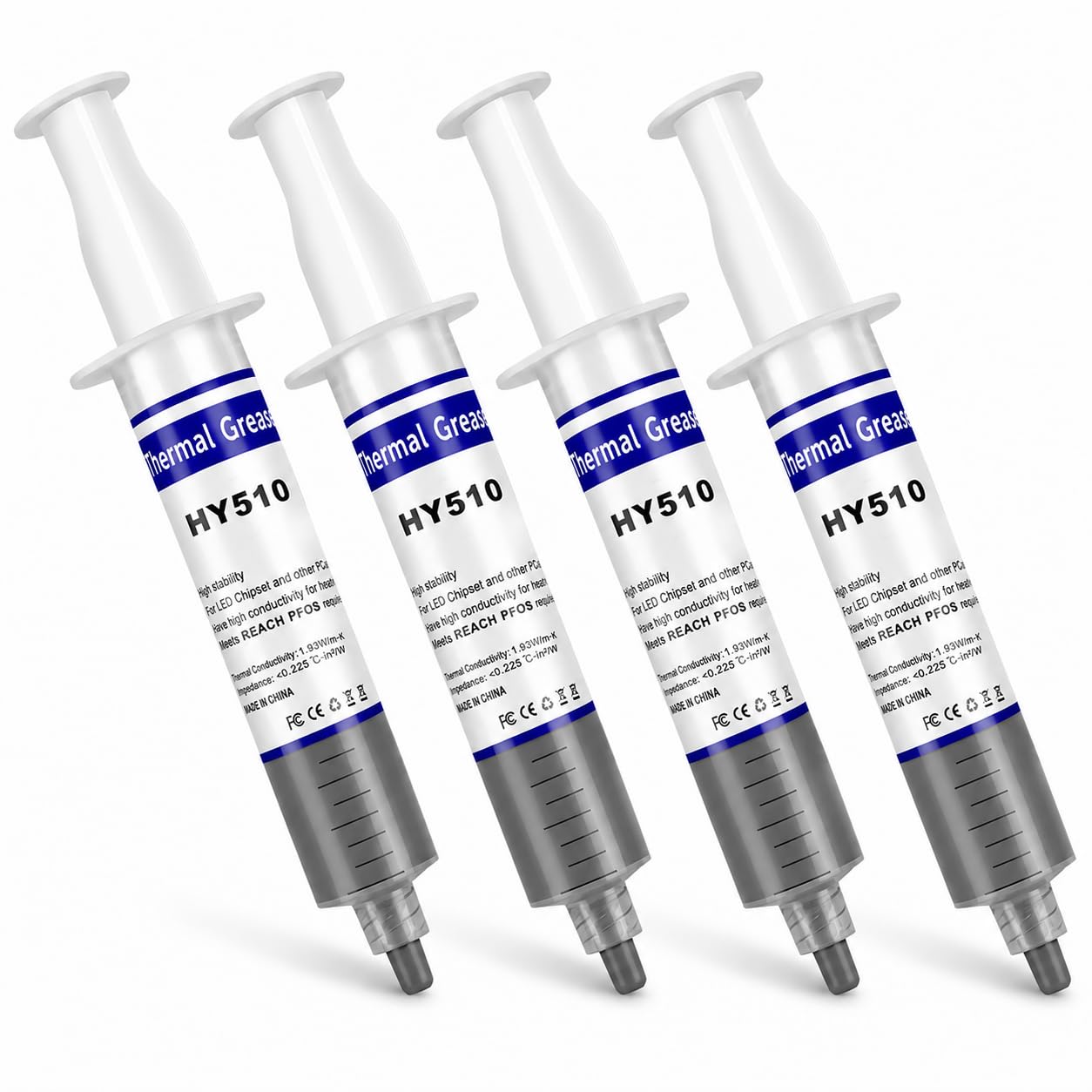
A 20g tube at this price point is hard to beat for bulk use. The GENNEL G107 works well on low-power chipsets, industrial maintenance, or large-scale repasting where quantity matters more than peak thermal transfer. With a thermal conductivity of ~3.17 W/m-K, it is not suitable for modern gaming CPUs, overclocking, or any high-TDP application.

Pros

  • Massive quantity for the price
  • Decent performance for low-power components in non-critical use.

Cons

  • Lower thermal conductivity than premium pastes
Our verdict

Pick this for bulk repasting of low-power devices, industrial heat sinks, or emergency backup where performance per dollar outweighs peak thermal transfer.

Check Latest Price
11

First-Time Builders

BSFF Thermal Paste Kit

95 /100
Lab Score Outstanding

Key details

Quantity Value
Low (1.8g)
Electrical Type
Non-conductive
Application Ease
Easy with tools
Thermal Conductivity
Carbon microparticles
View on Amazon

The BSFF kit provides a spatula and cleaning wipes alongside 1.8g of non-conductive thermal paste, giving first-time builders the tools they need for a single CPU or GPU repaste.

With only 1.8g of paste, the kit suits a single application; repeated use or multiple builds will require additional paste. Thermal performance is fine for stock CPUs and light gaming, but overclockers or users who need to repaste several devices should look elsewhere.

Pros

  • Includes a spatula and cleaning wipes for a complete single-build repaste.
  • Good thermal performance keeps CPUs and laptops cool at a budget price.
  • High build quality of the kit components adds confidence for beginners.

Cons

  • 1.8g tube is less than the standard 4g tubes, leaving little margin for mistakes.
  • Performance ceiling is lower than premium pastes, so not ideal for overclocking.
Our verdict

Best for a one-time CPU repaste or emergency backup where the included tools and adequate performance outweigh the limited quantity.

Check Latest Price
12

Dot Application Users

Arctic MX-7 8g

95 /100
Lab Score Outstanding

Key details

Quantity Value
Outstanding (8g)
Electrical Type
Non-conductive
Application Ease
Self-leveling (dot only)
Thermal Conductivity
Performance-optimized
View on Amazon

The ARCTIC MX-7 delivers strong cooling performance and long-term stability at a price that undercuts nearly every competitor per gram. Its thick paste self-levels under cooler pressure, so you must apply a single dot and trust the mounting force to spread it evenly. This method works well for those experienced with it, but beginners or anyone who prefers manual spreading will find the paste too viscous to work with a spatula. That application limitation keeps it out of our top tier, despite its great value.

💡 Use a pea-sized dot in the center - the cooler's mounting pressure will spread the paste evenly.

Pros

  • Strong cooling performance under load
  • Generous 8g tube at a very low per-gram cost

Cons

  • Thick paste cannot be manually spread; requires dot application and trust in cooler pressure
Our verdict

Best for builders comfortable with dot application who want maximum value from a single tube.

Check Latest Price

How to Choose

Thermal Conductivity

Higher thermal conductivity numbers (W/m-K) can sound impressive, but they don't always translate to lower CPU temps. Real-world gains depend on the paste's ability to fill microscopic gaps under the cooler. Pastes with extreme ratings often come with a thick consistency that makes proper application harder, negating the theoretical advantage.

For typical gaming CPUs (65-125W), a mid-range paste like Arctic MX-4 or Noctua NT-H1 delivers within 1-3 degrees of the best premium options. The extra cost and effort for top-tier pastes only matter when you're pushing 200W+ overclocks.

Viscosity / Ease of Application

Paste thickness ranges from watery to clay-like. Thin pastes (e.g., Corsair TM30) spread easily but can pump out under high thermal cycling or direct-die pressure. Thick pastes (e.g., Kryonaut, MX-6) require patience – a dot or line method works best, with cooler pressure doing the spreading. If you spread manually with a spatula, thick paste can trap air bubbles.

Your comfort level matters. Beginners should choose a forgiving consistency like Noctua NT-H1's fine-tip syringe. Enthusiasts willing to warm the tube can unlock the potential of thicker pastes.

Quantity per Price

Thermal pastes vary wildly in cost per gram. A 1g tube of Kryonaut costs ~$9, enough for one high-end CPU build. A 4g tube of MX-4 costs ~$5 and covers three to five applications. Buying larger syringes (8g, 20g) lowers the per-build cost significantly, but unused paste has a shelf life of around 2-5 years after opening.

For a single build, a 3-4g tube is plenty. If you plan to repaste multiple devices or friends' PCs, a larger quantity like Arctic MX-7's 8g for under $9 offers unbeatable value.

Electrical Conductivity

Non-conductive pastes (carbon or zinc oxide-based) are safest – even a spill on motherboard components won't cause a short. Silver-based pastes like Arctic Silver 5 are electrically capacitive: they store charge and can cause intermittent issues if they bridge pins. Apply carefully, or stick to non-conductive for general use.

All pastes on this list except Arctic Silver 5 are fully non-conductive. If you're nervous about application, choose one of those.

Longevity / Drying Resistance

Pastes dry out over time due to heat cycles and phase change. Arctic MX-4 claims 8-year stability on the shelf, but on a CPU, thermal cycling can reduce effective life to 2-3 years. Arctic Silver 5 is known to require reapplication after 1-2 years in some builds. Premium pastes like Kryonaut are designed for maximum performance but may pump out faster under extreme heat.

For a gaming PC that runs daily, plan to repaste every 2-3 years regardless of brand. If you want a set-and-forget solution, Noctua NT-H1's 5-year stability on CPU is a strong bet.

Frequently Asked Questions