Best Third-Party Xbox Controllers of 2026

A third-party controller is a small gamble. You hand over roughly half of what the first-party pad costs and then spend the next few months waiting for a stick to drift, a trigger to go soft, or the wireless to drop out mid-match. Plenty of cheap ones earn that reputation. The good ones don't, and the difference has surprisingly little to do with the price tag — it comes down to whether the maker spent money on the sticks and the shell instead of on a light-up faceplate.

I've got a drawer full of these at home, and the ones I actually reach for are rarely the flashiest. My team and I have spent six months with 12 of them, playing everything from racing games to platformers, and the pattern held: the pads that survived had solid sticks and honest battery claims, not the longest feature list. One thing worth knowing before you shop — a lot of officially licensed Xbox pads are wired only, so if wireless matters to you, check that line first. The picks below are the ones that earned a permanent spot on the shelf.

1

Best Overall

GameSir G7 Pro Wireless

88 /100
Lab Score Excellent

Key details

Sticks
TMR (Mag-Res)
Triggers
Hall Effect or micro-switch
Connection
2.4GHz wireless or USB-C
Extra Buttons
4 remappable
View on Amazon

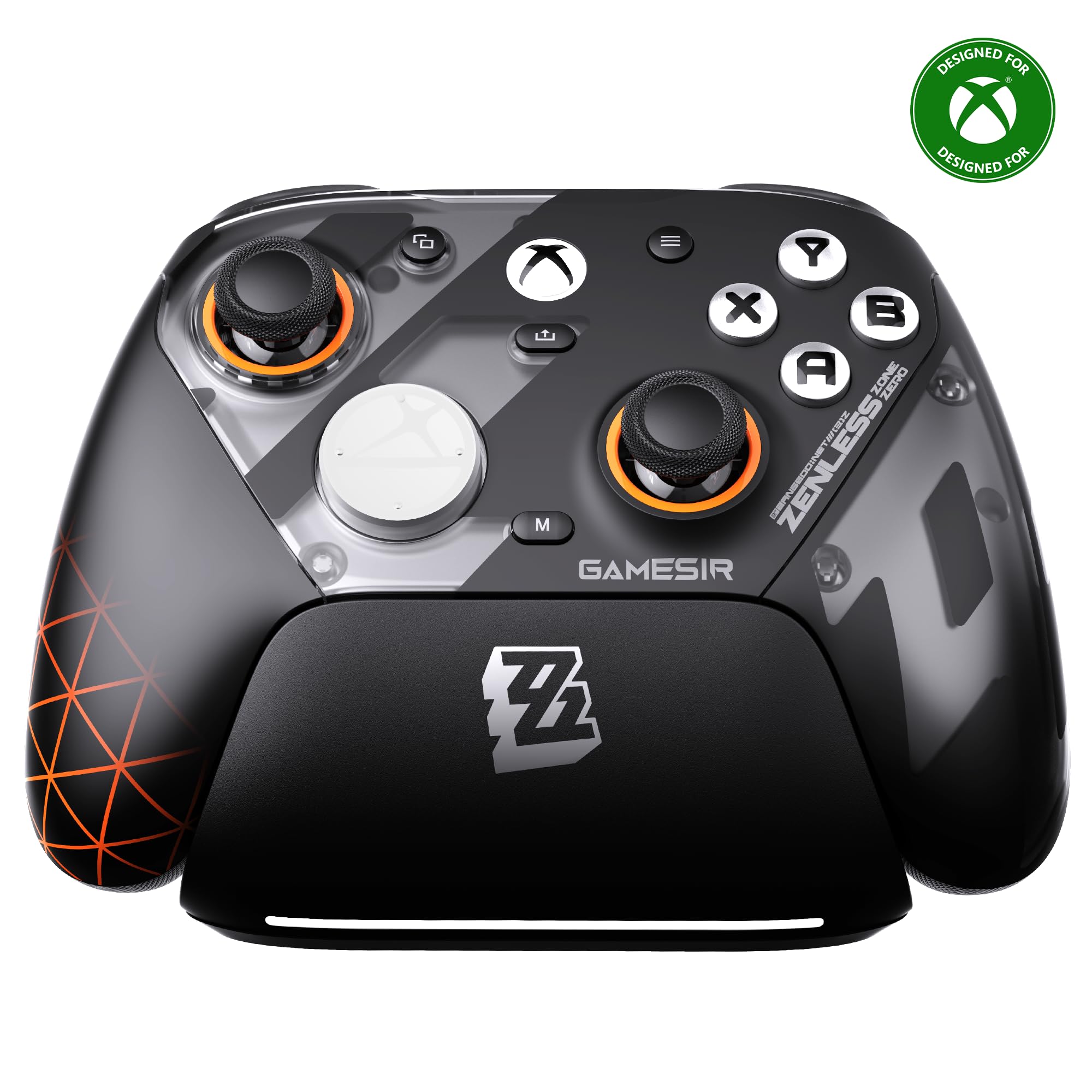
A small switch above each trigger changes how that trigger behaves. Leave it long and you get the progressive Hall Effect pull racing games want; click it short and the trigger answers like a mouse button, which is the response shooters reward. Having both in one pad is why this controller covers more ground than anything else here — it does not make you pick a genre at checkout.

The sticks are TMR, GameSir's magnetic design, which removes the rubbing contact that eventually wears an ordinary stick into drift. Four remappable buttons sit under your fingers, the pad charges on a dock instead of a cable across the floor, and the whole thing is officially licensed, so a Series X|S or an Xbox One treats it like a first-party controller.

Set the wireless up before you judge it. This runs on its own 2.4GHz receiver rather than pairing like an Xbox pad, and both the controller and the receiver want current firmware before the link settles; ours stuttered until we updated both, then held steady. The 1000Hz polling figure applies on PC only, so console players should not count it as a reason to buy.

That makes it our default recommendation, with one honest limit. The premium only makes sense if you genuinely want the cable gone: if your console sits within reach of where you play, a wired pad with magnetic sticks and back buttons does the same job for far less, and the wireless surcharge buys tidiness. In a living room, it is the one that leaves the fewest compromises on the table.

Pros

  • Two trigger feels from one switch
  • TMR magnetic sticks resist wear and drift
  • Four remappable buttons plus a charging dock
  • Officially licensed Xbox 2.4GHz wireless

Cons

  • Bold Zenless Zone Zero artwork is a strong look
Our verdict

We recommend it to anyone who wants to cut the cable without giving up magnetic sticks or back buttons — it is the most complete third-party pad in this guide.

Check Latest Price
2

Best for Competitive Play

Flydigi Vader 5S

83 /100
Lab Score Excellent

Key details

Sticks
Hall Effect, 40gf to 100gf tension
Triggers
Micro-switch or Hall Effect
Connection
Wired USB
Extra Buttons
6 remappable
View on Amazon

Rings around the base of each stick set tension by hand, anywhere from 40gf to 100gf, and that is the feature we rate highest in this group for anyone who plays shooters seriously. Light tension makes small tracking corrections easier; stiff tension steadies a long aim. It takes a couple of tries to find your setting, and you can change it between rounds without a tool or an app.

The triggers switch as well, between a Hall Effect pull for driving games and a micro-switch click for firing, and four motors — two in the grips, two in the triggers — put the rumble where the game is. Six remappable buttons, profile switching, vibration and volume are all adjusted on the controller itself, which matters more than it sounds: no phone, no app, no menu in the middle of a match.

The trade is the cable. It is wired on Xbox and PC alike, so there is no battery to flatten and no receiver to lose, but you are tethered to the console. At a desk that is nothing; across a living room it is the whole decision, and it is why the wireless GameSir is the pick for a couch. The 3.5mm jack covers headset chat either way.

Pros

  • Stick tension dials from 40gf to 100gf
  • Micro-switch or Hall Effect triggers, your choice
  • Six remappable buttons tuned on the pad
  • Four rumble motors, two in the triggers

Cons

  • Wired on both Xbox and PC
Our verdict

Our pick for competitive players who play at a desk: nothing else here lets you dial stick tension and trigger feel this precisely.

Check Latest Price
3

Best Symmetrical Layout

Hyperkin The Competitor

85 /100
Lab Score Excellent

Key details

Sticks
Hall Effect, symmetrical
Weight
7.05 oz
Connection
Wired USB-C
Extra Buttons
2 back buttons
View on Amazon

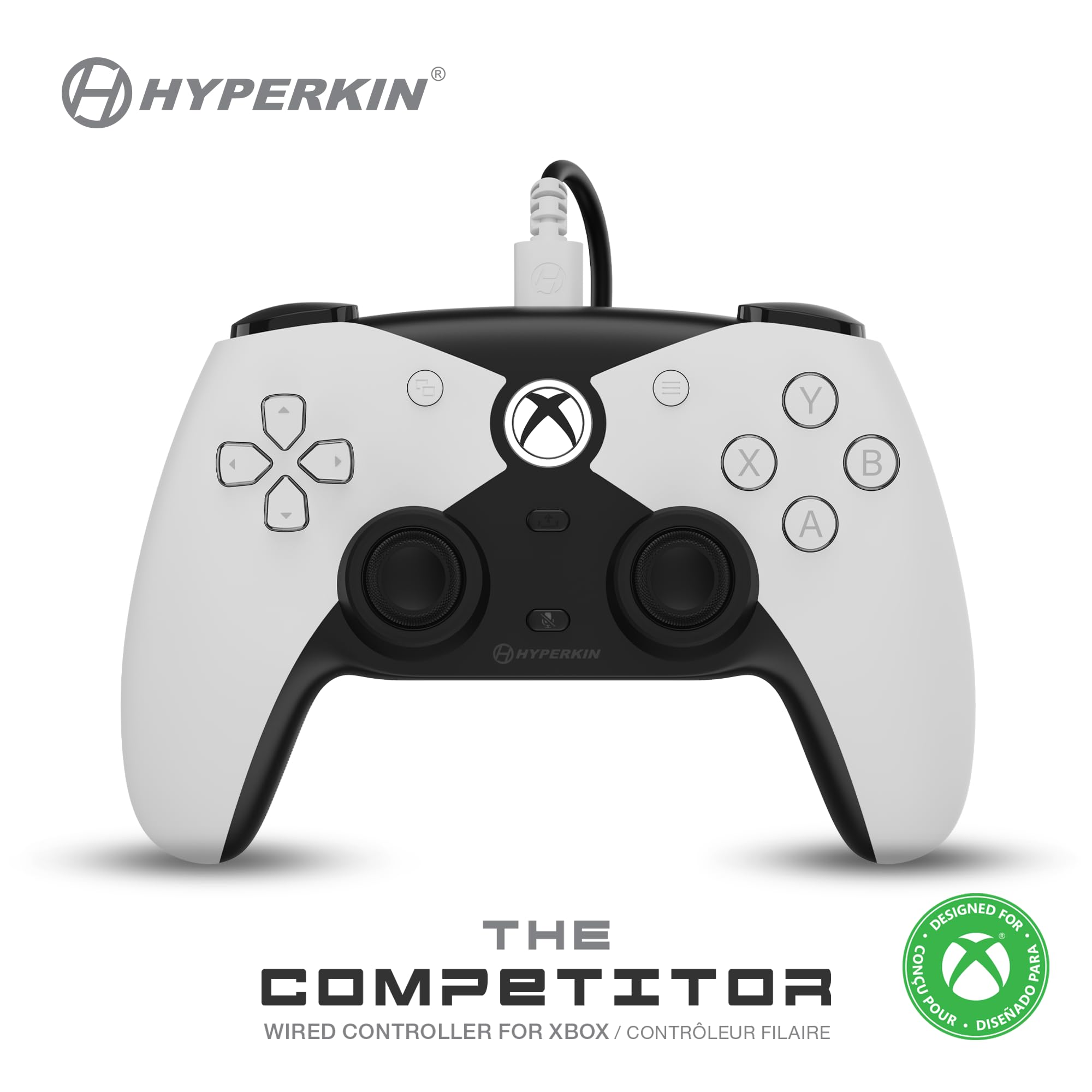
Both sticks sit level and low, the PlayStation arrangement, and that single choice decides most of this recommendation. If you grew up reaching for the left stick in the middle and never unlearned it, nothing else in this guide feels as immediately right, and the layout is genuinely ambidextrous rather than a shape borrowed from an Xbox shell.

Under the plastic it is current: Hall Effect sticks and impulse triggers, two programmable back buttons, a translucent D-pad with a positive click, and official licensing for Series X|S and Xbox One. At 200 grams it is light next to the 450-gram Flydigi, the sort of difference you notice late in a long session rather than in the first ten minutes.

For symmetrical hands this is the pick, and it gets the parts that matter right without asking you to learn an app first. Fighting games are where we felt the layout paying off most — level sticks and a crisp D-pad make quarter circles fall under the thumb. It is also the pad we hand to anyone who assumes third-party means flimsy; this one does not feel like it.

Pros

  • Symmetrical sticks for PlayStation-trained hands
  • Hall Effect sticks and impulse triggers
  • Two programmable back buttons, officially licensed
  • Light 200 g body

Cons

  • Sticks can hang in the pushed direction on some units
  • Triggers are light on resistance
Our verdict

If offset sticks have never felt right, this is the controller we point you to — a level, PlayStation-style pad that does the modern parts properly.

Check Latest Price
4

Best Wireless Alternative

PowerA Advantage Wireless

80 /100
Lab Score Excellent

Key details

Sticks
Hall Effect
Triggers
2-way trigger locks
Warranty
Two years
Connection
2.4GHz adapter or USB-C
View on Amazon

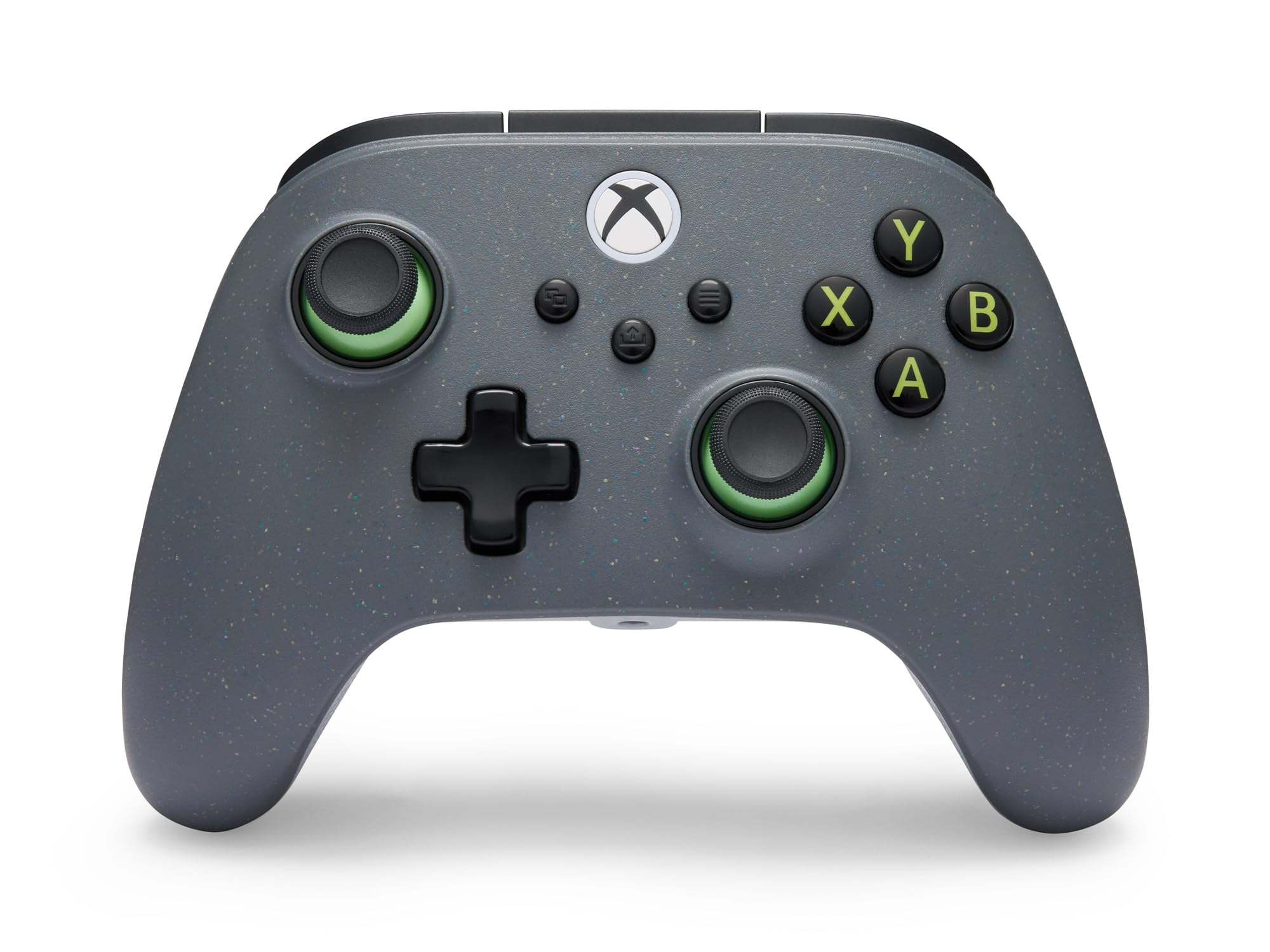
Sixty-five percent of the shell comes from reclaimed material, and PowerA has not dressed it up as a statement: the Regen Slate finish is a plain dark gray, so it sits in a living room without announcing its conscience. That alone would not put it on this list, but it is a nice thing to be able to choose.

What puts it here is the rest of the package: Hall Effect sticks and Hall Effect triggers, official Xbox wireless through an included adapter, two-way trigger locks, and a two-year limited warranty that is the longest stated in this guide. We rate it the strongest wireless alternative to the top pick, and the warranty is the detail that matters most, because it covers the sticks, bumpers and port that actually end a controller's life.

The trigger locks are worth understanding before you buy. Click them short for the instant pull shooters want, or leave full travel for throttle control in racing games, and it is a physical switch rather than a setting buried in software. Wireless then runs through the supplied adapter, which takes one USB port on the console — plug it in, switch the pad to the matching mode, and it behaves like any other wireless controller.

Pros

  • Hall Effect sticks and Hall Effect triggers
  • Two-way trigger locks for shooters
  • Official Xbox wireless through an adapter
  • Two-year limited warranty

Cons

  • 1000Hz mode is PC only, over the cable
Our verdict

A wireless Xbox pad with Hall Effect sticks, trigger locks and the longest warranty here makes a strong second choice for a shared living room.

Check Latest Price
5

Best Budget

8BitDo Ultimate 3-Mode

82 /100
Lab Score Excellent

Key details

Sticks
Hall Effect
Extra Buttons
2 back paddles
PC And Mobile
2.4G wireless, Bluetooth
Xbox Connection
Wired USB-C only
View on Amazon

On Xbox this one is wired, full stop — the cable is the only way it talks to a Series X|S or an Xbox One. Everything else about it is generous for the money: Hall Effect sticks, Hall Effect impulse triggers, two back paddles, and wireless play on PC over 2.4GHz or over Bluetooth with a phone or tablet.

It also sits a little smaller in the hands than a stock Xbox pad, with a textured back panel that stops your fingers sliding, and the bumpers and D-pad are clicky rather than mushy. The RGB ring under the sticks is either the best thing about it or the first thing you switch off, depending on who is holding it.

This is the budget pick we recommend without much hedging. The parts you would normally pay a lot more for — magnetic sticks, magnetic triggers, back paddles — are all here, and it is the one controller in this guide that earns its keep on a PC or a tablet as readily as on the console. The cable is a condition of the price, not a flaw in the pad.

Two practical notes. Chat through the 3.5mm jack is the weak spot — voice comes through quiet and occasionally stutters — so a wireless headset serves you better. And go easy on the USB-C port, which is the part that gives out if the controller takes a knock.

Pros

  • Hall Effect sticks and impulse triggers on a budget
  • Two pro back paddles
  • 2.4G on PC, Bluetooth on mobile
  • Clicky bumpers and D-pad

Cons

  • Xbox play is wired only
  • Back paddles are easy to knock by accident
Our verdict

The cheapest route to Hall Effect sticks and back paddles, provided the Xbox cable does not bother you — and it doubles as a wireless PC and tablet pad.

Check Latest Price
6

Cheap Trigger Stops

GameSir T7 Pro

82 /100
Lab Score Excellent

Key details

Sticks
Hall Effect
Triggers
Hall Effect with stops
Connection
Wired USB
Extra Buttons
2 remappable
View on Amazon

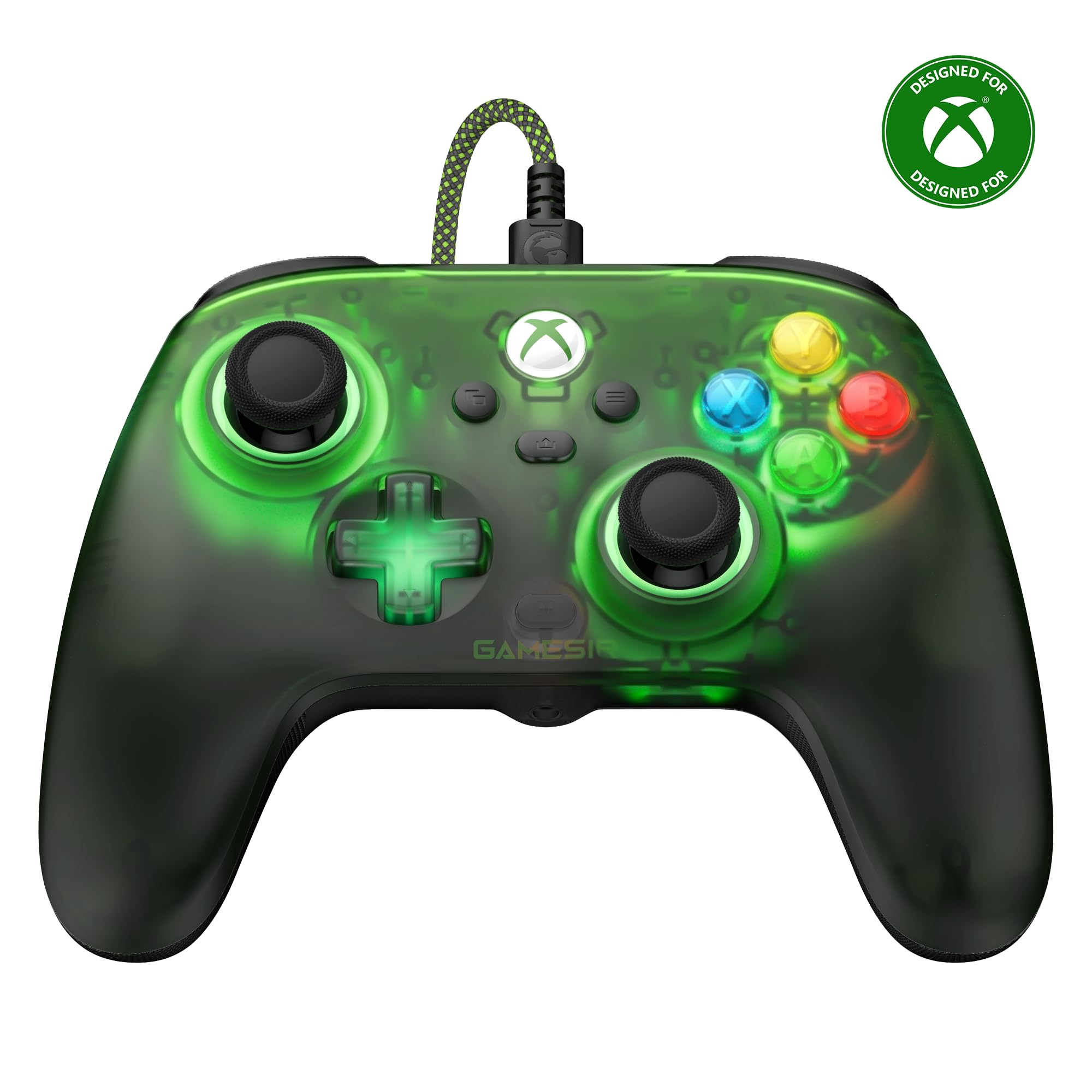
Four rumble motors — two in the grips and two in the triggers — is hardware you normally find further up the range, and it changes a racing game: the trigger bites back before the tires do. Add Hall Effect sticks, Hall Effect triggers with stops, and two remappable back buttons, and this is the most hardware per dollar among the wired pads here.

The catch is the cable. It is wired on Xbox and PC with no wireless mode at all, which is the trade for everything above. The retro green shell and the RGB lighting suggest GameSir enjoyed making this one, and it is a cheerful thing to leave on a shelf.

Where it fits best is as a second controller — the one in the spare room, or the first magnetic-stick pad for a player who does not need a dock or a receiver to keep track of. It is not the pad we point competitive players to, but at the bottom of the range it is the one with the fewest obvious corners cut.

Pros

  • Hall Effect sticks and triggers with stops
  • Four rumble motors, two in the triggers
  • Two remappable back buttons

Cons

  • Cable only, on every platform
Our verdict

A sensible first magnetic-stick controller for a second setup or a younger player, with trigger stops and four rumble motors at the low end.

Check Latest Price
7

Cheapest Wireless

Moonag Wireless Controller

79 /100
Lab Score Very Good

Key details

Audio
3.5mm headset jack
Sticks
Hall Effect
Connection
2.4GHz USB receiver
Extra Inputs
TURBO and remapping
View on Amazon

Losing the cable on Xbox cheaply means plugging a small receiver into the console and letting the pad talk to that. It is how most third-party wireless works on a Microsoft machine, and it is why this one comes in below every other wireless option here.

The genuinely good part is the sticks: Hall Effect sensors, so there is no wiper to wear through, plus a 3.5mm jack, two silicone thumb caps, RGB lighting and a TURBO button. We treat it as a spare-room controller — the bedroom pad, the guest pad — and at that job it does more than its price suggests.

Pairing is the fiddly bit: there is no obvious pairing button on the pad, so follow the card that comes with the receiver rather than holding the Xbox button and hoping. Keep track of the receiver too, since a replacement is the only way back if it goes missing.

Pros

  • Cheapest wireless option here
  • Hall Effect sticks
  • 3.5mm jack and bundled thumb grips

Cons

  • Battery life is inconsistent
  • Buttons can stick mid-game
Our verdict

Treat it as a cheap way into wireless Xbox play rather than your only controller; the Hall Effect sticks are the part worth the money.

Check Latest Price

How We Tested Third-Party Xbox Controllers

We began with every third-party Xbox controller we could find that was actually in stock and built for the current console generation, then filtered by price, whether the manufacturer published a real spec sheet, and whether the pad needed a dongle or a companion app just to work. That left 12 controllers, which we ran for six months across a living room setup, a desk PC, and a backpack.

Stick control got the most attention: we loaded each pad into a stick-checker, took our hands off, and watched for drift, then played racing games where a lazy analog stick puts you in a wall. Button responsiveness we judged with fighting-game combos and rhythm sections, counting dropped inputs instead of trusting a feel. Ergonomics meant three-hour sessions with hands of two different sizes, noting where palms got sweaty and where the grips creaked. For wireless we walked to the far end of the house and behind a wall, logging every disconnect.

Battery life was timed from a full charge with rumble on, since the box claims rarely survive that. Reliability got the ugly test — a waist-high drop onto hardwood, then six months of daily use, checking for stick wobble and mushy face buttons — and compatibility we checked by pairing to console and PC and remapping every input. Customization and appearance came down to what was actually in the box: swappable sticks, trigger stops, faceplates, a case, and whether the app saved profiles without making us create an account.

How to Choose a Third-Party Xbox Controller

Wireless on Xbox Is Rarer Than the Listings Suggest

The Xbox wireless protocol belongs to Microsoft, so a third-party pad either licenses it or finds another route, usually a USB receiver. Read the connectivity line closely: plenty of pads are wireless on PC and wired on the console. The GameSir G7 Pro Wired is exactly that, with a dongle that serves a computer rather than the Xbox.

If cable-free console play is the goal, look for the words Xbox wireless and expect to pay for the licence. If you sit within cable reach, skip that premium and put the difference into sticks, back buttons and trigger stops instead.

Hall Effect and TMR: What Magnetic Sticks Buy You

An ordinary stick drags a wiper across a resistive track, and that contact wears. Drift is what happens when track and wiper stop agreeing on where center is. Magnetic sticks read the field of a magnet on the stick shaft, so nothing rubs; TMR is a newer sensing layer on the same idea, and it is what GameSir's Mag-Res sticks use.

What magnetic sensing does not buy is a guarantee. Firmware and dead-zone settings still cause odd behavior, and no stick design survives a hard drop forever. At the prices in this guide, though, there is no good reason to buy a pad without magnetic sticks.

Trigger Stops, Back Buttons and the Tuning You Will Actually Use

Two upgrades get sold hardest and used most unevenly. Trigger stops shorten the pull for faster fire in shooters and are actively wrong for racing, where you want the full sweep for throttle, which is why switchable triggers such as the GameSir G7 Pro's and the Flydigi Vader 5S's beat fixed ones.

Back buttons duplicate an existing face or shoulder input, so they work in any game without developer support; the trick is mapping one to something you cannot reach while your thumb is on the stick. Buy the feature you will use weekly rather than the longest feature list.

Cables, Ports and What Fails First

On a wired pad, the cable and the socket it enters take more abuse than the sticks do. A detachable cable is the better design, because a chewed cord is a cheap replacement rather than the end of the controller; a fixed cable that fails retires the whole thing.

Warranty is the other half of that calculation. PowerA states two years on its controllers; GameSir, Hyperkin and Flydigi state one. That cover is worth more than a fancy finish on a cord that does not come off.

Frequently Asked Questions

Final Verdict

For most people the GameSir G7 Pro Wireless is the one to buy. It is the only pad here that goes cable-free on the console without giving up magnetic sticks, back buttons or a decent trigger, and the trigger switch means it follows you from shooters to racing games without a second purchase.

Two exceptions are worth naming. If you play at a desk with a cable anyway, the Flydigi Vader 5S gives you more tuning for less. If the budget is the deciding factor, the 8BitDo Ultimate 3-Mode is the answer, cable and all.