Best Overall
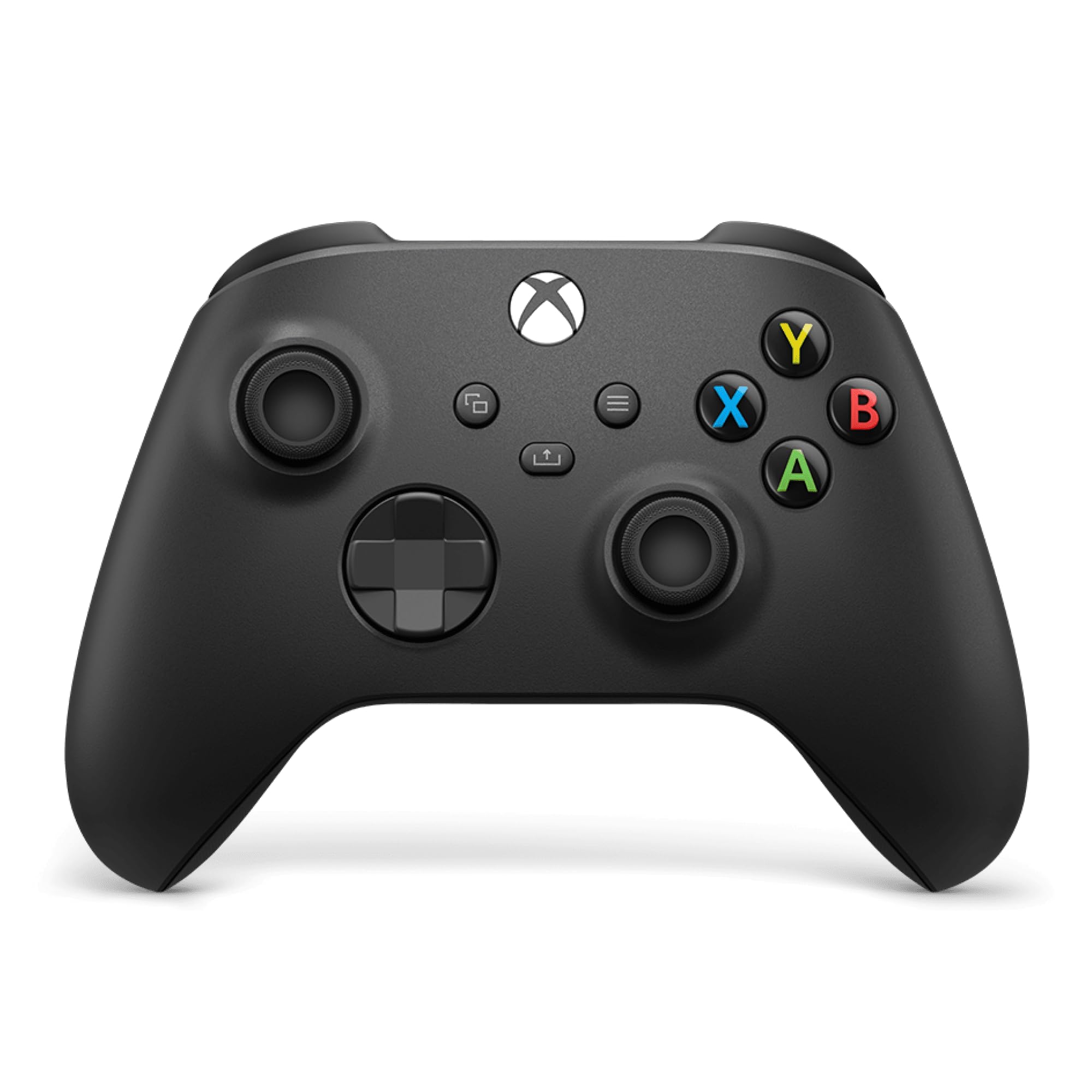
Xbox Wireless Controller
Key details
- Controls
- Hybrid D-pad, Share button, 3.5mm jack
- Warranty
- 90 days
- Connection
- Xbox Wireless, Bluetooth, USB-C
- Compatibility
- Xbox Series X|S, Xbox One, PC, Android, iOS
The official Xbox Wireless Controller is the one we recommend first because it removes the compatibility question. Xbox Wireless pairs directly with the console, USB-C handles wired play on PC and console, and Bluetooth covers a phone or tablet. We liked that there was no dongle to lose and no app to open before the first game. The sculpted shell and textured grips also felt familiar in a good way: this is the shape most Xbox games are designed around, and it disappears in your hands after a few minutes.
The hybrid D-pad is the detail we noticed most during play. It gives a firmer, more defined click than a plain cross, and the textured triggers and bumpers keep your fingers from sliding. The Share button is a small convenience that saves a trip through the dashboard, and the 3.5mm jack is still the simplest way to plug in a headset. None of this is exotic, but it is the right set of basics.
The Elite is the upgrade when you want more control, and a third-party pad is the way to get Hall-effect sticks. For everyone else, the value is in the lack of friction: it works with the console, it works with PC, and it works with the headset you already own. The textured grips and familiar shape are why we keep coming back to it as the default.
Pros
- Native Xbox Wireless and Bluetooth
- Share button and 3.5mm headset jack
- Comfortable textured grips and hybrid D-pad
- Works on console, PC, Android, and iOS
Cons
- No back buttons or Hall-effect sticks
- 90-day warranty is short
For most Xbox owners, the official Xbox Wireless Controller is the easy recommendation: it pairs natively and covers console, PC, and mobile without extra hardware.