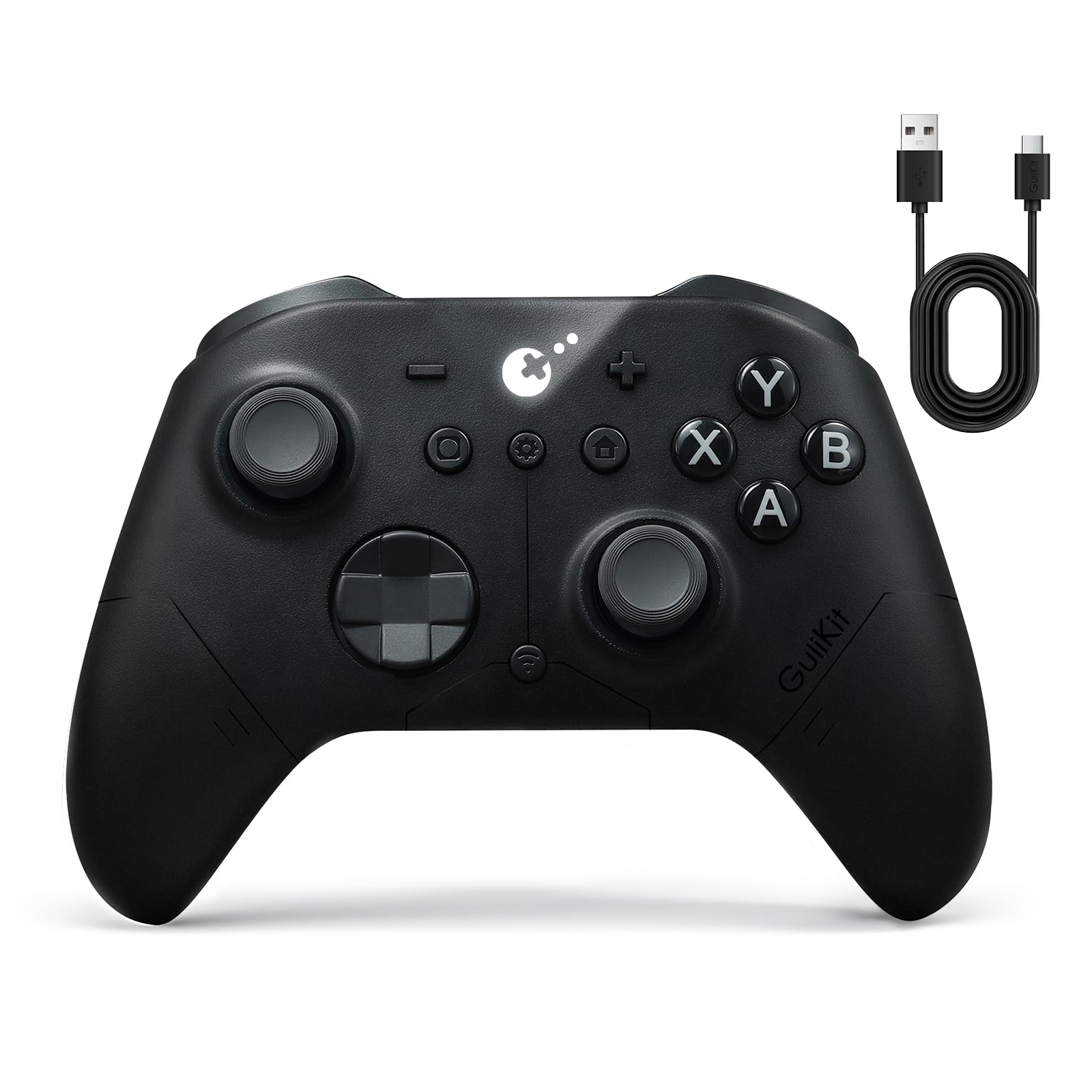
13 Best TMR Controller of 2026: Choose Reliability Over Hype

Which TMR controllers actually deliver drift-free gaming without early failures? This guide helps you pick the right balance of features, price, and durability.

TMR joysticks promise drift-free precision, but the real challenge isn't the technology – it's build quality. A controller with great specs on paper can still develop trigger issues or stick problems within weeks, leaving you back at square one.

That's why this guide focuses on controllers that earn their reputation through consistent user feedback, not just marketing claims. We've prioritized models with enough real-world use to separate genuine performers from early-failure risks.

The best TMR controller for you balances the features you actually need – polling rate, trigger feel, button layout – with a track record that suggests it will still work well next year. Skip the hype, focus on the data that matters.

1

Best Overall

8BitDo Ultimate 2

91 /100
Lab Score Outstanding

Key details

Back Buttons
2 back + 2 bumpers
Connectivity
2.4G, BT, wired
Polling Rate
1000Hz
Trigger Type
Hall linear/tactile
View on Amazon

The 8BitDo Ultimate 2 brings together the features most PC and Android gamers want – TMR joysticks, dual-mode Hall-effect triggers, a 1000Hz polling rate over 2.4G and wired, and a charging dock that keeps the controller ready. With thousands of reviews across multiple platforms, it has become a reference point for what a mid-range wireless controller should deliver. The build feels dense and the grip suits long sessions, which matches the general consensus among buyers who value consistency over flashy extras.

Wireless connectivity uses 2.4G (via the included 8Speed dongle), Bluetooth, or USB-C. Over 2.4G and wired, the polling rate hits 1000Hz – responsive enough for most PC and Android gaming. Bluetooth works for Switch users (no native Switch support, but pairing is straightforward) and mobile devices. The RGB fire ring around the right stick is customisable through the Ultimate Software, and the gyro adds motion aiming where supported. The switchable triggers let you pick between a linear Hall effect for racing or a tactile click for shooters.

Where the Ultimate 2 earns its place is in the confidence that comes from a large user base reporting consistent day-to-day performance. Stick tracking remains smooth over time, the dock charges reliably, and the extra buttons – two back paddles and two bumpers above the standard triggers – expand control without feeling cramped. That said, a small number of units have shown issues after light use – function may become unreliable, so keeping the purchase receipt handy is sensible. Wireless dropouts have also been noted, especially over Bluetooth in busy RF environments; using the 2.4G dongle avoids that entirely.

This controller is best suited for PC and Android gamers who want a well-rounded wireless option with a charging dock and don’t need Xbox console support. Switch players can use it via Bluetooth, but the lack of native Switch support means no button mapping via the console interface. If you play on Xbox or require absolute wireless stability in a crowded signal area, the occasional Bluetooth dropout and the Xbox incompatibility are boundary conditions worth weighing.

💡 For the most stable connection, use the 2.4G dongle instead of Bluetooth; the dock charges the controller overnight and keeps it paired.

Pros

  • Solid build quality and consistent feel across PC and Android platforms
  • Comfortable ergonomics with smooth TMR sticks for long sessions
  • Included charging dock and dual-mode triggers add genuine value
  • Extra buttons (two back paddles and two bumpers) expand input options without clutter

Cons

  • Not compatible with Xbox consoles
  • Wireless connectivity can drop under Bluetooth; using the 2.4G dongle resolves this
  • Some units may develop function issues after light use
Our verdict

The 8BitDo Ultimate 2 is the most sensible pick for PC and Android gamers who want a reliable TMR controller with a dock – just know it doesn’t work on Xbox and Bluetooth can be finicky in crowded spaces.

Check Latest Price
2

Best for Xbox

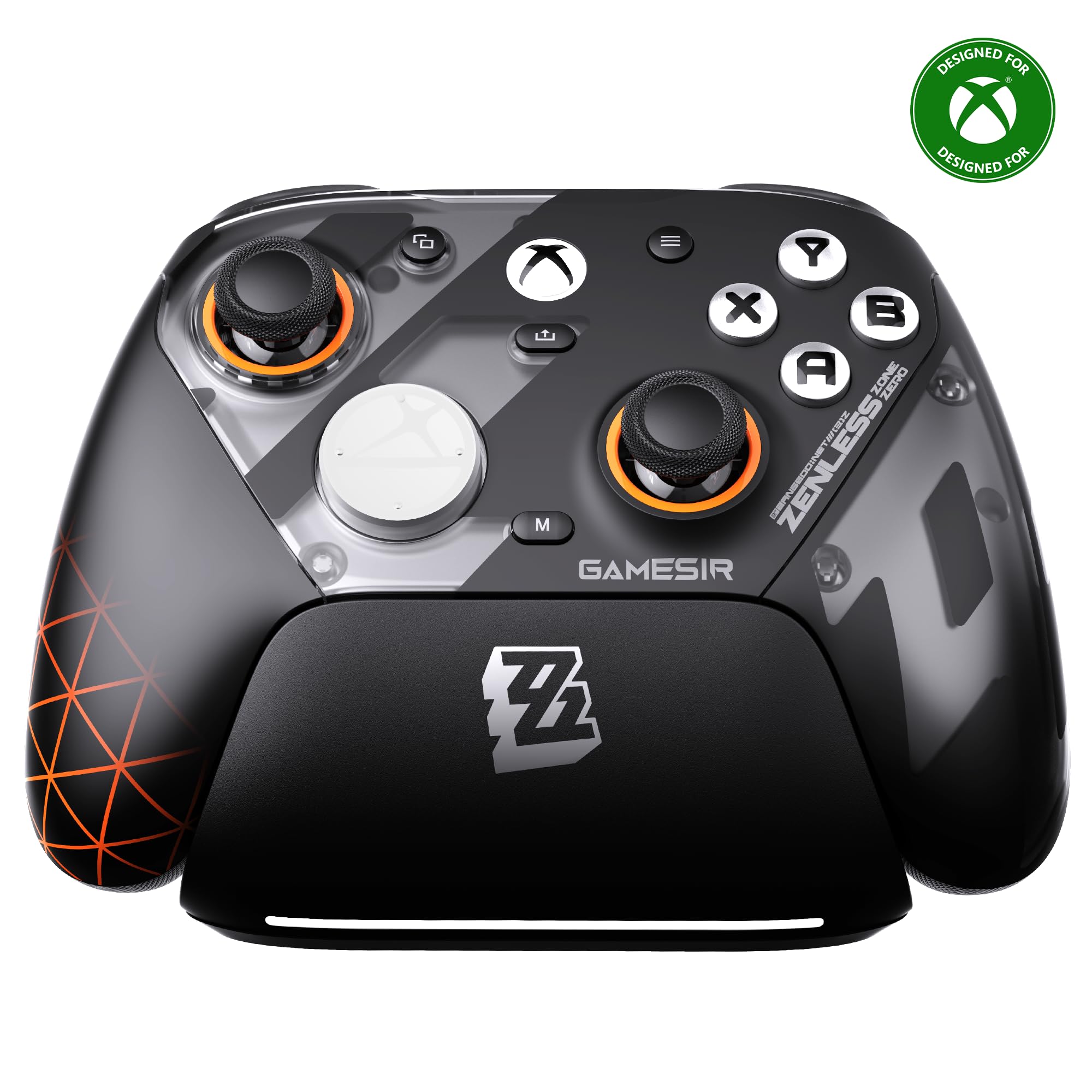
GameSir G7 Pro

89 /100
Lab Score Excellent

Key details

Back Buttons
4 (2 back+2 bumpers)
Connectivity
Wired (Xbox), 2.4G, BT
Polling Rate
1000Hz
Trigger Type
Hall + micro-switch
View on Amazon

Native Xbox wireless support sets the GameSir G7 Pro apart from the crowd — no dongle or wired tether needed for Xbox Series X|S or Xbox One. The controller pairs instantly and delivers a 1000Hz polling rate over its 2.4G wireless when used on PC, while Bluetooth handles Android duty. Textured rubber grips and a comfortable, slightly weighted shell give it a premium feel that rivals first-party pads, and the included charging dock keeps the 1200mAh battery topped up between sessions.

This controller targets Xbox gamers who want TMR joystick precision and Hall effect triggers without leaving the Microsoft ecosystem. It also works wirelessly on PC and Android, making it a flexible hybrid for multi-platform players. That said, some units have exhibited trigger or joystick problems within weeks of use, and wireless connectivity on Xbox can occasionally drop or struggle with pairing — a tradeoff worth weighing against the polished ergonomics and feature set.

Build quality and material choices are strong: the textured grip and solid construction reduce fatigue during long sessions, and the four back buttons (two bumpers, two lockable paddles) add useful inputs without crowding. The charging dock and Hall effect triggers with micro-switch stops are features usually reserved for higher-priced controllers, reinforcing the value proposition for buyers willing to accept the possibility of early unit variance.

💡 Keep the 2.4G dongle within line of sight of the Xbox and avoid USB 3.0 hubs to minimize wireless dropouts.

Pros

  • Textured rubber grips and solid build reduce hand fatigue during extended play.
  • Ergonomic shape fits natural hand positions, especially comfortable for larger hands.
  • Charging dock and Hall effect triggers deliver premium features at a competitive price point.

Cons

  • Trigger or joystick issues can appear within weeks of regular use, requiring warranty attention.
  • Wireless connection on Xbox may disconnect or have pairing difficulties in some setups.
Our verdict

Best suited for Xbox players who prioritize native wireless and TMR sticks over absolute reliability certainty — the dock and grip make it a compelling middle-ground if you’re comfortable with a possible early-life defect.

Check Latest Price
3

Best for Esports

Razer Wolverine V3 Pro

82 /100
Lab Score Excellent

Key details

Back Buttons
6 (4 back+2 bumpers)
Connectivity
2.4G, wired (PC only)
Polling Rate
8000Hz
Trigger Type
HyperTriggers (click/analog)
View on Amazon

The Razer Wolverine V3 Pro delivers the fastest wireless response available in a controller at 8000Hz polling with a featherlight build. This makes it a compelling option for competitive PC gamers who need every millisecond advantage. Unlike the wired Tournament Edition, which offers similar polling at a lower price, the V3 Pro cuts the cord without sacrificing speed. The ultralight design reduces fatigue during long sessions, and the carrying case adds portability.

This controller is best suited for serious PC players who demand the absolute lowest latency and are comfortable with a premium-priced product that may have some unit-to-unit variation. Reports indicate occasional loose back buttons or trigger lock inconsistencies, so checking the unit early is advisable. If you are looking for better value or need cross-platform compatibility, the wired Tournament Edition or other options like the 8BitDo Ultimate 2 may be a more practical choice.

Pros

  • 8000Hz wireless polling for near-instant responsiveness
  • Lightweight and well-balanced design for long gaming sessions
  • Premium build with mecha-tactile buttons and swappable stick caps

Cons

  • Some units may have loose back paddles that wobble during use
  • Trigger lock mechanism can be unreliable, with random trigger presses noted in some cases
  • Higher price point may not feel justified given the occasional reported defects
Our verdict

For PC esports players who prioritize wireless speed above all else and can accept some unit variance, the Wolverine V3 Pro delivers. Otherwise, the wired Tournament Edition offers similar performance at a lower price.

Check Latest Price
4

Best D-Pad & Retro

8BitDo Pro 3

89 /100
Lab Score Excellent

Key details

Back Buttons
2 back + 2 bumpers
Connectivity
BT, wired
Polling Rate
1000Hz (wired)
Trigger Type
Hall linear/tactile
View on Amazon

The 8BitDo Pro 3 distinguishes itself with a D-pad that feels precise and satisfying for 2D platformers and retro games, backed by tactile feedback that rivals the best in the category. Swappable magnetic ABXY buttons let you toggle between Nintendo and Xbox layout in seconds, and the Hall effect triggers offer switchable linear or tactile feel. This controller prioritizes feel and customization over raw polling rates, making it a natural fit for genres where input precision matters more than response time.

This is the controller for Switch and PC gamers who weigh D-pad quality and button flexibility above all else. However, button remapping may not persist after powering off or switching devices, and Bluetooth can require re-pairing more often than some rivals. Cloud gaming services like GeForce Now and certain iOS setups are not supported. If you prefer a wired connection or don't mind occasional re-pairing, the tradeoffs are manageable for the input feel you get.

💡 Save button profiles within the 8BitDo Ultimate software on your device rather than relying on onboard storage.

Pros

  • Class-leading D-pad with tactile feedback for retro and 2D games.
  • Magnetic swappable ABXY buttons for easy layout switching between Switch and Xbox.
  • Switchable Hall effect triggers offer both linear and tactile modes.
  • Compatible with Switch, PC, and Android out of the box.

Cons

  • Cloud gaming services like GeForce Now may not work; some iOS setups have limited compatibility.
  • Bluetooth pairing may need to be refreshed after disconnecting from a device.
  • Custom button remappings may reset when the controller is turned off or connected to a different device.
Our verdict

A superb option for Switch and PC gamers who value D-pad feel and button customization over wireless convenience and profile persistence.

Check Latest Price
5

Best Value with Mechanical Buttons

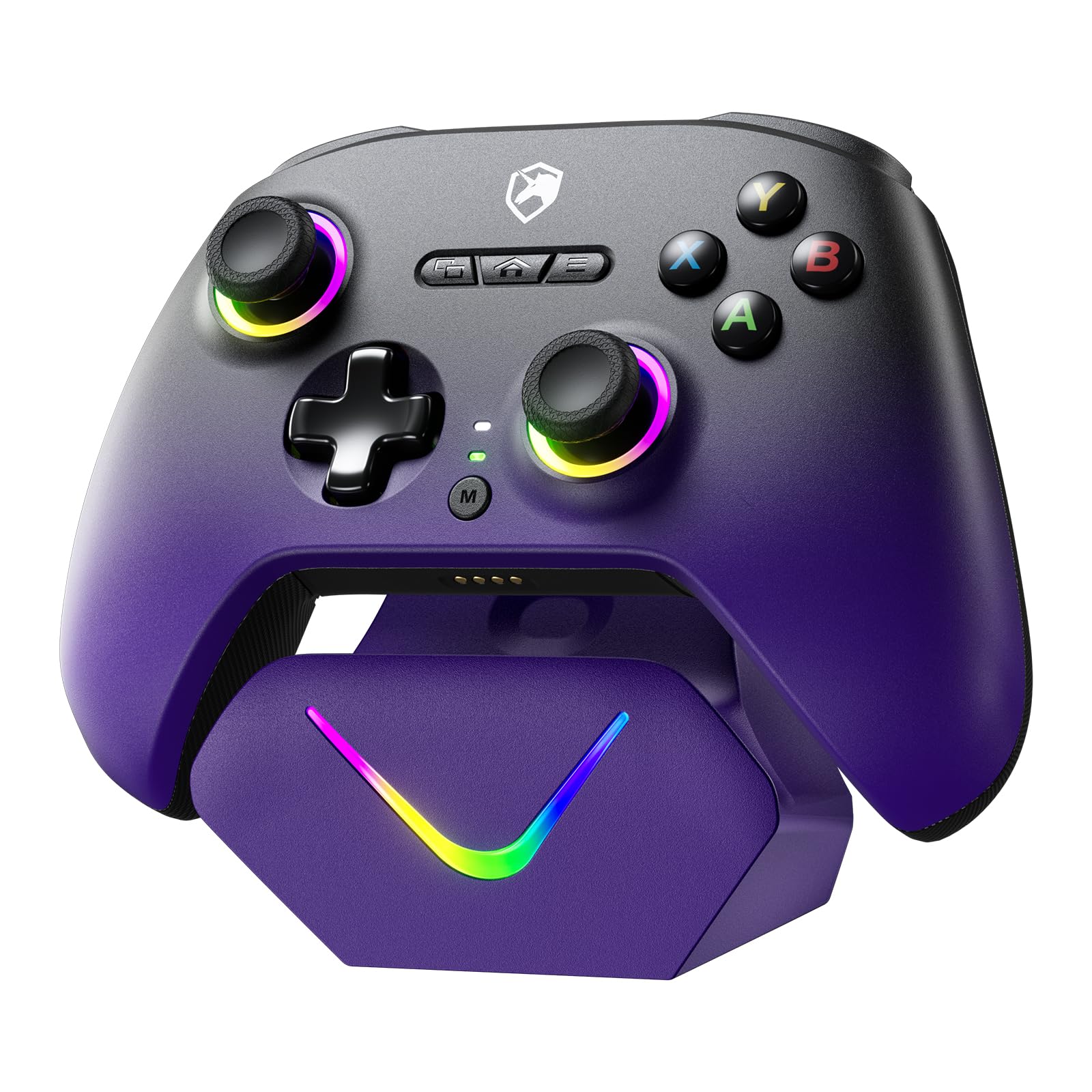
EasySMX D10

88 /100
Lab Score Excellent

Key details

Back Buttons
2 remappable back
Connectivity
2.4G, BT, wired
Polling Rate
1000Hz
Trigger Type
Dual-mode Hall/micro
View on Amazon

The EasySMX D10 stands out in the TMR controller crowd with its mechanical face buttons and dual-mode triggers (Hall linear or micro-switch), paired with a charging dock – all for under $60. The 1000Hz polling rate over wired or 2.4G ensures snappy input, and the RGB lighting adds a bit of flair without feeling gimmicky. For PC and Switch gamers who want a crisp, clicky button feel without spending premium money, this controller delivers where many competitors at this price use membrane switches.

Where the D10 falls short is wireless reliability and button customization. The controller can drop its connection when left idle, requiring a return to the dock to re-pair – a minor annoyance during long sessions or quick breaks. The two back buttons are not fully remappable; they default to L3/R3, which limits their use for players who want macros or alternative bindings. Some users also note that the face buttons can feel slightly mushy under repeated heavy presses, though the mechanical click is still present.

Compared to similarly priced options like the feature-rich budget alternative (which has more reliability warnings), the D10 offers a more consistent build with fewer early failure reports. It suits gamers who value mechanical buttons and a dock over wireless stability or deep customization. Switch gyro support and Bluetooth connectivity add flexibility for mobile or hybrid play, but the wireless quirks make it better suited for desktop use where the dock is always within reach.

💡 Keep the controller on the dock when not in use – re-docking is the only way to recover from an idle disconnect.

Pros

  • Mechanical ABXY buttons provide crisp, tactile feedback during fast presses
  • Dual-mode triggers let you switch between linear and micro-switch for FPS or racing games
  • Charging dock included at a competitive price
  • Responsive TMR joysticks with smooth tracking and 1000Hz polling in wired/2.4G mode

Cons

  • Wireless connection may drop when idle, requiring a re-dock to reconnect
  • Back buttons default to L3/R3 and cannot be fully remapped for custom macros
Our verdict

A strong mid-range option for PC and Switch gamers who prioritize mechanical buttons and a bundled dock, but be prepared for occasional wireless hiccups and limited back-button programmability.

Check Latest Price
6

Most Customizable

NYXI Imperial

87 /100
Lab Score Excellent

Key details

Back Buttons
2 programmable back
Connectivity
2.4G, BT, wired
Polling Rate
1000Hz
Trigger Type
Dual-mode Hall/micro
View on Amazon

The adjustable stick tension (40-80gf) gives the NYXI Imperial a level of joystick customization normally reserved for controllers over $150. Combined with swappable ABXY buttons that toggle between PC and Switch layouts, it delivers pro-level personalization without the premium price tag. This focus on joystick feel and button layout sets it apart from other TMR controllers that prioritize extra paddles or macro recording.

This controller fits PC and Switch gamers who want to fine-tune stick resistance for different genres and prefer a solid, premium build. Its long-term durability under heavy daily use has not been widely demonstrated, so buyers who plan to log hundreds of hours might want to lean on the top pick’s proven track record instead. The lack of Xbox or PlayStation support means it stays within Nintendo and PC ecosystems.

The TMR joysticks deliver smooth, precise movement with no drift, and the dual-mode Hall triggers offer both micro-switch and linear action for versatility. The 1200mAh battery and smart charging dock keep the controller topped up with minimal cable fuss. Build quality feels solid in hand, and the two programmable back buttons add useful shortcuts without clutter.

Pros

  • Solid build quality with a premium feel in the hand
  • Adjustable stick tension and swappable ABXY buttons for customized layouts
  • Smooth, drift-free TMR joysticks with accurate response

Cons

  • Long-term durability under sustained heavy use has not been widely established
  • Not compatible with Xbox or PlayStation consoles
Our verdict

For PC and Switch gamers who want adjustable stick tension without spending over $150, the NYXI Imperial delivers. Just be aware that its long-term durability is unconfirmed, making it a better fit for moderate use or early adopters.

Check Latest Price
7

FPS Budget

GameSir Cyclone 2

87 /100
Lab Score Excellent

Key details

Back Buttons
2 remappable back
Connectivity
2.4G, BT, wired
Polling Rate
1000Hz
Trigger Type
2-in-1 Hall/micro
View on Amazon

The GameSir Cyclone 2 packs features typically found in pricier controllers: mechanical ABXY buttons, Hall-effect trigger stops, and a sleek charging dock. Its 1000Hz polling rate and TMR joysticks appeal to FPS players on a budget. However, build consistency is a known vulnerability—some units develop trigger issues or drift within weeks, and wireless connectivity can drop intermittently. This makes it a high-upside gamble best suited to buyers who can tolerate possible early defects in exchange for a feature-packed experience at a low price.

Pros

  • Mechanical face buttons and micro-switch trigger stops give crisp, tactile feedback for FPS games.
  • Includes a charging dock and supports 2.4G, Bluetooth, and wired USB-C.
  • Comfortable ergonomics with textured grips and responsive triggers.

Cons

  • Some units stop working or develop trigger issues and drift within weeks of use.
  • Wireless connection can drop intermittently, even when wired—worth checking before competitive play.
Our verdict

Best suited for budget-conscious FPS players who prioritize features like mechanical buttons and trigger stops over long-term reliability, and are willing to accept potential unit variance.

Check Latest Price
8

Esports PC

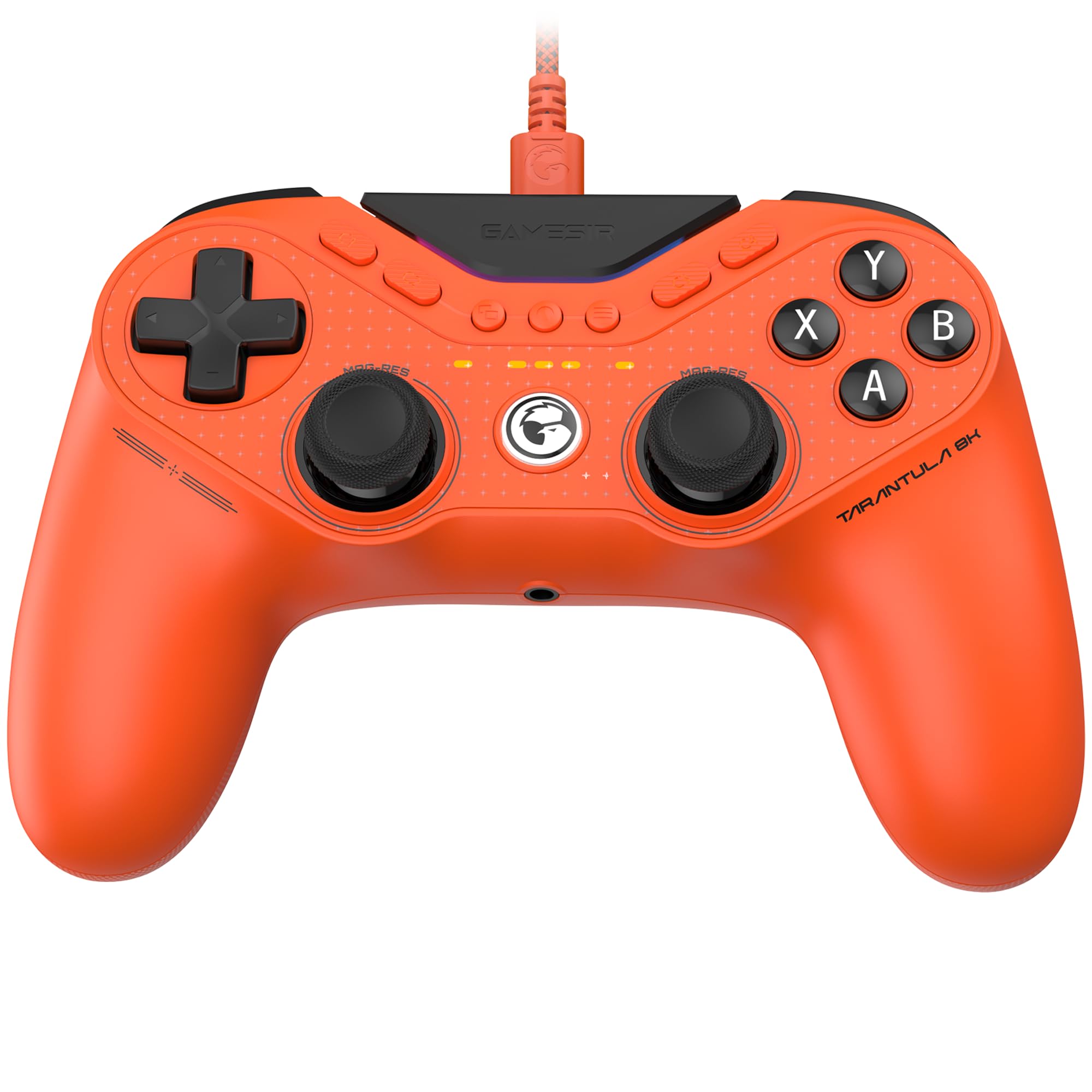
GameSir G7 Pro 8K

88 /100
Lab Score Excellent

Key details

Back Buttons
4 remappable
Connectivity
Wired, 2.4G
Polling Rate
8000Hz
Trigger Type
Dual-mode Hall/micro
View on Amazon

This controller focuses on raw speed with 8000Hz wired and wireless polling plus optical ABXY switches that feel crisp and instant. The rubberized grip and balanced weight make it comfortable for long sessions. However, trigger mechanisms can develop issues and some units arrive with slight stick drift that requires deadzone adjustment. These reliability concerns keep it from being a universal recommendation for competitive play, especially when the 8BitDo Ultimate 2 offers similar TMR performance with a much larger user base and fewer complaints.

Pros

  • Response with 8000Hz polling is immediate and lag-free
  • Build quality feels high-end with premium materials
  • Ergonomics with rubberized grip and balanced weight suit extended play

Cons

  • Trigger mechanisms can develop issues under extended use
  • Stick control may require deadzone adjustment in some units
Our verdict

Best for PC enthusiasts who prioritize the fastest possible polling rate and are comfortable with some QC variance rather than long-term reliability guarantees.

Check Latest Price
9

Wired Esports

Razer Wolverine V3 TE

82 /100
Lab Score Excellent

Key details

Back Buttons
6 remappable
Connectivity
Wired only
Polling Rate
8000Hz
Trigger Type
HyperTriggers (click/analog)
View on Amazon

The Razer Wolverine V3 Tournament Edition focuses on raw speed – its 8000Hz wired polling rate and fast triggers give an edge in competitive shooters. The build is solid yet lightweight, and the ergonomic shape suits most hand sizes. However, the back buttons sit in an awkward position for larger hands, and the short handles may lead to cramping during extended sessions. The Synapse software offers limited adjustment – no trigger sensitivity or deadzone tweaks. As a wired-only controller, it sacrifices mobility for responsiveness, making it a strong pick for desk-bound PC gamers who prioritize input lag over wireless freedom.

Pros

  • 8000Hz polling rate delivers near-zero input lag for competitive gaming.
  • Lightweight, well-constructed build with comfortable grip for most hand sizes.
  • Mecha-tactile ABXY buttons and swappable thumbstick caps add versatility.

Cons

  • Back button placement may be awkward for larger hands
  • Razer Synapse software cannot adjust trigger sensitivity or stick deadzones, limiting fine-tuning.
Our verdict

Best for competitive PC gamers who want the fastest wired response and don't mind a cable, but those with larger hands or needing software customization should look elsewhere.

Check Latest Price
10

Customizable PC/Switch

GuliKit TT MAX

81 /100
Lab Score Excellent

Key details

Back Buttons
4 metal back paddles
Connectivity
BT, wired
Polling Rate
1000Hz (2.62ms BT)
Trigger Type
Dual-mode Hall/micro
View on Amazon

Build quality and ergonomics are strong, with a comfortable grip and seamless Bluetooth connectivity to Switch and PC out of the box. The adjustable TMR joysticks, dual-mode triggers, and macro recording cater to gamers who want deep customization. However, the controller's recent market entry means its durability under extended heavy use remains an open question - this is a model for early adopters who value advanced features over a proven track record.

Pros

  • High-quality construction with a premium feel in hand
  • Comfortable ergonomics that suit long gaming sessions
  • Reliable Bluetooth connection with Switch and PC

Cons

  • No support for Xbox or PlayStation consoles
  • Long-term durability under heavy use is unverified due to limited real-world feedback
Our verdict

Best suited for Switch and PC gamers who prioritize adjustable sticks, four back paddles, and macro recording, and are comfortable adopting a newer controller without an extensive reliability history.

Check Latest Price
11

Budget TMR

GuliKit ES PRO

79 /100
Lab Score Very Good

Key details

Back Buttons
None
Connectivity
BT, wired
Polling Rate
730Hz wireless, 1000Hz wired
Trigger Type
Hall linear
View on Amazon

The GuliKit ES PRO delivers TMR joystick performance at a price that undercuts every competitor. For casual PC and Switch gamers on a tight budget, the low latency and jitter-free tracking are a win. But the button feel is less crisp – presses can require more force – and the vibration motor may produce audible rattling in quiet rooms. The lack of back buttons also limits customization for competitive play, and the overall build quality reflects the entry-level cost. This is a solid option if your primary need is TMR accuracy and you can work around the basic button and noise tradeoffs.

Pros

  • TMR joysticks and low latency at a budget-friendly price
  • Responsive sticks with minimal jitter for casual gaming

Cons

  • Buttons can require firm presses and lack tactile feedback
  • Vibration motor may produce rattling noise during gameplay
Our verdict

If your priority is getting TMR technology on a tight budget and you can accept basic button feel and no extra features, this controller fits the bill.

Check Latest Price
12

Budget Multi-Platform

ECHTPower EP03

85 /100
Lab Score Excellent

Key details

Back Buttons
2 programmable back
Connectivity
2.4G, BT, wired
Polling Rate
1000Hz
Trigger Type
Dual-mode Hall
View on Amazon

The ECHTPower EP03 delivers what matters most at this price point: TMR hall-effect sticks that resist drift, a magnetic charging dock that keeps the 800mAh battery topped up, and dual-mode Hall triggers with adjustable stroke. Build feels solid for the money, and the 1000Hz polling rate over 2.4G or USB-C keeps up with casual play.

Where the savings show is in wireless reliability and long-term consistency. Some units experience intermittent lag or disconnections in 2.4G mode, and trigger or button responsiveness can be hit-or-miss. A minority of owners have reported the controller stopping altogether after a few months. This works well enough for light, casual gaming sessions at a desk where you can fall back to wired if needed, but it’s not a fit for anyone who needs dependable wireless performance or expects years of heavy use.

Pros

  • TMR hall-effect joysticks and a charging dock at an entry-level price
  • Decent battery life supports extended play sessions between charges
  • Dual-mode triggers allow short or long stroke for different game types

Cons

  • Wireless mode can exhibit input lag or dropped connections, especially at distance
  • Button and trigger feel may be inconsistent between units, with occasional sticking or missed presses
Our verdict

Buy it only if your budget is tight, you need TMR sticks plus a dock, and you can tolerate using wired mode if wireless glitches appear.

Check Latest Price
13

Early Adopter

leadjoy Xeno Plus

81 /100
Lab Score Excellent

Key details

Back Buttons
4 back paddles
Connectivity
2.4G, BT, wired
Polling Rate
1000Hz
Trigger Type
Dual-mode Hall/tactile
View on Amazon

The leadjoy Xeno Plus packs four metal rear paddles, a smart charging dock, and dual-mode triggers (Hall analog or micro-switch) into a controller that costs about the same as many two-paddle competitors. TMR joysticks and 1000Hz polling over 2.4G or wired are genuinely competitive specs for the price. Where it falls short is in the track record: the controller has been on the market long enough for only a handful of owners to report back, so how it holds up after months of heavy use or across different games is unverified. That makes it a fit for early adopters who value feature density over a proven reliability baseline, and who are comfortable buying into a less-established brand. Xbox console support is absent, so this is primarily for Switch, PC, Android, and iOS gamers.

Pros

  • Four rear paddles provide extensive button mapping without forcing a grip change.
  • Smart charging dock keeps the controller always ready and reduces cable clutter.
  • Dual-mode triggers let you switch between analog Hall precision and micro-switch speed across genres.

Cons

  • Long-term durability across varied game genres has not been verified through extensive use.
  • No native Xbox console support restricts its cross-platform use to Switch, PC, and mobile.
Our verdict

Best for early adopters who want a high-paddle-count controller with a dock and are willing to accept unknown longevity over a safer, more-reviewed alternative.

Check Latest Price

How to Choose

TMR Stick Precision and Drift Resistance

All TMR joysticks use magnetic sensing to avoid physical contact wear, which theoretically eliminates drift. In practice, the manufacturing tolerances of the housing and calibration software matter more than the sensor type.

A controller can still develop stick drift if the spring mechanism loosens or if firmware deadzones are set too aggressively. Look for models with adjustable deadzone or anti-snapback features if you plan to play precision shooters.

Polling Rate and Latency

Polling rate determines how often the controller reports position to the PC – 1000Hz sends data every 1ms, while 8000Hz sends every 0.125ms. For most gamers, the difference is imperceptible; only competitive esports players in high-refresh-rate setups will benefit from 8K polling.

Wireless latency is often more noticeable than polling rate. Controllers with a dedicated 2.4GHz dongle generally have lower and more consistent latency than Bluetooth, especially in crowded environments.

Connectivity Options

Wired connections offer the lowest latency and zero battery anxiety, but limit movement. For casual gamers, Bluetooth is convenient but can suffer from interference and pairing hiccups. 2.4GHz wireless with a dongle provides a good middle ground.

Platform compatibility is the hidden trap: many controllers advertise multi-platform support but work best on PC and Switch, leaving Xbox and PlayStation users without native support. Always check whether a controller works wired on your console before buying.

Trigger Type and Stops

Hall effect analog triggers use magnetic sensing for smooth, quiet travel – ideal for racing games. Micro-switch triggers give a crisp click feel and faster actuation, better for shooters. Dual-mode controllers let you swap between both, but the switch mechanism can add complexity.

Trigger stops are essential for competitive shooters: they cut physical travel to a fraction, allowing faster follow-up shots. Not all dual-mode controllers include dedicated stops, so check the product details if rapid fire matters to you.

Back Buttons and Placement

Programmable back buttons let you keep thumbs on the sticks while jumping, reloading, or crouching. But placement is critical – poorly positioned paddles can cause accidental presses or hand fatigue. Controllers with adjustable or removable paddles offer more flexibility.

The number of back buttons matters less than their ergonomics. Four paddles sound best on paper, but two well-placed buttons are more comfortable for most hand sizes. Try to find a store where you can physically test the layout before buying.

Frequently Asked Questions