Best Wireless Controllers for PC of 2026

A wireless controller should cut the cable, not add a new set of worries. I have had controllers drop connection mid-boss fight, develop stick drift inside a month, and run out of charge at exactly the wrong moment, so I know how thin the line is between a great spec sheet and a controller you actually want in your hands. What you are really buying is a solid feel, a shape that stays comfortable through a long session, and buttons that still snap after months of use. The right model fixes all of that: it pairs without a ritual, holds a charge, works with the games you already own, and lets you remap controls when the defaults do not suit you.

Over the past six months, my team and I have tested 12 wireless PC controllers across desk setups and living-room couches, tracking battery life, button response, and how each one held up after repeated drops and long sessions. We also weighed customizability and price against what each controller actually delivers, because paying more only makes sense if the extras earn their place. The picks below are the ones that stayed reliable, felt good in hand, and made the cable feel unnecessary.

1

Best Overall

8BitDo Ultimate 2

91 /100
Lab Score Outstanding

Key details

Charging
Dock that stores the dongle
Triggers
Switchable linear Hall and tactile
Joysticks
TMR
Polling Rate
1000 Hz (2.4G and wired)
View on Amazon

The dock is the detail that makes this controller easy to live with: it charges the pad and holds the 2.4 GHz dongle, so the receiver gets a permanent home instead of a drawer. That is a fair part of why the Ultimate 2 is our top pick. It turns two of wireless gaming's small annoyances, a flat battery and a lost dongle, into one piece of desk furniture.

The sticks are TMR rather than the hall-effect units used elsewhere in this group, and 8BitDo pitches them on sensitivity, precision and wear: a magnetic sensor with nothing to grind down. Polling runs at 1000 Hz over both 2.4 GHz and the cable, and the company claims under 1 ms on its 8Speed link. The trigger switch is the feature we reached for most. Flick it and a long analog pull becomes a short tactile click for shooters; flick it back for driving games.

Two back paddles and an extra pair of R4/L4 bumpers put four more surfaces under your fingers, and the Ultimate Software handles profiles, dead zones and stick curves. Bluetooth covers a phone or an Apple machine, though on a desktop we leave it paired over the dongle, where the 1000 Hz rate lives.

What the money buys is hardware you touch every session, the dock, the switch, the magnetic sticks, rather than a longer list of software features. For a PC that doubles as the main gaming machine, that is the right place to spend it.

Pros

  • Charging dock doubles as dongle storage
  • TMR sticks with 1000 Hz polling over 2.4 GHz
  • Switchable linear and tactile trigger pull
  • Two back paddles plus extra R4/L4 bumpers

Cons

  • Extra buttons mirror existing inputs
  • No Xbox support, so no console double duty
Our verdict

It is the wireless PC pad we recommend first: TMR sticks, a 1000 Hz link and a dock that keeps the dongle where you can find it.

Check Latest Price
2

Best Value

8BitDo Ultimate 2C

89 /100
Lab Score Excellent

Key details

Weight
9.88 oz
Polling Rate
1000 Hz (2.4G and wired)
Extra Buttons
R4/L4 bumpers, onboard mapping
Sticks And Triggers
Hall effect
View on Amazon

The 2C is the Ultimate 2 with the extras stripped out and the price cut: hall-effect sticks and hall triggers, the same 1000 Hz polling over 2.4 GHz and wired, metal rings around the stick wells, and two extra bumpers on the shoulders. What is gone is the dock, the trigger switch and the TMR sensors, and none of those change how the sticks feel in play.

At 280 g it is light enough to disappear in the hand, and it is the pad we point budget builds to first. Nothing else here pairs magnetic sticks with a 1000 Hz wireless link for so little, the D-pad and bumpers are refined rather than the afterthoughts cheap pads usually have, and the mapping happens on the controller itself: hold a combination, pick the button, done, no app.

Wireless trouble on a pad like this is usually about placement rather than hardware. A dongle in a front USB port, or on a short extension clear of the case, behaves better than one buried round the back of a tower, and that single change is the fix for most stuttering. Otherwise there is very little to manage: plug it in when the battery asks, leave the dongle in, and it behaves like a wired pad with none of the wire.

Pros

  • Hall-effect sticks and triggers at a budget price
  • 1000 Hz polling over 2.4 GHz and wired
  • Onboard remapping with no software
  • Light 280 g shell

Cons

  • No Bluetooth, so PC and Android only
  • Smaller shell is tight for large hands
Our verdict

For a first PC controller, the 2C delivers hall-effect sticks and a 1000 Hz link for very little money and gives up only the extras.

Check Latest Price
3

Best Plug-And-Play

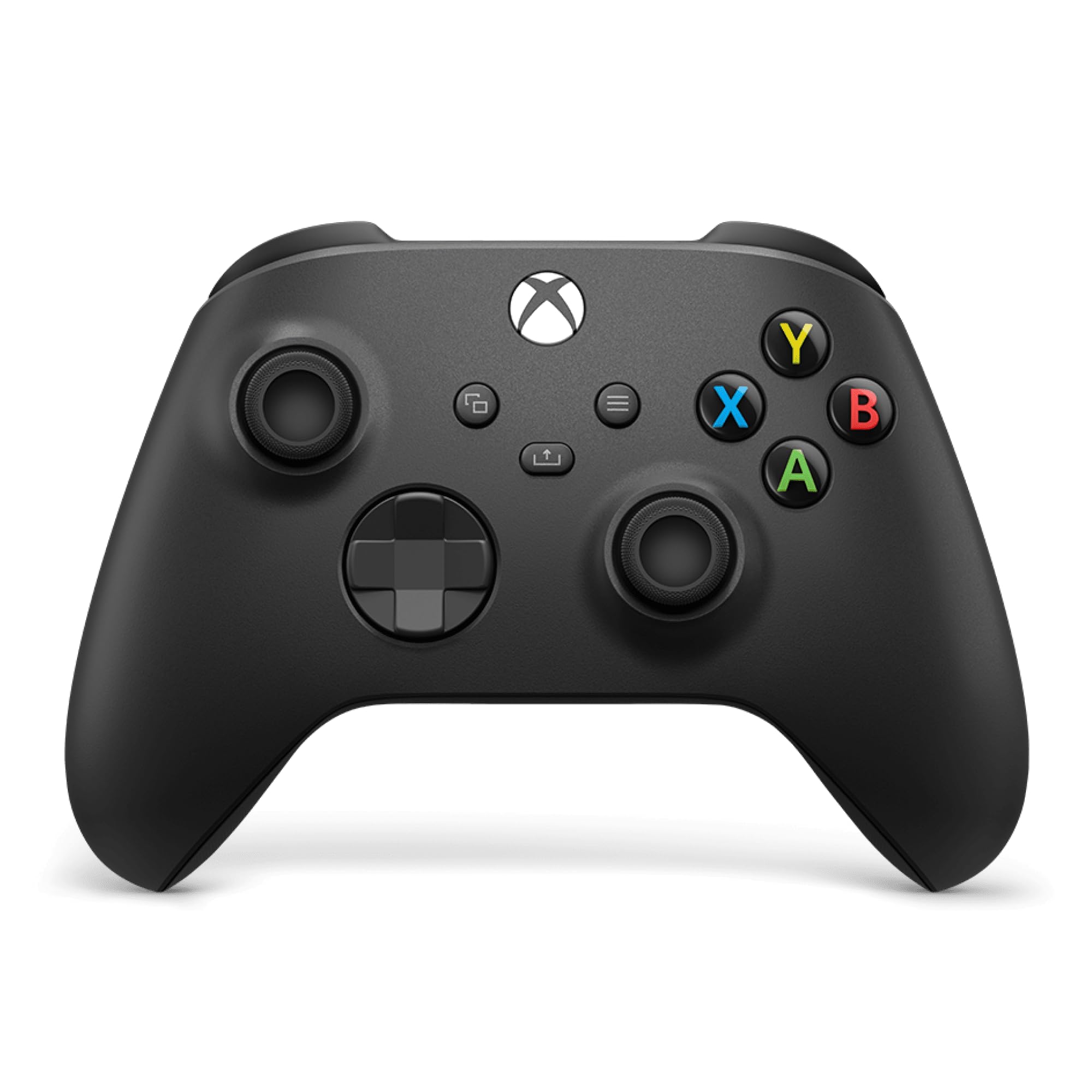
Xbox Wireless Controller

91 /100
Lab Score Outstanding

Key details

D-pad
Hybrid
Connection
Xbox Wireless, Bluetooth, USB-C
Headset Jack
3.5 mm
Textured Grips
Triggers, bumpers and back case
View on Amazon

No back buttons, no trigger stops, no dongle in the box, and no software worth installing: the Xbox Wireless Controller competes on none of the features the rest of this group is sold on. On paper it loses to almost every pick on this page.

What it has instead is the shortest path from box to game on Windows. Plug in USB-C, or pair it over Bluetooth, and Windows sees an Xbox pad: the ABXY layout nearly every PC port is built around, a crisp hybrid D-pad, textured triggers and bumpers, a 3.5 mm jack that takes a headset without an adapter, and a Share button that captures a clip without alt-tabbing. For a living-room PC, or a machine other people in the house also use, that predictability is the feature we value most.

The sticks are not hall-effect, and analog sticks without magnetic sensing are the ones that wear into drift after a few hard years. If you have already retired a pad for that reason, one of the 8BitDo or GameSir picks buys the magnetic version for less money. Where this one wins is the boring part: a layout and a driver situation that stay the same, so the game you install next month behaves like the last one.

Pros

  • Native Windows support over USB-C or Bluetooth
  • Familiar layout with a hybrid D-pad
  • 3.5 mm headset jack and Share button

Cons

  • 90-day manufacturer warranty, the shortest here
Our verdict

Buy it if you want a Windows pad that never asks a question: native support, a familiar layout and no software, at a mid-range price.

Check Latest Price
4

Best for PC and Switch

GameSir Nova Lite

85 /100
Lab Score Excellent

Key details

Turbo
20 Hz, customizable buttons
Triggers
Linear
Joysticks
Hall effect, no dead zone
Connection
2.4G dongle, Bluetooth, USB-C
View on Amazon

If a Windows PC and a Switch share a desk, the Nova Lite covers both without a second purchase: 2.4 GHz dongle for the PC, Bluetooth for the console, and a cable when the battery is flat. We think it is the right second controller for a mixed household, the pad that stays paired to the Switch and still works when you sit down at the desktop.

The hardware is what you want at this price: hall-effect sticks with no dead zone, linear triggers with a long smooth pull, a 20 Hz turbo for anyone who uses it, and an Xbox-style layout that needs no explanation. The shell is light and comfortable in a way that makes the price feel like a mistake in your favor.

Connection quality is where it asks for patience. Pair it once over the dongle and leave Bluetooth to the Switch, and give the receiver a front port rather than one at the back of the case; that arrangement is the one that keeps the link steady through a long session. Set up that way, it behaves like a pad costing more.

Pros

  • Three connection modes for PC and console
  • Hall-effect sticks with no dead zone
  • Linear triggers and a 20 Hz turbo

Cons

  • No back buttons or extra inputs
Our verdict

We recommend it to anyone splitting play between a PC and a Switch: three connection modes and hall-effect sticks for a budget price.

Check Latest Price
5

Quiet Late-Night Play

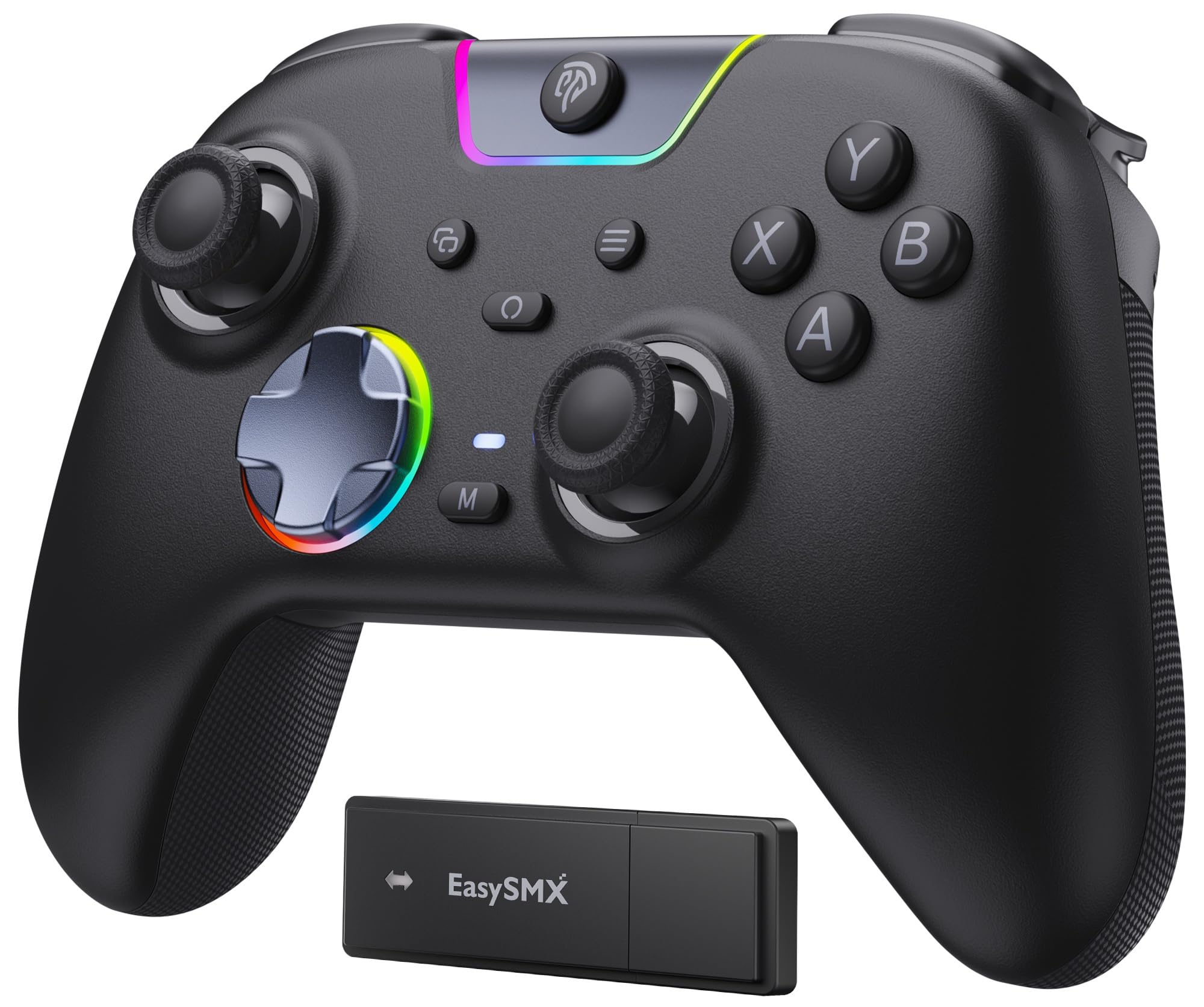
EasySMX X05Pro

85 /100
Lab Score Excellent

Key details

Battery
1000 mAh
Triggers
Two-stage adjustable
Joysticks
11-bit hall effect
Polling Rate
1000 Hz on 2.4G, 125 Hz on Bluetooth
View on Amazon

The buttons on the X05Pro are silicone-damped, which makes it the quietest controller we tested in this group by a clear margin. If your desk shares a wall with someone asleep, that is not a small thing. It is the whole reason to pick this one over a louder, faster-feeling pad.

Under the hush it is properly modern: 11-bit hall-effect sticks, triggers with a two-stage adjustable pull, two programmable buttons on the top edge where your index fingers already rest, and a 1000 mAh battery. The sweat-resistant grip coating matters more than it sounds after the third hour, and the eight-way D-pad uses dome switches rather than the mushy pad found on cheap pads.

On PC, run it on the 2.4 GHz dongle, because that is where the 1000 Hz polling rate lives and the dongle is also the steadier of the two wireless modes. Judged against the rest of this group it is the quiet, comfortable specialist: not the fastest on paper, not the cheapest, and the easiest to recommend to anyone who games after midnight.

Pros

  • Silicone-damped, near-silent buttons
  • 11-bit hall-effect sticks and adjustable triggers
  • 1000 mAh battery and grippy coating

Cons

  • No back paddles, just two top buttons
Our verdict

We point late-night players here: the quietest buttons in this group, hall-effect sticks and a comfortable grip without spending much.

Check Latest Price
6

On-Pad Customization

ManbaOne

87 /100
Lab Score Excellent

Key details

Screen
2-inch interactive display
Battery
1800 mAh with charging dock
Connection
Wired, Bluetooth, 2.4G dongle
Sticks And Triggers
Hall effect
View on Amazon

A two-inch screen sits where a share button usually goes, and everything you would normally install software for, from vibration strength and stick response to button mapping and lighting, happens there instead. On a PC that is worth more than it sounds: no app to update, no profile to reload after a reinstall.

The rest of the hardware is current: hall-effect sticks and triggers, micro-switch face buttons with a sharp click, ALPS bumpers, a six-axis gyro, and an 1800 mAh battery that charges on a dock. Use the dongle on a desktop, where it is the more stable link; Bluetooth is the fallback for a tablet or a phone.

What the screen really buys is tuning in the middle of a session: shorten the trigger pull before a boss, soften the rumble for a late-night run, change a stick curve without alt-tabbing. We changed settings far more often than we do on pads that need an app, simply because the option was sitting under a thumb.

So it is a pad for someone who enjoys the knobs. If dialing in a dead zone between matches sounds like part of the hobby, the screen earns its place and the dock keeps it ready; if you want to pick up a controller and never open a menu, this is not the one.

Pros

  • On-pad screen for mapping and stick curves
  • 1800 mAh battery with a charging dock
  • Hall-effect sticks and triggers with micro-switch buttons

Cons

  • Shoulder buttons can fail within months
  • No Xbox, PlayStation or GeForce Now support
Our verdict

Buy it if tuning is half the fun: the screen puts mapping and stick curves on the pad itself, and the hardware around it is current.

Check Latest Price
7

Xbox and PC

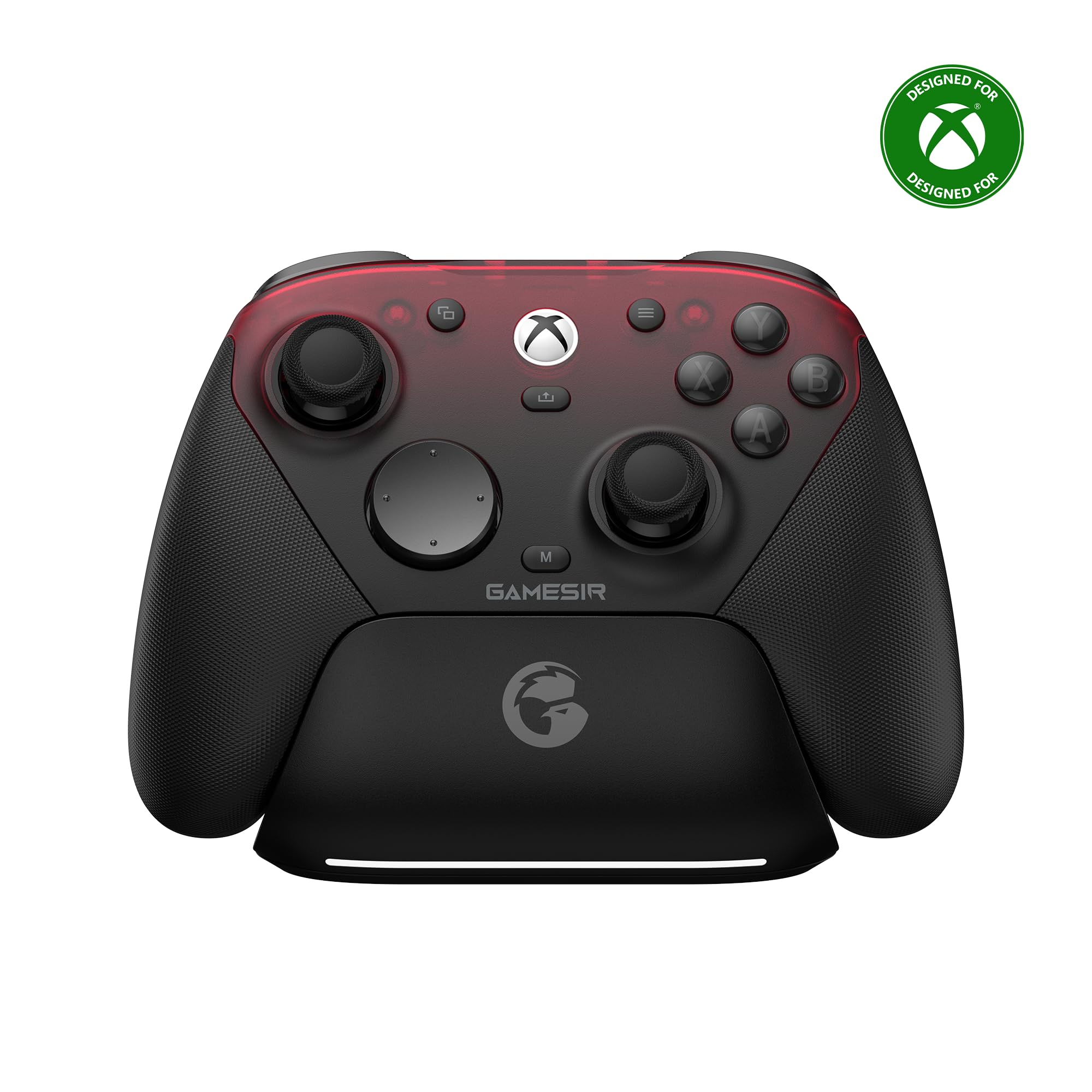
GameSir G7 Pro

88 /100
Lab Score Excellent

Key details

Sticks
TMR, 12-bit
Weight
9.59 oz
Triggers
Hall effect analog
Polling Rate
1000 Hz on PC (2.4G and wired)
View on Amazon

At the top of this group's price range, the G7 Pro has to earn it with hardware, and the TMR sticks are the argument: magnetic sensing for drift resistance, tuned to feel like the potentiometer sticks competitive players are used to, at 12-bit resolution.

Around them is a shooter's layout: micro-switch face buttons, hall-effect triggers with a clicky stop, 1000 Hz polling on PC over both the dongle and the cable, and the Nexus app for profiles and stick curves. There is a 3.5 mm jack, a 272 g shell, and the grippiest texture in this group.

The second half of the pitch is configuration: profiles per game, trigger travel, dead zones, button mapping, all stored and switched without leaving the game. That is what separates it from a console pad. The G7 Pro is a controller you set up, not one you simply plug in.

For PC-only play, the Ultimate 2 does most of this for less and adds a dock, so the G7 Pro is the harder sell unless the Xbox matters or the micro-switch click is exactly what you want. Where it wins is feel: the sticks and the click are as good as anything we recommend here.

Pros

  • 12-bit TMR sticks with drift-resistant sensing
  • 1000 Hz on PC over dongle and cable
  • Micro-switch buttons and hall-effect triggers
  • Nexus app for profiles and stick curves

Cons

  • Wired only when used with an Xbox
  • Face buttons can squeak or miss a press
Our verdict

For a household with an Xbox and a gaming PC, this is the most capable pad here: TMR sticks, micro-switch buttons and 1000 Hz on PC.

Check Latest Price
8

Smaller Hands

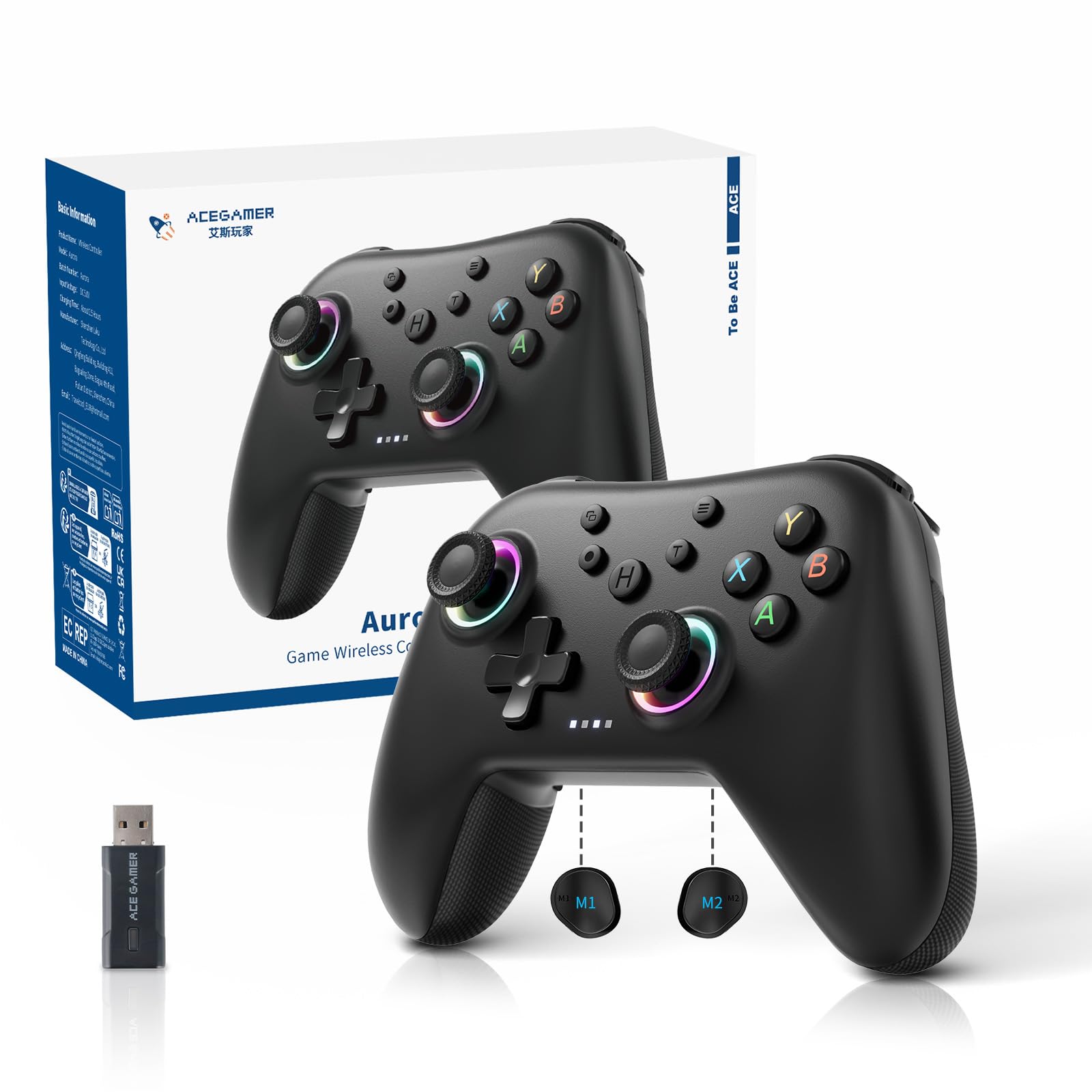
AceGamer Aurora II

85 /100
Lab Score Excellent

Key details

Battery
1000 mAh
Joysticks
Hall effect
Connection
2.4G wireless, Bluetooth
Back Buttons
2 programmable, lockable
View on Amazon

The Aurora II is one of the smaller shells in this group, and that is the point: shorter thumbs can reach both sticks and the D-pad without shifting grip, and a three-hour session does not leave your hands stretched. If a full-size Xbox pad has always felt like holding a loaf of bread, start here.

The feature list is longer than the price suggests: 2.4 GHz and Bluetooth, two programmable back buttons with a physical lock so they do not fire by accident, a 1000 mAh battery, hall-effect sticks and rotary rumble motors. The RGB is there if you want it, and the battery is big for the class.

Think of it as the second controller: the one in a bag, the one a younger player uses, the one that lives in the living room. On what it costs, the compact fit and the back buttons make a genuinely useful pair, and it is the pad we hand over when someone says a normal controller is too big.

Pros

  • Compact shell that suits smaller hands
  • Two lockable programmable back buttons
  • Hall-effect sticks and 1000 mAh battery

Cons

  • Buttons can stick or miss presses
  • Shell feels less solid than the 8BitDo pair
Our verdict

We hand it to smaller players and second setups: a compact shell, hall-effect sticks and two back buttons for very little money.

Check Latest Price

How We Tested 12 Wireless PC Controllers

We built the shortlist by comparing current PC controllers on connection type, button layout, remapping software, battery style, and price tier, then dropping anything with known compatibility gaps or no dead-zone adjustment. That left 12 controllers, and we spent six months with them rather than a single weekend. Each one had to earn its place on a Windows desktop and from a living-room couch, pairing over Bluetooth and over its own USB receiver.

We played action games, racing games, and platformers, paying attention to missed inputs during fast combos, trigger travel, and whether the sticks snapped back to center. We noted reconnection after sleep, dropouts when a router sat between controller and PC, and how long pairing took when switching between desktop and laptop. Different hand sizes used each pad for four-hour sessions to judge grip, weight, and where the shoulders fell under the fingers.

Battery testing was simple: charge fully, run vibration-heavy sessions until the low-battery warning appeared, and note how long that took and how long a top-up required. We remapped buttons, adjusted stick sensitivity, and saved profiles, then checked whether those settings survived a reconnect. For durability, we dropped each controller from couch height onto carpet, worked the sticks in slow circles, and listened for button rattle after weeks of use, also watching for drift.

Button responsiveness got its own pass: rapid presses, held inputs, and combos that punish mushiness. We compared build quality and feature sets within each price band to judge value, not just sticker price. The controllers that survived kept their connections, felt consistent in hand, and still had crisp buttons at the end of six months.

How to Choose a Wireless Controller for Pc

Put the Dongle First, Bluetooth Second

Build your setup around a 2.4 GHz dongle. It is the mode where the headline polling rates live, and it does not share a radio with your headset and mouse the way Bluetooth does. The EasySMX X05Pro shows the gap plainly: 1000 Hz over 2.4 GHz, 125 Hz over Bluetooth.

The trap is assuming a 1000 Hz badge applies to every mode a pad offers, so check the rate mode by mode before you pay for speed. Our advice is to play on the dongle and leave Bluetooth for a Switch, a tablet or a laptop that travels.

What Hall-Effect and TMR Sticks Actually Fix

A conventional analog stick reads position with a physical wiper dragging on a resistive track, and that contact is what wears into drift. Hall-effect and TMR sticks read a magnetic field instead, so there is nothing to scrape away, which is why nearly every pick here uses them and why the Xbox pad is the one to think twice about for a heavy-handed player.

What they do not fix is the rest of the controller. Shoulder switches, trigger stops and face buttons still wear, and magnetic sticks are only one of the parts that move. Buy for the sticks if you play a lot, but do not read them as a promise that nothing else will fail.

Extra Buttons: New Inputs or Duplicates?

Back paddles and top buttons keep your thumbs on the sticks instead of reaching for the face buttons, which is the real gain. The question worth asking is whether they add inputs or copy them: on the 8BitDo Ultimate 2 and Ultimate 2C the extra buttons mirror existing ones rather than appearing to the game as new bindings.

For mapping jump onto a paddle that is plenty. For a sim that needs more switches than a pad physically has, it is not, so check the mapping software before you count on four extra bindings.

Fit, Shape and Where the Receiver Sits

The shapes here differ more than the weights do, so hand feel comes down to shell width and grip depth rather than the number on the spec sheet. Players with smaller hands should look at the AceGamer Aurora II, while anyone with large palms may find the 8BitDo Ultimate 2C tight.

The other fit question is physical rather than anatomical: plan a front USB port or a short extension for the dongle. A receiver buried behind a metal case, or sitting next to an external drive, is a good way to get a link that stutters at the worst moment.

Charging: Dock, Cable or Both

Two picks come with a dock, and that changes the habit more than the spec sheet suggests: the pad goes back to the same spot and is charged whenever you pick it up again. Everything else charges over a cable, which is fine if your desk already has one, and most of these can play wired while they top up.

Capacities in this group run from 1000 mAh to 1800 mAh, but treat hours per charge as a rough guide rather than a promise, because rumble and RGB lighting are what actually drain the battery.

Frequently Asked Questions

Final Verdict

Our pick is the 8BitDo Ultimate 2. TMR sticks, a 1000 Hz link and a dock that keeps the dongle findable make it the most complete wireless pad for a Windows PC, and nothing else here puts all three together.

If the budget is tighter, the Ultimate 2C keeps the hall-effect sticks and the fast link for a fraction of the money. If the controller has to be understood by everyone in the house on the first try, the Xbox Wireless Controller still is.