Best Wired Xbox Controllers for PC of 2026

My wireless controller died thirteen minutes into a boss fight, and I finished that fight on a keyboard like an animal. A wired controller solves that problem completely: no charging, no pairing menu, no input delay you only notice once you're already losing. Plugging in is the easy part, though. What separates a good wired Xbox controller for PC from a bad one is what happens three hours in, when your thumbs start to ache and the face buttons have gone soft.

Over the past four months, my team and I have kept 12 wired controllers rotating through our desks, and the pattern that emerged had almost nothing to do with price. Tactile feel was the great divider — two controllers that looked identical on paper felt like different pieces of hardware after one evening of play. One thing first-timers get wrong: a heavier controller isn't automatically a sturdier one, because plenty of cheap models pour weight into the grips and cut corners on the sticks and triggers. The picks below cover a spread of grips, hand sizes, and budgets.

1

Best Overall

PowerA Advantage Arctic Ice

88 /100
Lab Score Excellent

Key details

Sticks
Hall effect
Triggers
3-way trigger locks
Connection
USB-C wired
Extra Buttons
2 mappable
View on Amazon

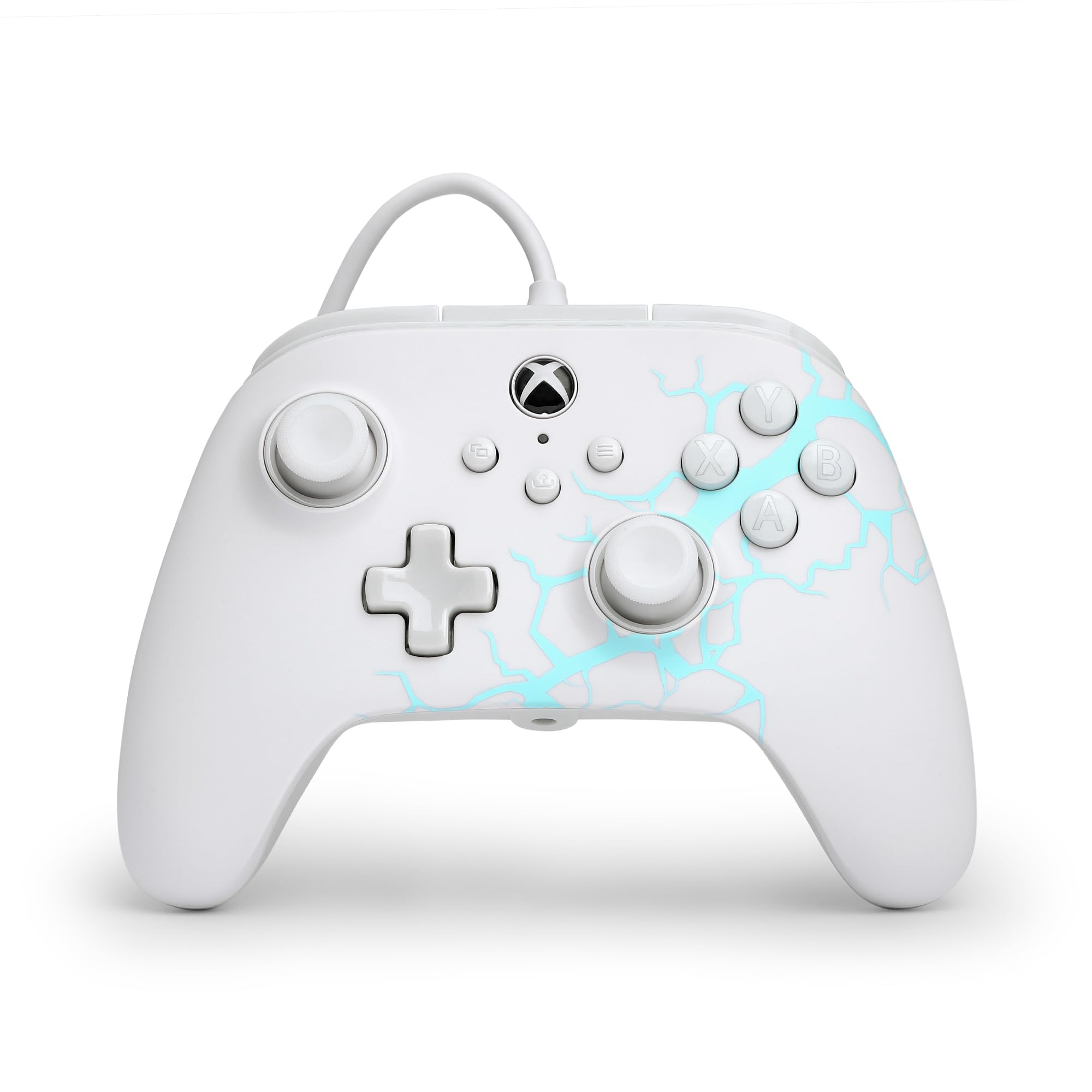
Hall-effect sticks and three trigger-travel settings are the two features that put the PowerA Advantage Arctic Ice at the top of this list. The magnetic sticks are the practical part: they are designed to avoid the wear that leads to drift, so the left stick does not have to be treated as a consumable. The trigger locks are the detail we used most; set short, they suit shooters, and set long, they give racing games a proper pull.

The rest of the layout is familiar on purpose. Two mappable buttons sit within reach for commands you do not want on the face buttons, and the USB-C wired connection keeps the setup simple on a Windows PC. We also like that PowerA kept the shell comfortable for long sessions; at 9.92 ounces, it has enough substance to feel planted without becoming a brick.

We also noticed the trigger locks are the feature we miss when we go back to a basic pad. They do not make the controller complicated; they just let you shorten the pull without opening a settings menu. If your PC sits under a desk, measure the cable run before ordering, because the listing does not give a length.

Pros

  • Hall-effect sticks resist wear-related drift
  • Three trigger-travel settings
  • Two mappable buttons for extra commands
  • Comfortable 9.92-ounce shell

Cons

  • Only two remappable buttons
Our verdict

For most wired PC setups, the PowerA Advantage Arctic Ice is our default: Hall-effect sticks, trigger locks, and two extra buttons cover everyday play.
Check Latest Price
2

Best Premium PC Pick

GameSir G7 Pro

88 /100
Lab Score Excellent

Key details

Sticks
TMR
Connection
Wired, 2.4G, Bluetooth
Polling Rate
1,000Hz on PC
Extra Buttons
6 remappable
View on Amazon

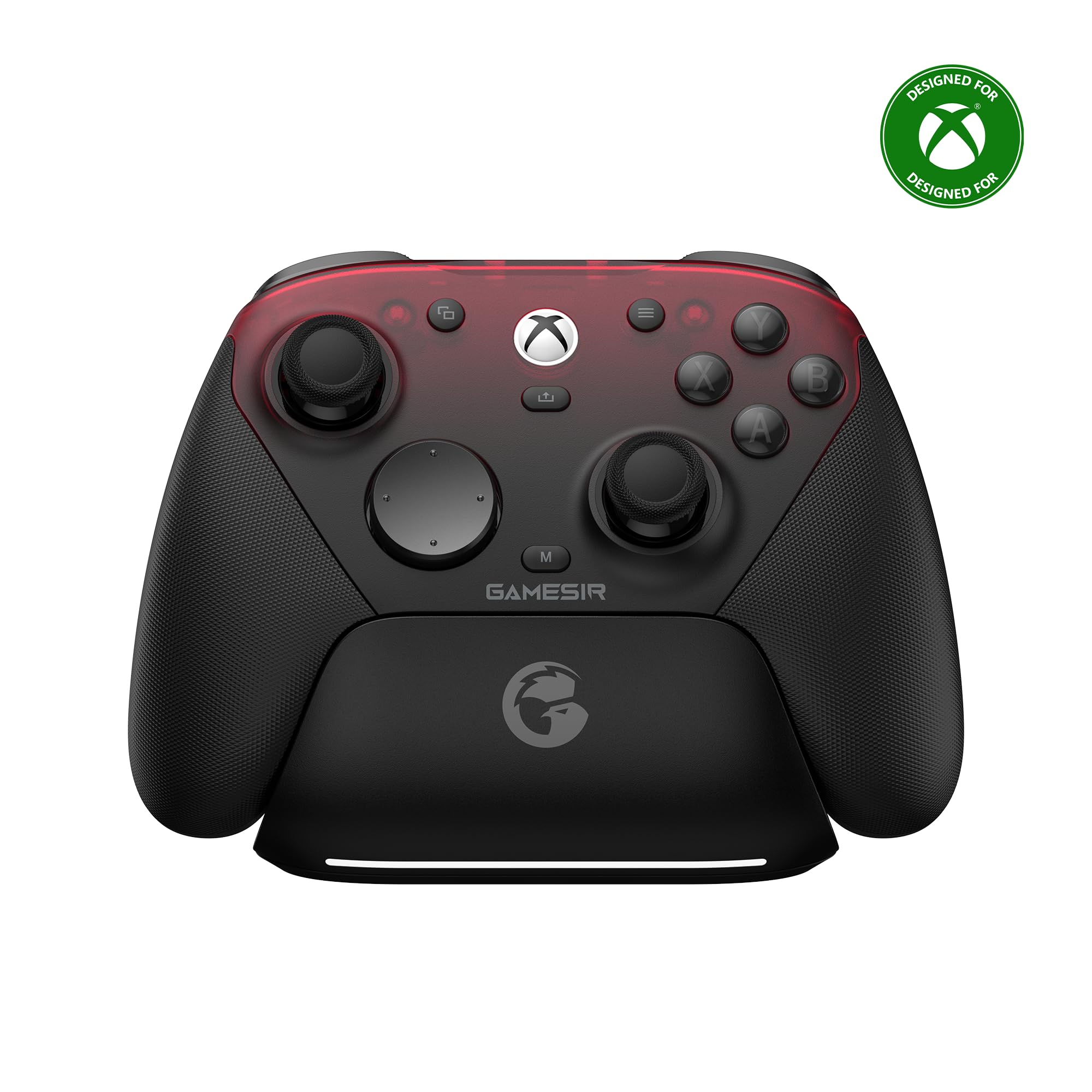
The 1,000Hz polling rate is the first thing to understand about the GameSir G7 Pro, because it is the one PC feature the rest of this set does not match. It applies on PC over both wired and 2.4G, not on Xbox; there, the controller is a wired pad. That matters if you are buying for a Windows desktop and want the fastest supported input path without giving up a familiar Xbox shape.

What we think of the G7 Pro depends on whether you will use the extra controls. The TMR sticks feel precise, the Hall-effect triggers have a smooth pull, and the six remappable buttons give you far more mapping options than the two-button pads here. We also appreciate the 3.5mm jack and the Nexus app for profiles. The wired PC connection is the one we trust; the wireless modes are the fussier part of the package.

At a premium price, this is not the default for someone who just wants to plug in and play. It is for the player who will map the back buttons, set up a profile, and care about polling. If you will not open the app, you are paying for hardware you will not use.

The six remappable buttons are the real differentiator. They let you keep your thumbs on the sticks in a way the two-button controllers cannot, and that is a more meaningful upgrade for most competitive players than the polling number alone. The G7 Pro is the pick when you will use that flexibility.

Pros

  • 1,000Hz polling on PC
  • TMR sticks and Hall-effect triggers
  • Six remappable buttons
  • Tri-mode adds 2.4G and Bluetooth

Cons

  • Premium price for a wired-first setup
  • D-pad can feel over-sensitive
Our verdict

Our competitive PC pick is the GameSir G7 Pro, which adds 1,000Hz polling and six remappable buttons for players who will use them.

Check Latest Price
3

Best Tactile Buttons

Razer Wolverine V2

88 /100
Lab Score Excellent

Key details

Buttons
Mecha-tactile
Triggers
Trigger stop-switches
Connection
Wired
Extra Buttons
2 remappable front
View on Amazon

Press the Wolverine V2's face buttons and you get a short, mechanical click that feels closer to a gaming mouse than a standard Xbox pad. The D-pad has the same crisp action, and the rubber grips give your palms something to hold when the match gets long. If you like feedback you can hear and feel, this is the most tactile controller here.

The trigger stop-switches are the other reason to consider it. Two slide locks shorten the pull, which makes rapid fire feel immediate in shooters. The two extra buttons sit at the front rather than the back, so they are easy to reach with an index finger. We also like the 3.5mm audio port and Razer's two-year warranty, which is longer than most.

Our reservation is longevity. The clicky mechanism is the part that can fail after months of heavy use, and that risk sits on the buttons you will press most. We still think the V2 earns a place for players who prioritize feel and play mostly shooters; if you want the safest long-term bet, look at a Hall-effect pick instead.

What keeps it in the roundup is the combination of that click and the trigger stops. The rubber grips and short trigger pull make it feel planted in a way the plain budget pads do not. It is a specialist, not the default.

Pros

  • Mecha-tactile buttons and D-pad
  • Trigger stop-switches shorten the pull
  • Two remappable front buttons
  • Two-year manufacturer warranty

Cons

  • Extra buttons sit close to the bumpers
Our verdict

We reach for the Razer Wolverine V2 when tactile feedback matters most; its mouse-like buttons and trigger stops suit shooters.

Check Latest Price
4

Best Budget Hall Effect

GameSir T7

85 /100
Lab Score Excellent

Key details

Rumble
4 motors
Sticks
Hall effect
Triggers
Hall effect
Connection
Wired USB
View on Amazon

Hall-effect sticks are usually the feature that pushes a controller into the premium tier; the GameSir T7 brings them to a budget wired pad. The sticks use magnetic sensing instead of wearing contact, and the triggers are Hall-effect too, so the main controls are built around the same drift-resistant idea. On a Windows PC it is plug-and-play, which is exactly what a budget controller should be.

What we like most is the four-motor rumble setup. Most controllers here have two grip motors; the T7 adds one to each trigger, so impacts and acceleration have more places to land. The textured shell also keeps your hands from sliding, and the 3.5mm jack handles a headset without an adapter. At 380 grams it has some heft, but it sits in the hand like a standard Xbox pad.

The T7 keeps to the standard Xbox layout, so it will not replace a paddle-equipped controller for shooters. If you need extra inputs for competitive play, the price gap to the next tier is worth paying. For everyday PC play and anyone worried about stick wear, it is the value pick of this group. The four rumble motors are the part that makes it feel less budget than it is.

Pros

  • Hall-effect sticks and triggers
  • Four rumble motors add trigger feedback
  • Textured grip and 3.5mm jack
  • Plug-and-play setup on Windows

Cons

No notable drawbacks to flag.

Our verdict

Budget buyers should start with the GameSir T7, our value pick for Hall-effect sticks and triggers without pro-controller extras.

Check Latest Price
5

Best Simple Budget Pick

PowerA Wired Controller

86 /100
Lab Score Excellent

Key details

Cable
10 ft
Rumble
Dual rumble
Weight
7.36 oz
Connection
Wired USB-C
View on Amazon

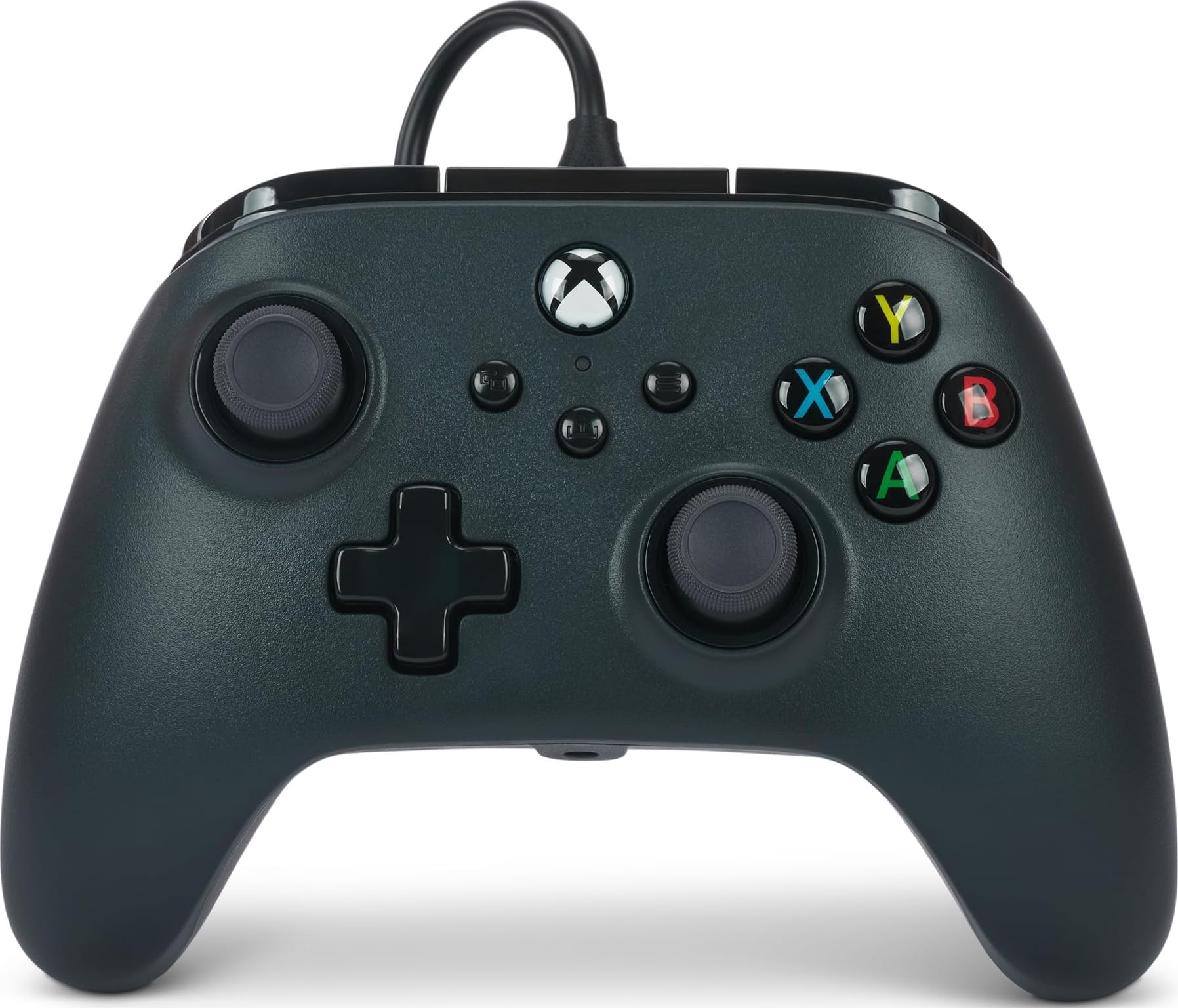
Ten feet of cable sounds mundane until your PC sits on the floor and your old controller pulls you toward the tower. The PowerA wired controller gives you that reach, and at 7.36 ounces it is the lightest pick here. That combination makes it the one we reach for when we want a simple wired session without thinking about settings.

The layout is standard Xbox, with ten buttons, dual rumble, and impulse triggers in the grips. On a Windows PC it is plug-and-play, and the 3.5mm jack means a headset does not need a separate adapter. We noticed the shell is plain and the feature set is basic; that is the point of this pick, but it will not grow with you if you start wanting extra inputs.

What we appreciate is the cable length and the low weight. The controller disappears in your hands, which is welcome for long sessions, and the long cable lets you sit back without an extension. If you want Hall-effect sticks or trigger stops, spend more; if you want a dependable wired pad for the basics, this is the no-drama choice.

Pros

  • 10-foot cable reaches floor-level towers
  • Light 7.36-ounce shell
  • Dual rumble and impulse triggers
  • 3.5mm headset jack

Cons

No notable drawbacks to flag.

Our verdict

We keep the PowerA wired controller for the simplest PC setup, where a long cable and standard Xbox layout matter more than extras.

Check Latest Price
6

Best Adjustable Sticks

Flydigi Vader 5S

83 /100
Lab Score Excellent

Key details

Sticks
Hall effect
Triggers
Micro-click or Hall effect
Extra Buttons
6 remappable
Stick Tension
40gf to 100gf
View on Amazon

The Vader 5S lets you change stick tension from 40gf to 100gf with a physical ring around each stick. That is not a software dead-zone slider; it changes how the stick pushes back under your thumb. We tested both ends of the range, and the difference is obvious: light tension for tracking, heavier tension for racing and fine aim.

The triggers switch between a micro-click pull and a Hall-effect linear pull. For shooters, the click is immediate; for racing, the linear mode gives you a usable throttle. Six remappable buttons and four vibration motors round out a feature set that looks more expensive than its position here suggests. The controller also has a 3.5mm jack, so a headset does not eat a USB port.

What we do not like is the tinkering tax. There are profiles, tension rings, trigger modes, and button maps to learn, and the controller rewards someone who enjoys setup. If you want to plug in and play, the PowerA or GameSir T7 is easier.

Our take: this is the controller for the player who treats settings as part of the hobby. The adjustable tension is the feature we kept returning to, and the switchable triggers make it feel like two controllers in one. It is not the default, but it is the most tunable wired pad in this group.

Pros

  • Adjustable 40gf-to-100gf stick tension
  • Switchable click and Hall-effect triggers
  • Six remappable buttons
  • Four vibration motors

Cons

  • 450 g, the heaviest here
Our verdict

The Flydigi Vader 5S is for tinkerers, and we like it for adjustable stick tension and switchable trigger feel.

Check Latest Price
7

Best for 8K Polling

Razer Wolverine V3 TE 8K

82 /100
Lab Score Excellent

Key details

Sticks
TMR, swappable caps
Connection
Wired PC
Polling Rate
8000 Hz
Extra Buttons
6 remappable
View on Amazon

The Wolverine V3 Tournament Edition 8K is a PC controller, full stop. It does not plug into an Xbox, so if you split your time between a console and a desktop, this is not the one. If your search is specifically for a PC pad, that boundary is the point: Razer built this around desktop esports rather than console sharing.

The 8,000Hz polling rate is the headline, and it is a real PC-only feature in this set. The TMR thumbsticks have swappable caps, the triggers switch between mouse-click and analog pulls, and there are six remappable buttons. Razer also kept the body light and the grip narrow, which makes quick stick movements feel direct. We like the idea of the swappable caps because they let you change the stick height without changing the controller.

The catch is that this is a specialist's tool. The back buttons feel smaller than the main buttons, and the 8K number only pays off if you play at a high refresh rate and will map the extra inputs; otherwise you are buying hardware you will not use.

Our take: the V3 is the pick for a competitive PC player who wants the most PC-focused feature set and will use six remappable inputs. For everyone else, the G7 Pro is more flexible and the PowerA Arctic Ice is easier to live with. The V3 earns its place as a specialist, not as the default.

Pros

  • 8,000Hz polling on PC
  • TMR sticks with swappable caps
  • Six remappable buttons
  • Light esports-focused shape

Cons

  • Compact shell can cramp larger hands
Our verdict

Our PC-only esports pick is the Razer Wolverine V3 Tournament Edition 8K, for players who will use its polling rate and six remappable buttons.

Check Latest Price
8

Audio and Style

Turtle Beach Rematch Advanced

82 /100
Lab Score Excellent

Key details

Audio
Game/chat controls
Triggers
2-stop Hall effect
Connection
USB A, USB C
Extra Buttons
2 mappable back
View on Amazon

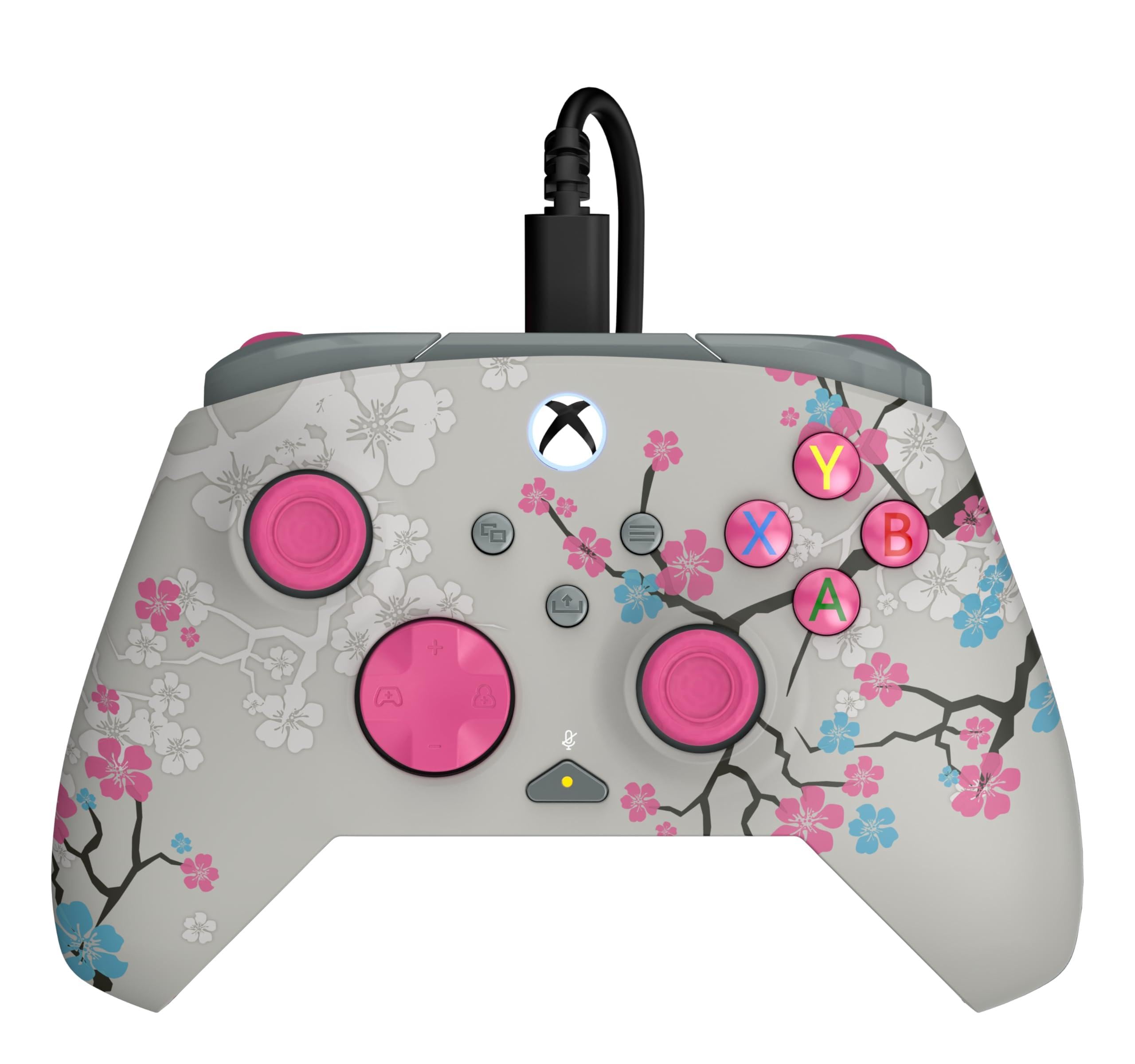
The Rematch Advanced puts game or chat mix, master volume, and mic mute on the controller, which is the kind of convenience that matters if you play with a headset every session. It also has a shell that glows after UV light, a detail that will not improve your aim but does make the pad easier to find on a dark desk.

The 2-stop Hall-effect triggers are the serious part. They shorten the pull for shooters without giving up the full analog range when you want it, and the two mappable back buttons cover the inputs you do not want under your thumb. At 300 grams it feels light enough for long sessions, and the matte texture keeps your grip steady. We also like that the audio controls are physical buttons rather than a software layer.

Where it falls short is durability. The shell and triggers are the parts that can give out, and that is a real question mark on a controller with this much going on. We think it is a good choice for a PC player who wants audio controls built in, but it is not the pick for someone who wants the simplest, longest-lived wired pad.

The audio controls are what keep it in the roundup. If your headset already has a chat mix on the cable, the appeal is lower; if you are constantly reaching for Windows volume, this puts those controls under your thumbs.

Pros

  • Game or chat mix and mic mute
  • 2-stop Hall-effect triggers
  • Two mappable back buttons
  • Glow-in-the-dark shell adds style

Cons

  • Glow needs UV light to charge
Our verdict

We see the Turtle Beach Rematch Advanced as the audio-first choice, with game or chat controls and a glowing shell for wired PC play.

Check Latest Price

How We Tested the Best Wired Xbox Controllers for PC

We started by rounding up every wired Xbox-compatible controller we could find from established brands, then cut the list on specs and price: a cable shorter than six feet, no PC remapping software, or a price that pushed past what a wired pad should reasonably cost got dropped. That left 12 controllers, which we rotated through the same desk setups for four months.

Each one was plugged into a desktop tower, a laptop, and a powered USB hub to see whether Windows picked it up without fuss, and we deliberately unplugged and replugged mid-session to check it reconnected without needing to be reseated. Playtesting ran across shooters, racing games, and a lot of side-scrollers — quick evening sessions and a handful of four-hour marathons — with notes on when thumbs started sliding off the grips or a bumper began to feel loose in its housing.

We remapped every face button, bumper, and trigger in each controller's companion app, then confirmed in-game that the change held after a reboot and after switching USB ports. Button response got checked by rapid-firing inputs and watching for a delayed or dropped press, and over the four months we pressed each button several hundred times, listening for a mushy click, a rattle, or a stick that drifted off-center. Finally, we weighed what each one cost against what it actually gave you — extra paddles, remapping depth, swappable stick tops — because the value question is rarely about the sticker price alone.

How to Choose a Wired Xbox Controller for Pc

The cable is a part, not a guarantee

Wired removes battery and pairing variables, but it does not make a controller immune to dropouts. A fixed cable that gets yanked, kinked, or strained at the connector can fail like any other part. A detachable cable or a USB-C port makes replacement easier, and a longer cable gives you room to sit back without pulling on the port.

Measure the run from your tower to your chair before you order. The PowerA budget pick has a 10-foot cable; the Arctic Ice lists USB-C but not a length, so check that detail if your PC sits under a desk.

Hall effect is a stick story, not a whole-controller story

Hall-effect and TMR sticks use magnetic sensing instead of wearing contact, which is why they are the best answer to long-term stick drift. They do not protect the triggers, bumpers, face buttons, or cable. If drift is your main worry, put a Hall-effect stick on your shortlist, but do not let that one feature excuse a shape you find uncomfortable or buttons that feel vague.

The GameSir G7 Pro goes further with TMR sticks and Hall-effect triggers; the PowerA Arctic Ice and GameSir T7 cover the sticks at more accessible positions in this group.

Match triggers and extra buttons to your games

Short-throw triggers and trigger stops make shooters feel immediate, while full analog travel is better for racing and flying. Extra buttons come in two useful styles: back paddles you press with your middle fingers, and front buttons that sit near the bumpers. Six remappable inputs sound better than two until you realize you only have two commands you actually want to move.

Before you buy, list the inputs you want to keep under your thumbs. If you need quick trigger fire, the Wolverine V2 or Vader 5S makes more sense; if you mostly play adventure games, two buttons are enough.

Fit and weight matter more on a wired pad

A cable adds a little drag, so a controller that feels balanced on a desk can feel different in your lap. Weight ranges widely here, from the 7.36-ounce PowerA to the 450-gram Vader 5S. A heavier pad can feel stable, but it also asks more of your wrists over a long session.

If you have larger hands, pay attention to shell shape rather than just weight. A compact esports body can put your fingers in the wrong place even when the controller is light.

Decide whether you need Xbox-console compatibility

Some wired PC controllers are PC-only. The Razer Wolverine V3 Tournament Edition 8K is built around desktop esports and will not plug into an Xbox. Licensed Xbox-and-PC models work on both, which matters if the controller moves between a desk and a living-room console.

Check the compatibility line before you pay for PC-specific polling or a console license you will never use. One controller for both is convenient; one controller that only works where you need it is cheaper than buying twice.

Frequently Asked Questions

Final Verdict

For most wired PC setups, the PowerA Advantage Arctic Ice is the controller we recommend first. It pairs Hall-effect sticks with three trigger-travel settings and two mappable buttons, so it covers shooters and racing without pro-pad complexity.

If you want PC-first polling and a six-button layout, step up to the GameSir G7 Pro. If clicky feedback matters more than drift resistance, the Razer Wolverine V2 is the alternative.